









 RAP Tests
Yahoo Mail is still a daily communication hub for millions of people, which makes it a prime target for cybercriminals. Account takeovers, phishing scams, and credential‑stuffing attacks are all common ways hackers try to break in. The good news is that with a few smart, up‑to‑date security habits, you can dramatically lower your risk. Here’s how to keep your Yahoo email secure from hackers without turning your life upside down.
Why Yahoo accounts are attractive to hackers
Email is the “master key” to your digital life. If a hacker gains access to your Yahoo account, they can reset passwords for shopping sites, social media platforms, and even financial services.
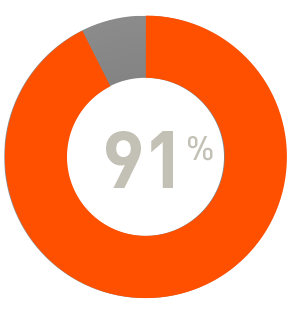
Phishing continues to be one of the most effective attack methods. In 2024, 36% of confirmed data breaches involved phishing, according to the Verizon Data Breach Investigations Report (DBIR).
Source: Verizon, 2024 DBIR
This is why inbox security should be treated as a top priority.
Lock down your account with strong authentication
Strong authentication settings stop many attacks before they even begin.
Best practices for Yahoo account protection include:
- Enable two‑step verification (2SV) using SMS or an authenticator app
- Use a unique password that you do not reuse anywhere else
- Favor long passphrases instead of short passwords
- Keep recovery email addresses and phone numbers updated
A password manager can help create and store secure credentials so you never have to memorize them.
Spot and stop phishing emails fast
Most Yahoo account compromises don’t involve technical hacking at all. They rely on tricking users into clicking malicious links.
Common phishing warning signs include:
- Urgent messages claiming suspicious account activity
- Generic greetings instead of your real name
- Sender addresses that look slightly off
- Links that do not point to official Yahoo domains
- Unexpected attachments such as ZIP or HTML files
Never click links inside an email if you are unsure. Instead, open a browser and log in directly at mail.yahoo.com.
Harden the security of your devices
Even a secure email account can be compromised if your device is infected or outdated.
Take these steps on all phones, tablets, and computers:
- Install operating system and browser updates promptly
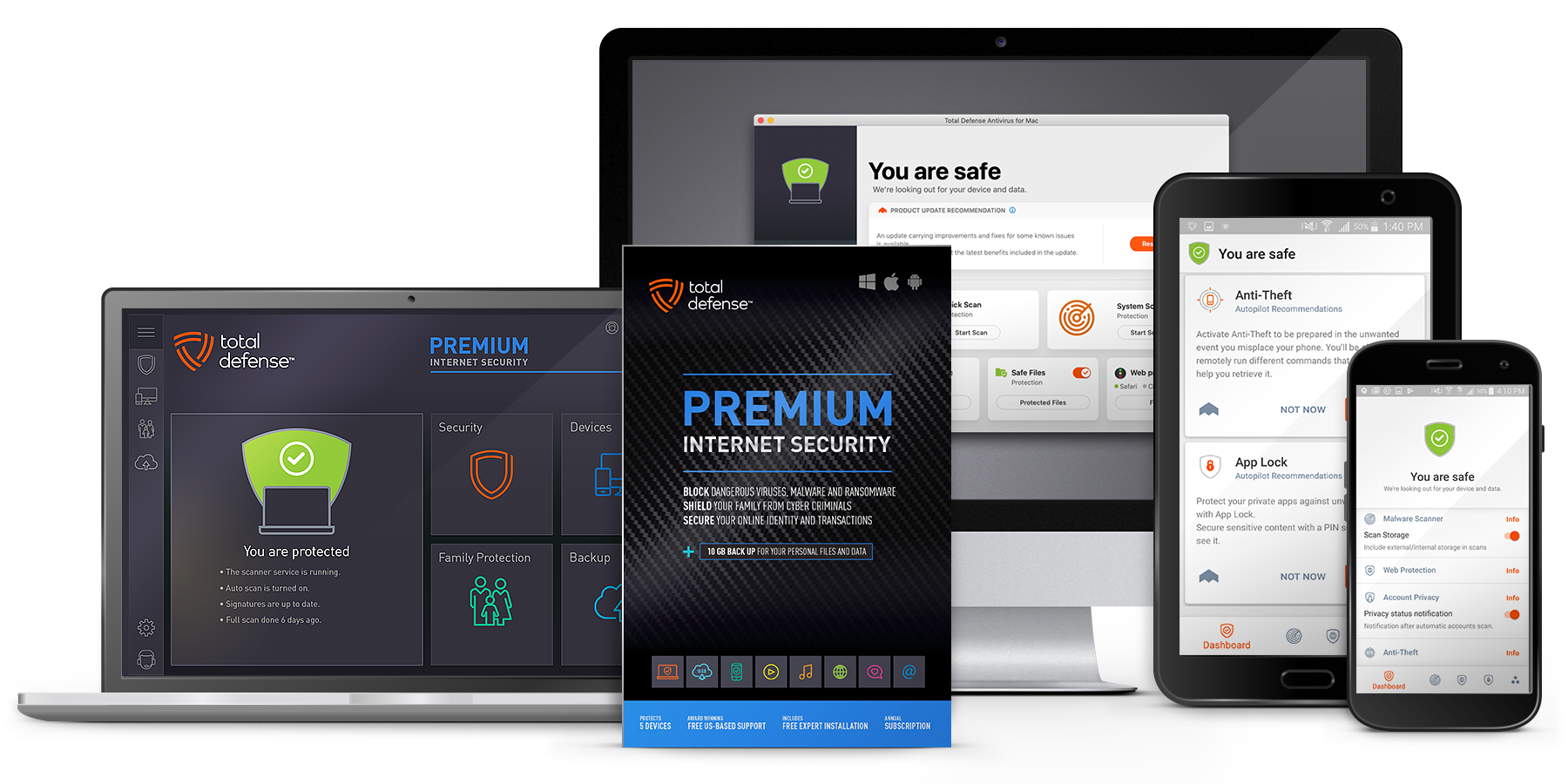
- Use reputable antivirus or endpoint protection software
- Enable automatic updates whenever possible
- Lock devices with a strong passcode or biometric protection
Malware can steal login cookies and session tokens, bypassing passwords altogether.
Monitor account activity regularly
Yahoo provides tools that let you see when and where your account is accessed.
Review your Recent Activity and Login History often. If you see logins from unfamiliar devices or locations, immediately change your password and revoke active sessions.
Final takeaway
Keeping your Yahoo email secure is about layering defenses. Strong authentication, phishing awareness, device security, and routine monitoring work together to reduce your risk. Spend a few minutes securing your account today and you will protect far more than just your inbox.