










Secure Your World

From desktops to mobile, we've got you and your family totally covered.

Introducing our new updated internet security product line.
More secure and easier to use than ever.


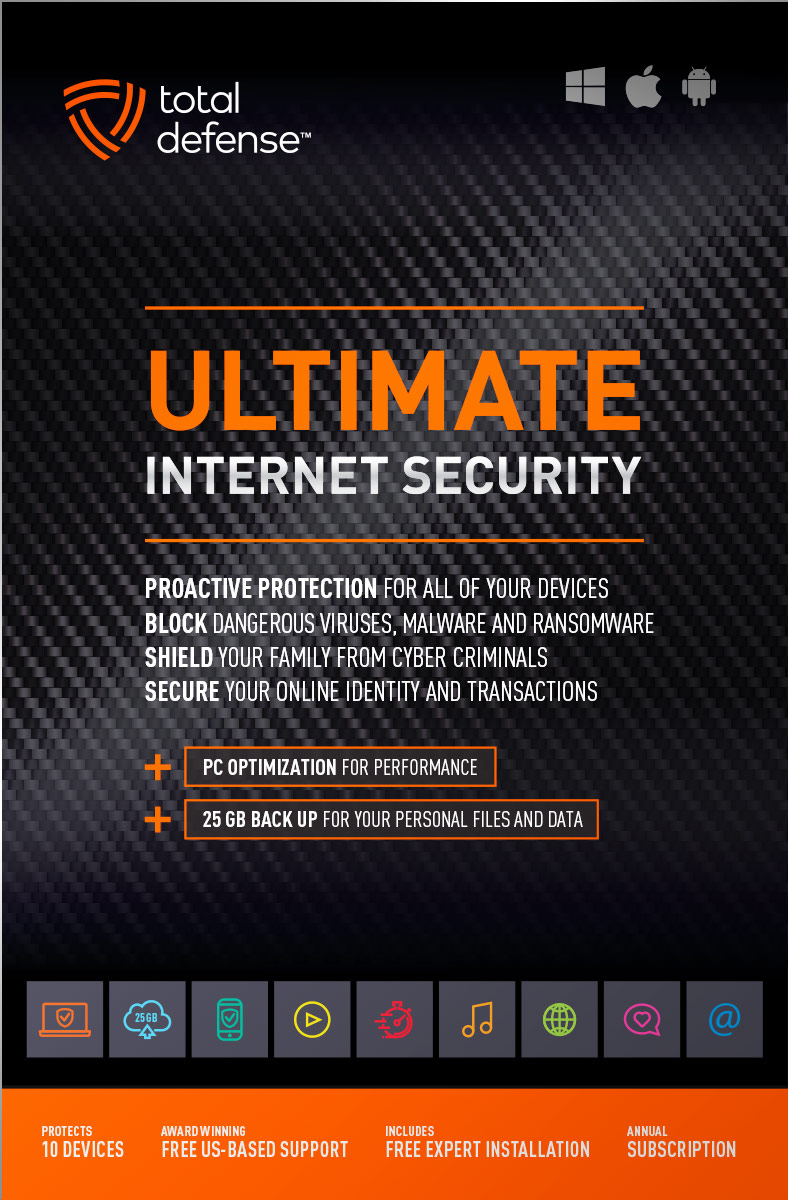
Ultimate Internet Security

High performance virus detection without slowing you down – on all your devices – while you bank, shop, and connect on social networks with total peace of mind.

  • Automatically detect and remove any threat, without negative impact on your speed
  • Keep your PCs running like new with smart PC optimization technology
Learn More »
original
4.9(42 Reviews)
$109.99
10 Devices
25GB Online Backup
Windows Mac Android

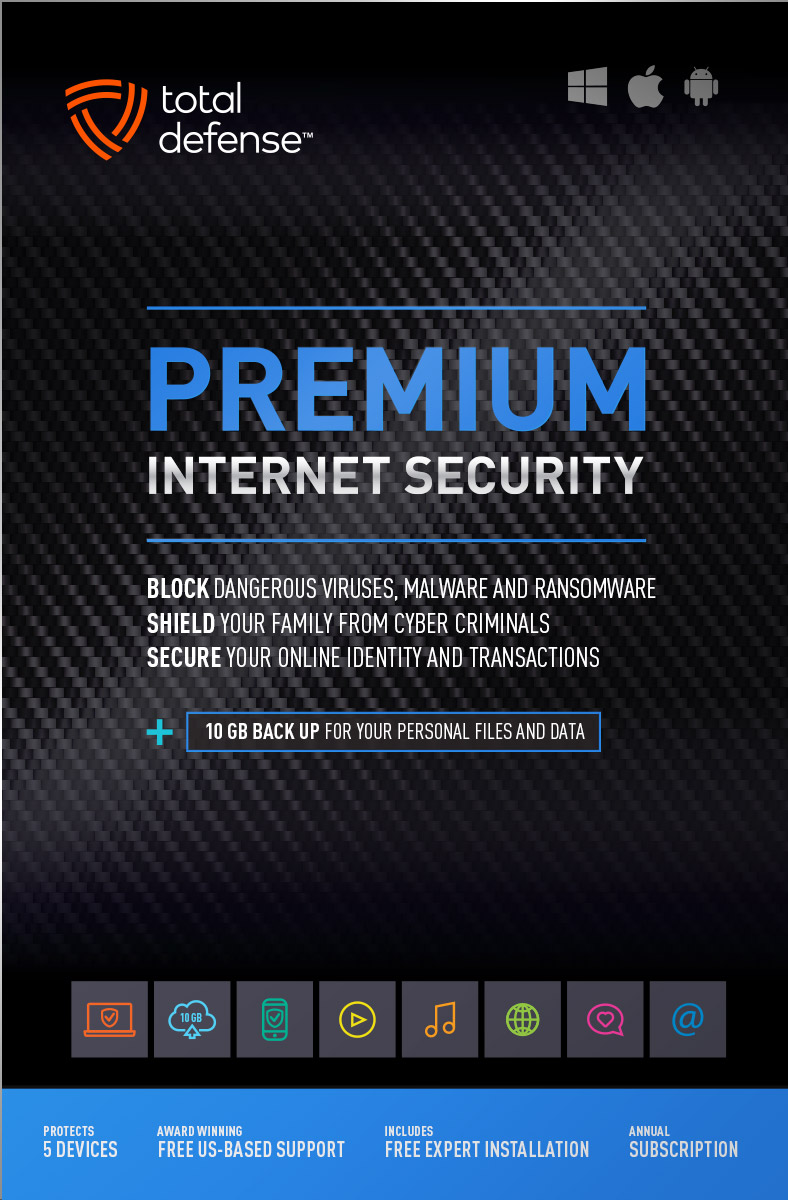
Premium Internet Security

Bestseller Internet Security

Our Bestseller! We’ve got you covered – total protection for the devices in your home – PCs, Macs, Smartphones & Tablets.

  • Shop, bank and explore your social network without worry
  • Protect your information from cyber criminals when you’re shopping and banking online
Learn More »
original
4.9(72 Reviews)
$69.99
$89.99
Save $20
5 Devices
10GB Online Backup
Windows Mac Android

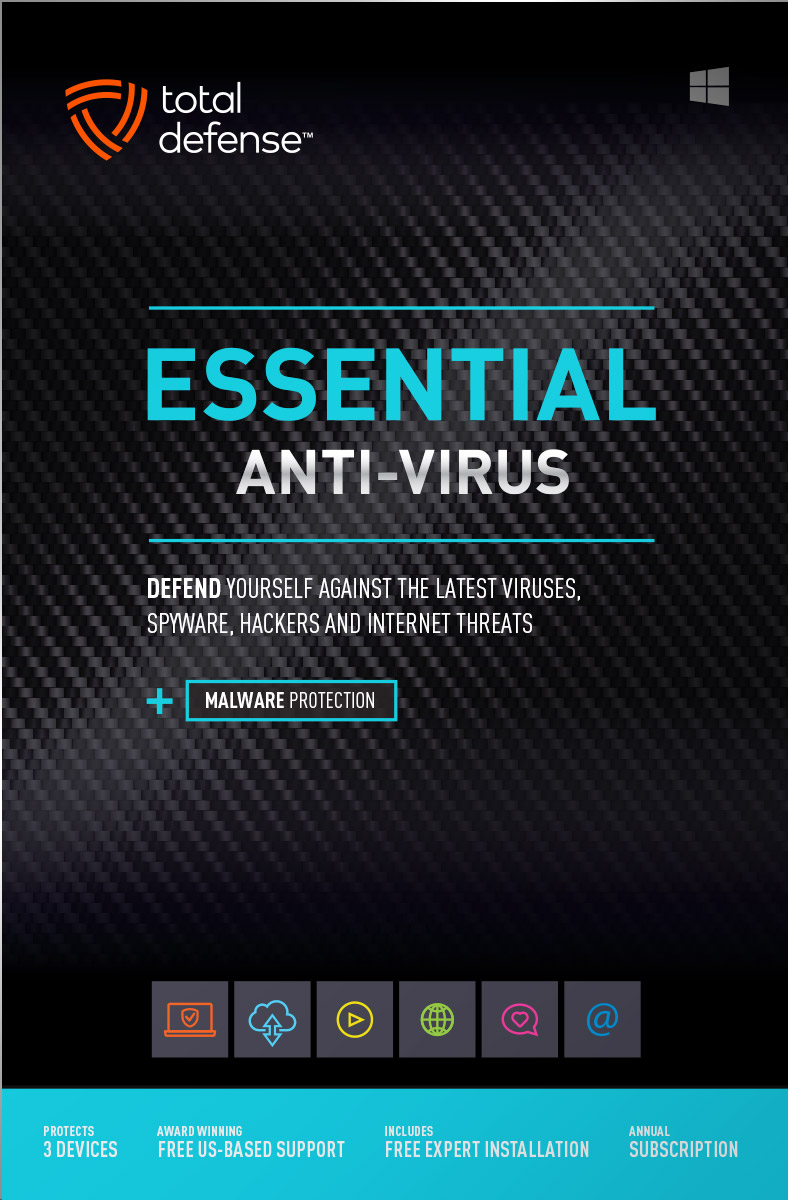
Essential Anti-Virus

Viruses constantly evolve, our Anti-Virus security ensures you’re totally covered with smart and powerful protection for your Windows desktops and laptops.

  • Keep your devices safe from malware, spyware, ransomware, and harmful viruses.
  • Free automatic updates; virus-free, hassle-free, and worry-free.
Learn More »
original
4.9(35 Reviews)
$39.99
$59.99
Save $20
3 Devices
Windows
Buy with Confidence
Free US-Based Support
Certified Secure Checkout
60 Day Money Back Guarantee

What works for you?

Use our selection tool to help you choose the internet security that’s right for you.

Compare

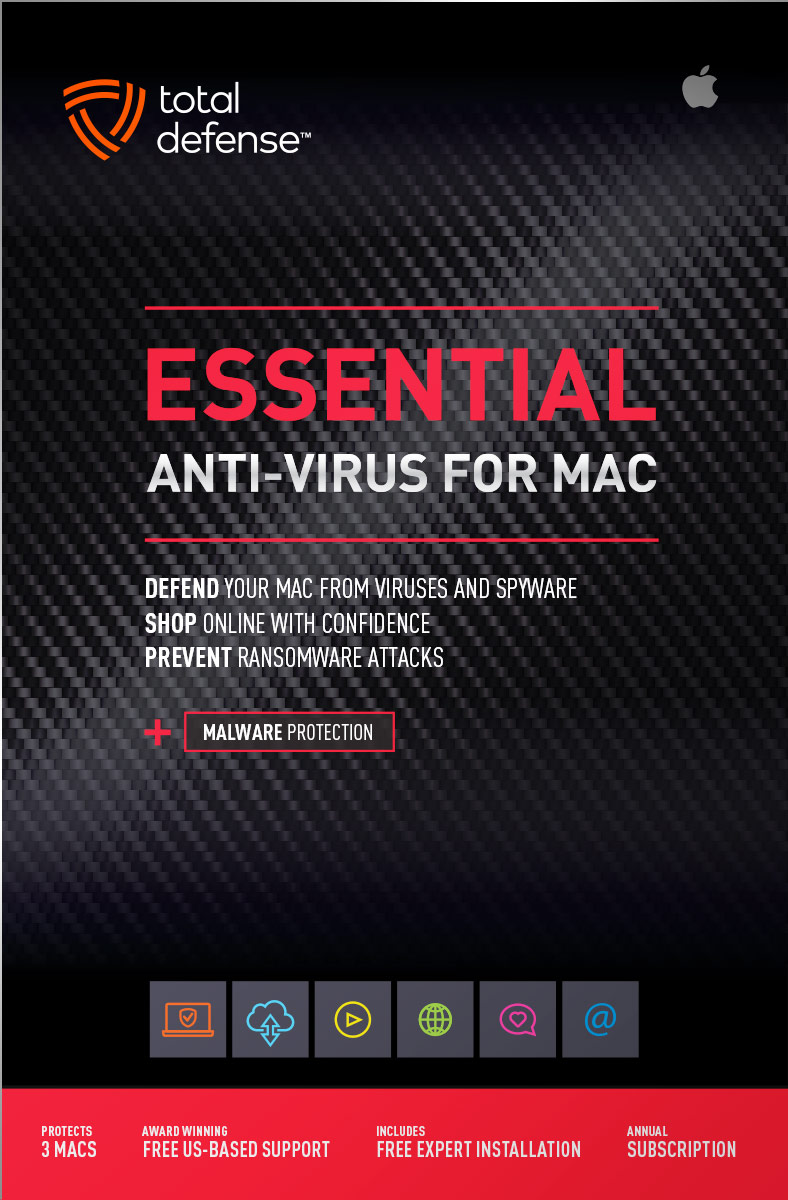
Anti-Virus for Mac

Total Defense 2019 version

Viruses constantly evolve, our Anti-Virus for Mac security ensures you’re totally covered with smart, and powerful protection. Give your Mac maximum protection without compromising speed and performance.

  • Advanced features keep your Mac safe from malware, spyware, ransomware, and harmful viruses so you can browse, shop, and bank with confidence.
  • Ultra fast malware scanning – and ironclad protection without slowing you down. So fast and discreet, you won’t even know it’s there, working to keep your Mac safe.
Learn More »
original
4.9(12 Reviews)
$39.99
$59.99
Save $20
3 Macs
Mac Anti-Virus

PC Tune-Up

Total Defense 2019 version

Automatically scan, fix, and update your PC – improving your Windows desktop or laptop’s speed – so you can enjoy faster startups, smoother browsing, and like-new performance.

  • Boost PC Performance – automatically improve PC startup time, Internet speed and program performance
  • Removes junk files, eliminates unnecessary programs, updates vulnerable applications, and reclaims more space on your PC.
Learn More »
original
4.9(16 Reviews)
$39.99
$49.99
Save $10
3 Devices
Windows

Mobile Security

Total Defense 2019 version

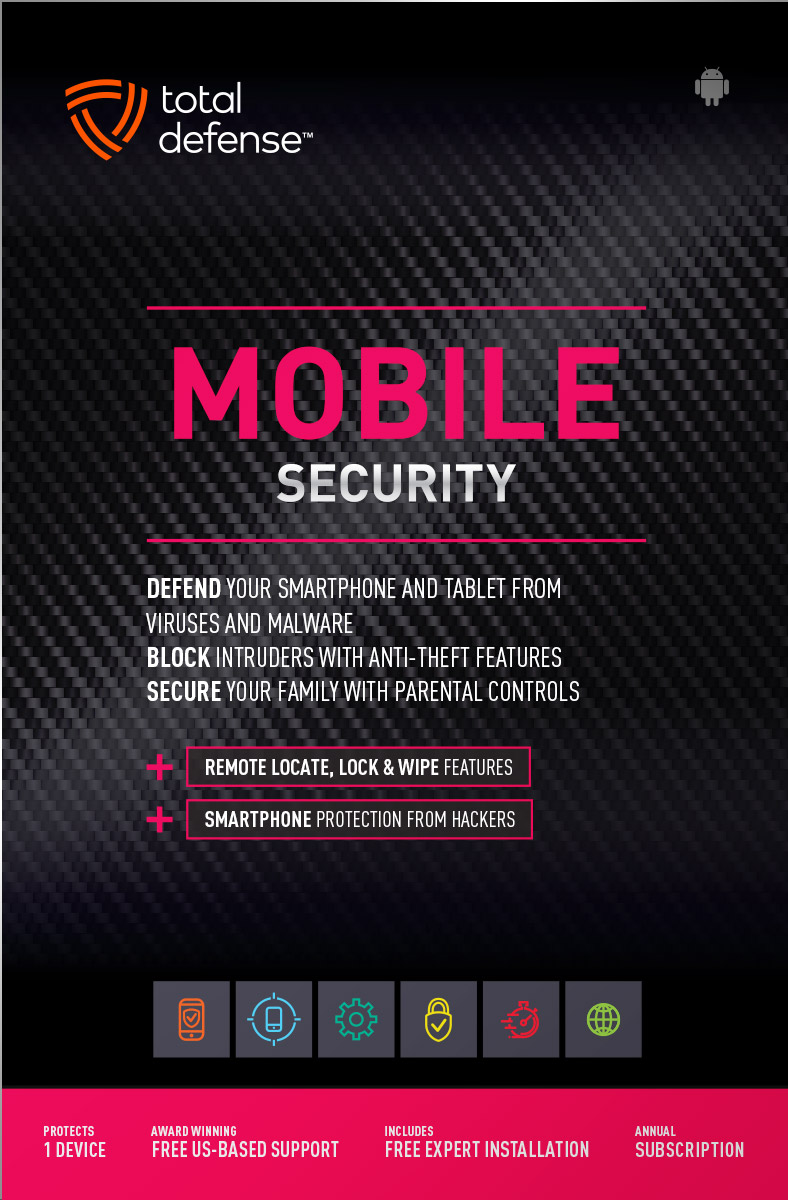
Comprehensive mobile protection for Android devices. Fend off malware, block intruders, lock or erase your data if you lose your phone.

  • Powerful virus & spyware detection and removal – virtually no battery impact
  • Remote lock & wipe for lost or stolen devices
  • Remote GPS location for lost or stolen phones
Learn More »
original
4.9(19 Reviews)
$19.99
1 Device
Android

System Requirements

Supported Operating Systems
  • Windows 11 (64-bit)
  • Windows 10 (32 & 64-bit)
  • Windows 8.1 (32 & 64-bit)
  • Macintosh OS X - 10.12 or later
Required for all Installations
  • 2 GB RAM
  • 1 GHz or faster processor
  • Internet Explorer 11 or Microsoft Edge
  • 1 GB of available hard disk space
  • 1024 x 768 or higher screen resolution
  • Internet access
Supported Browsers for Web Filtering
  • Internet Explorer 11
  • Microsoft Edge
  • Chrome v40.0 and higher
  • Firefox 35.0 and higher
For Smartphone & Tablet Security
  • Android 5.0 or higher
Usage
  • For personal and family use only. Not for business or commercial use.

Virus-free. Hassle-free. Worry-free.

Security designed for people, around people.
 
VB100 Certified
VB100 Certified

Our virus and malware protection is put through the toughest tests to ensure your are protected.

Learn More >

Free US Tech Support

Our friendly US-based team is standing by to assist with customer care & technical support.

Learn More >

Money Back Guarantee

If you're not completely satisfied, we'll refund your money within 60 days of purchase.

Learn More >

Money Back
Virus-Free Guarantee

We're so confident in our virus protection, we will remove it for free or give your money back.

Learn More >

Rated #1 anti-virus software company on Consumer​Affairs.com

We always strive to create the best customer service experience and our customers agree. Total customer satisfaction is our ultimate goal.
Read reviews from our customers>
Total Defense

Internet Security and Safety Center

Helpful tips and articles with practical steps you can follow to improve your online safety

Total Defense Security Tip of the Day

06.02.26

How to turn off "Suggest your account to others" on TikTok and protect your privacy

TikTok makes it incredibly easy for people to find you on the platform—maybe a little too easy. If you're over 16, TikTok automatically turns on a feature called "Suggest your account to others," which means your profile can be recommended to people based on your phone contacts, Facebook friends, and shared link activity. If you'd rather control who discovers you, here's how to turn it off.

What does "Suggest your account to others" actually do?

When this setting is enabled, TikTok actively recommends your profile to other users. The platform uses several signals to make these suggestions, including:

  • Your synced phone contacts. If someone in your contacts joins TikTok (or already uses it), your account may pop up as a suggestion for them.
  • Facebook friends. If you've linked your Facebook account, TikTok cross-references your friends list and suggests your profile to mutual connections.
  • Shared links. People who have opened or sent TikTok links to you—or received links from you—may see your account as a suggestion.
  • Mutual connections. TikTok also factors in accounts you both follow or interact with to surface recommendations.

For users under 16, TikTok disables this feature by default. But if you're 16 or older, it's switched on automatically—and many people have no idea it's there.

Why you should consider turning it off

With nearly 2 billion users reachable on TikTok's platform as of early 2026, discoverability cuts both ways. Sure, it's great if you're a creator building an audience. But for everyday users, having your account suggested to coworkers, distant relatives, ex-partners, or complete strangers can feel like an invasion of privacy.

Turning off this setting gives you more control over who finds your profile and helps you maintain boundaries between your personal life and your online activity.

How to turn off "Suggest your account to others" on TikTok

The process takes less than a minute:

  1. Open the TikTok app and tap your Profile icon in the bottom right corner.
  2. Tap the three-line menu () in the top right corner.
  3. Select Settings and Privacy.
  4. Tap Privacy.
  5. Tap Suggest your account to others.
  6. Turn off the toggles for Contacts, Facebook friends, and People who open or send links to you.

That's it—TikTok will stop recommending your profile to others based on those connections.

Take it a step further: disable contact and Facebook syncing

Even after turning off the suggestion setting, TikTok may still hold previously synced data. To fully clean the slate:

  • Go to Settings and Privacy > Privacy > Sync contacts and Facebook friends.
  • Turn off Sync contacts and Sync Facebook friends.
  • Tap Remove previously synced contacts to delete any stored contact data from TikTok's servers.

This ensures TikTok can't use your address book or social connections to make future suggestions—even if you re-enable the feature later.

Other TikTok privacy settings worth checking

While you're in your privacy settings, take a few extra minutes to tighten things up:

  • Set your account to Private if you only want approved followers to see your content.
  • Turn off Activity Status so others can't see when you're online.
  • Disable Profile Views and Post Views to browse anonymously without alerting other users.
  • Enable two-factor authentication under Security & Permissions for an extra layer of account protection.
  • Review third-party app access and revoke permissions for any apps you no longer use.

TikTok's "Suggest your account to others" feature is designed to help people connect—but not everyone wants to be found. If you value your privacy, take 60 seconds to turn off this setting and disable contact syncing. It's a small change that gives you much bigger control over who discovers your profile and how.



Spring cleaning your digital life: What to delete, update, and secure in 2026

Spring cleaning isn’t just about tidying up your home—it’s also the perfect time to clean up your digital life. Over the course of a year, most people accumulate unused apps, forgotten accounts, outdated devices, and weak security settings that quietly increase their risk of fraud, identity theft, and account takeover. In 2026, with more of […]
Read More»

Questions? Our friendly award winning US-based support team is happy to help and it's free.

1-877-906-8816 Weekdays 9am – 5pm, Eastern Time USA

Customer Service Team of the Year - Cyber Security Excellence 2022 Globee Award Gold Customer Service Department of the Year - 2022 Stevie Awards Bronze


