













Secure Your World

From desktops to mobile, we've got you and your family totally covered.

Introducing our new updated internet security product line.
More secure and easier to use than ever.


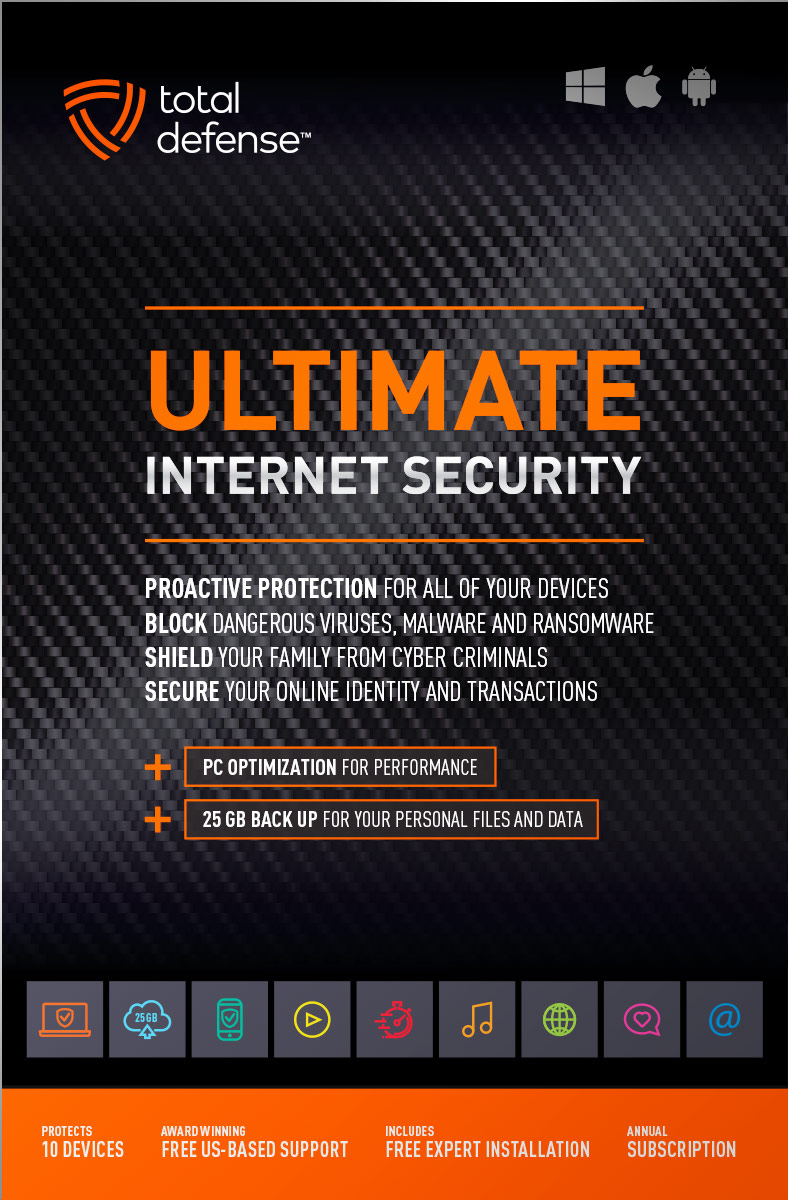
Ultimate Internet Security

High performance virus detection without slowing you down – on all your devices – while you bank, shop, and connect on social networks with total peace of mind.

  • Automatically detect and remove any threat, without negative impact on your speed
  • Keep your PCs running like new with smart PC optimization technology
Learn More »
original
4.9(42 Reviews)
$109.99
10 Devices
25GB Online Backup
Windows Mac Android

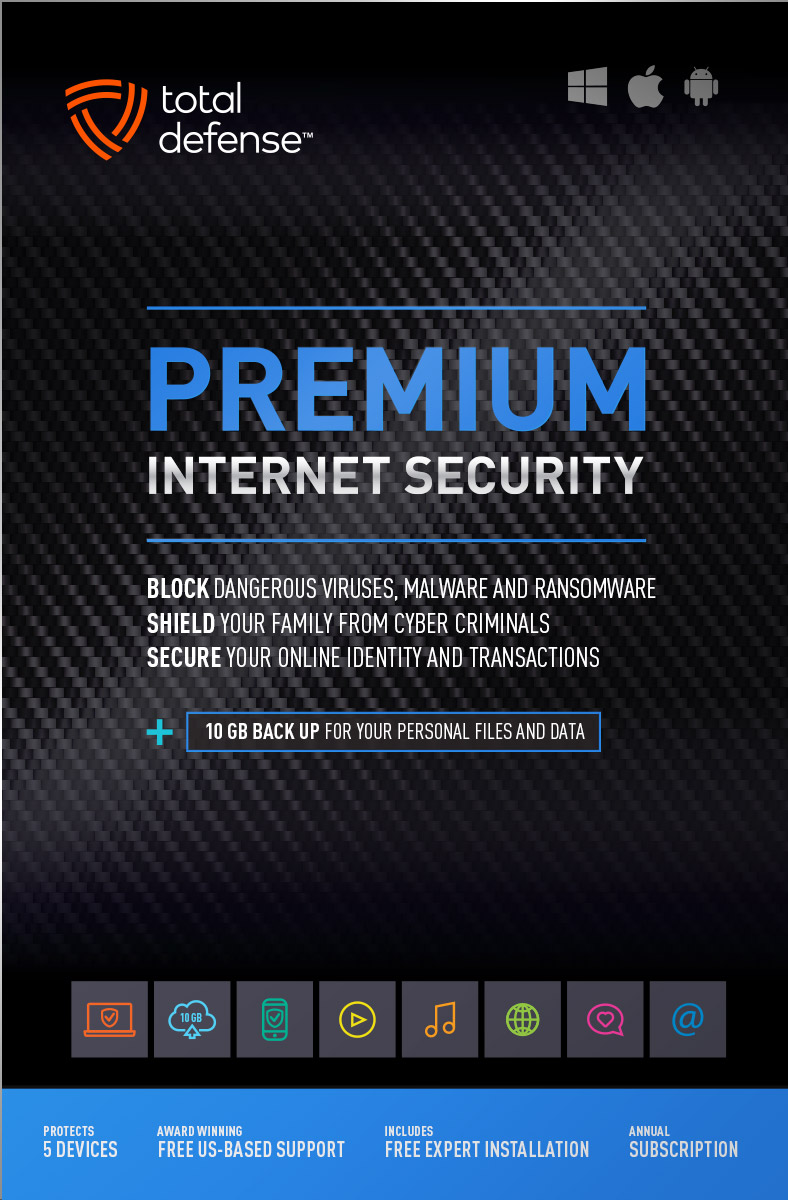
Premium Internet Security

Bestseller Internet Security

Our Bestseller! We’ve got you covered – total protection for the devices in your home – PCs, Macs, Smartphones & Tablets.

  • Shop, bank and explore your social network without worry
  • Protect your information from cyber criminals when you’re shopping and banking online
Learn More »
original
4.9(72 Reviews)
$69.99
$89.99
Save $20
5 Devices
10GB Online Backup
Windows Mac Android

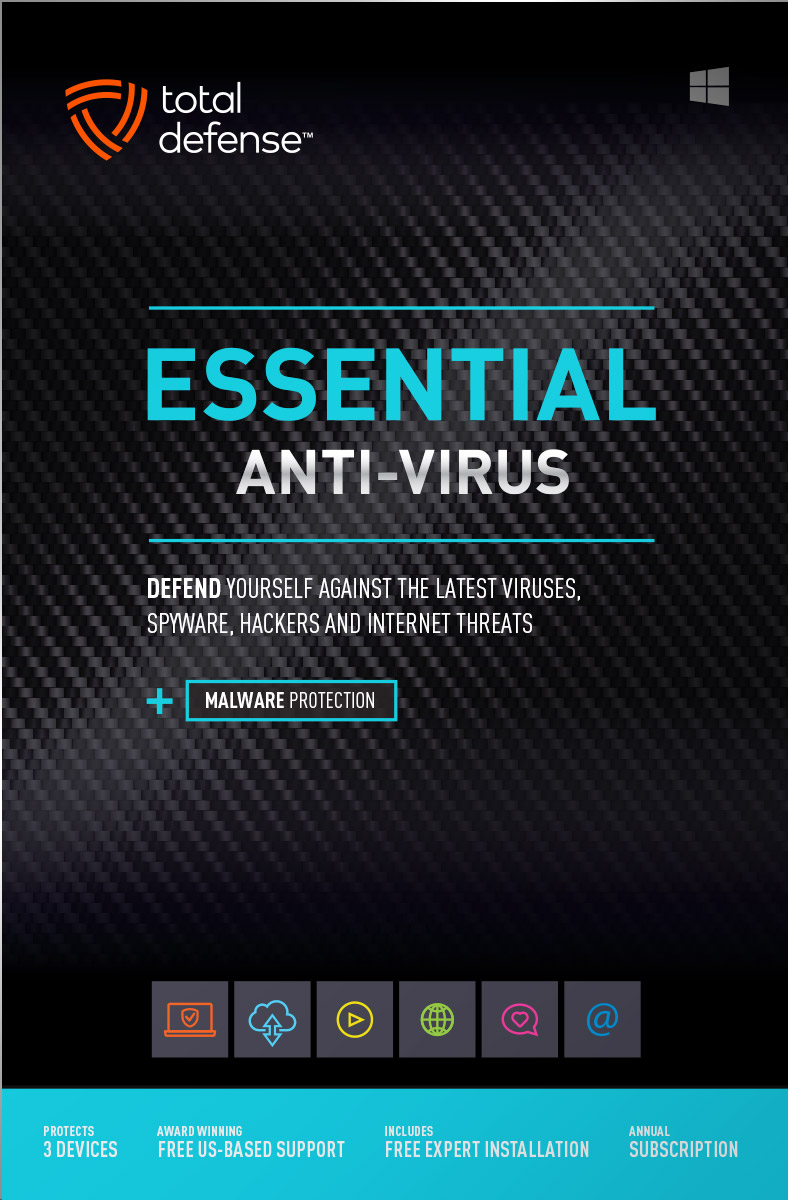
Essential Anti-Virus

Viruses constantly evolve, our Anti-Virus security ensures you’re totally covered with smart and powerful protection for your Windows desktops and laptops.

  • Keep your devices safe from malware, spyware, ransomware, and harmful viruses.
  • Free automatic updates; virus-free, hassle-free, and worry-free.
Learn More »
original
4.9(35 Reviews)
$39.99
$59.99
Save $20
3 Devices
Windows
Buy with Confidence
Free US-Based Support
Certified Secure Checkout
60 Day Money Back Guarantee

What works for you?

Use our selection tool to help you choose the internet security that’s right for you.

Compare

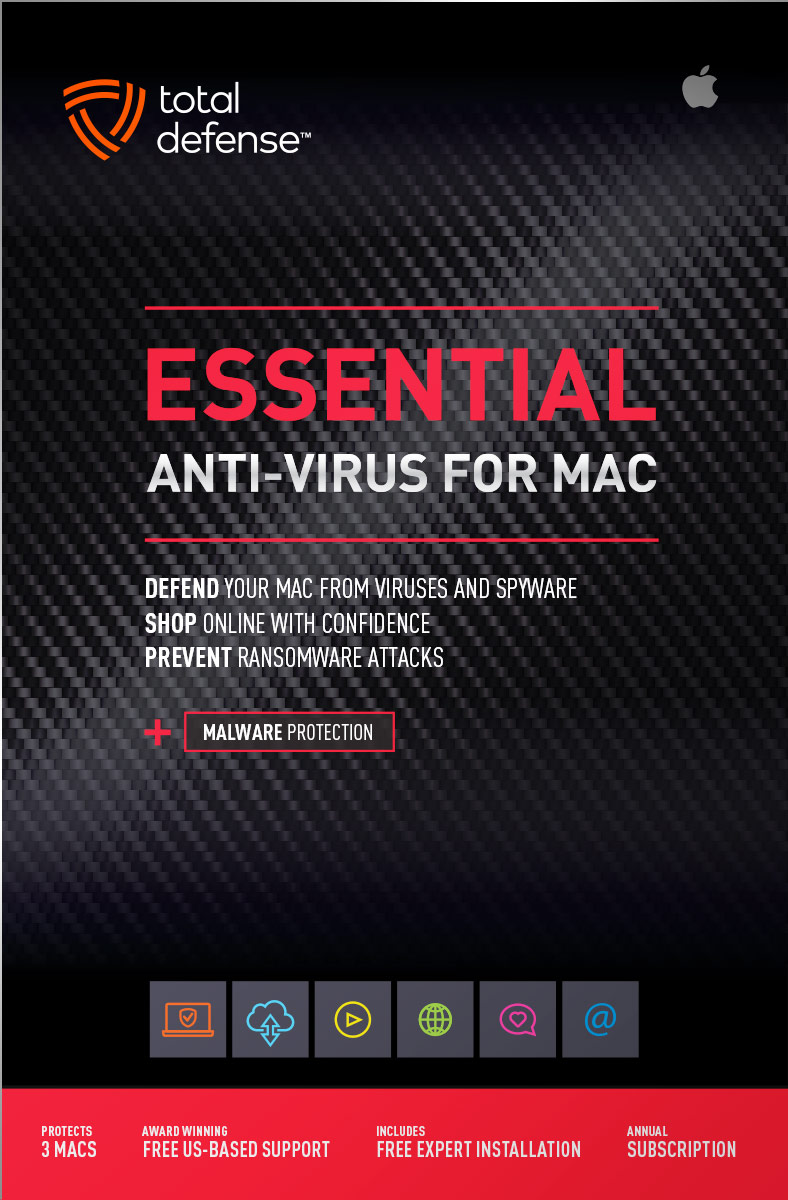
Anti-Virus for Mac

Total Defense 2019 version

Viruses constantly evolve, our Anti-Virus for Mac security ensures you’re totally covered with smart, and powerful protection. Give your Mac maximum protection without compromising speed and performance.

  • Advanced features keep your Mac safe from malware, spyware, ransomware, and harmful viruses so you can browse, shop, and bank with confidence.
  • Ultra fast malware scanning – and ironclad protection without slowing you down. So fast and discreet, you won’t even know it’s there, working to keep your Mac safe.
Learn More »
original
4.9(12 Reviews)
$39.99
$59.99
Save $20
3 Macs
Mac Anti-Virus

PC Tune-Up

Total Defense 2019 version

Automatically scan, fix, and update your PC – improving your Windows desktop or laptop’s speed – so you can enjoy faster startups, smoother browsing, and like-new performance.

  • Boost PC Performance – automatically improve PC startup time, Internet speed and program performance
  • Removes junk files, eliminates unnecessary programs, updates vulnerable applications, and reclaims more space on your PC.
Learn More »
original
4.9(16 Reviews)
$39.99
$49.99
Save $10
3 Devices
Windows

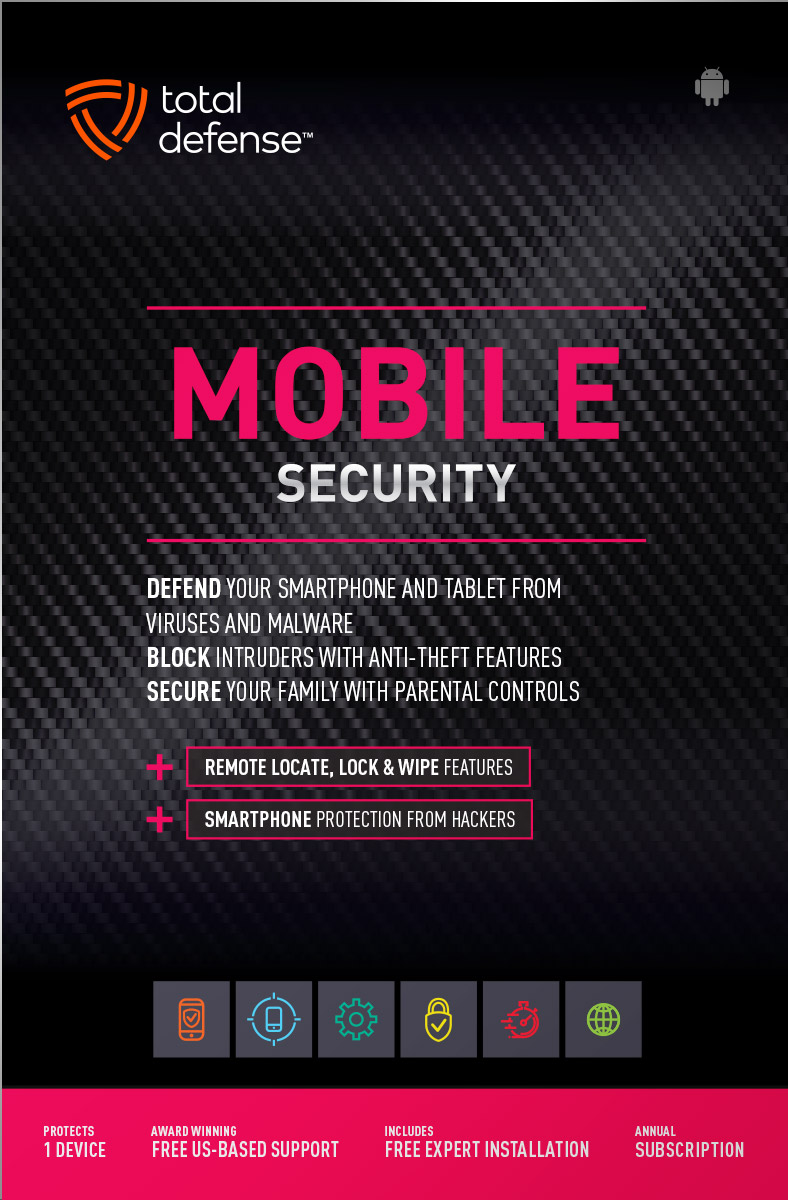
Mobile Security

Total Defense 2019 version

Comprehensive mobile protection for Android devices. Fend off malware, block intruders, lock or erase your data if you lose your phone.

  • Powerful virus & spyware detection and removal – virtually no battery impact
  • Remote lock & wipe for lost or stolen devices
  • Remote GPS location for lost or stolen phones
Learn More »
original
4.9(19 Reviews)
$19.99
1 Device
Android

System Requirements

Supported Operating Systems
  • Windows 11 (64-bit)
  • Windows 10 (32 & 64-bit)
  • Windows 8.1 (32 & 64-bit)
  • Macintosh OS X - 10.12 or later
Required for all Installations
  • 2 GB RAM
  • 1 GHz or faster processor
  • Internet Explorer 11 or Microsoft Edge
  • 1 GB of available hard disk space
  • 1024 x 768 or higher screen resolution
  • Internet access
Supported Browsers for Web Filtering
  • Internet Explorer 11
  • Microsoft Edge
  • Chrome v40.0 and higher
  • Firefox 35.0 and higher
For Smartphone & Tablet Security
  • Android 5.0 or higher
Usage
  • For personal and family use only. Not for business or commercial use.

Virus-free. Hassle-free. Worry-free.

Security designed for people, around people.
 
VB100 Certified
VB100 Certified

Our virus and malware protection is put through the toughest tests to ensure your are protected.

Learn More >

Free US Tech Support

Our friendly US-based team is standing by to assist with customer care & technical support.

Learn More >

Money Back Guarantee

If you're not completely satisfied, we'll refund your money within 60 days of purchase.

Learn More >

Money Back
Virus-Free Guarantee

We're so confident in our virus protection, we will remove it for free or give your money back.

Learn More >

Rated #1 anti-virus software company on Consumer​Affairs.com

We always strive to create the best customer service experience and our customers agree. Total customer satisfaction is our ultimate goal.
Read reviews from our customers>
Total Defense

Internet Security and Safety Center

Helpful tips and articles with practical steps you can follow to improve your online safety

Total Defense Security Tip of the Day

04.01.26

Is it safe to add your debit card to Venmo? What you need to know before you tap “add card”

Venmo makes paying friends, splitting bills, and managing quick transactions incredibly convenient. But when it comes to linking your financial accounts, not all payment methods are equally safe. Many users ask: Is it actually safe to add your debit card to Venmo?

The short answer: It’s possible—but it’s not the safest option.
In fact, cybersecurity experts widely recommend avoiding debit cards on peer‑to‑peer payment apps altogether. And the data supports that caution.

A 2025 security analysis found that debit cards expose users directly to cash loss, since a debit card connects straight to your checking account—making fraud immediately disruptive. If thieves access your debit card, your own money disappears in real time, often long before a bank can intervene.

Meanwhile, Venmo itself is not inherently unsafe. It uses encryption, identity verification, and account monitoring to help prevent unauthorized access. But the biggest risks with Venmo don’t come from the app—they come from scammers and user mistakes, like sending money to the wrong person or falling for a fake sale. Unlike banks or credit card companies, Venmo does not guarantee protection or refund money lost to scams.

So the real question becomes:

Why Is Adding a Debit Card Riskier?

1. Debit Cards Have Weaker Fraud Protection

Credit cards fall under the Fair Credit Billing Act, capping your liability at $50—and most issuers waive even that.
Debit cards are governed by different rules, and recovering stolen funds can be slower and more complex. This can leave you without access to your money during investigations.

2. Debit Cards Pull from Your Real Cash

If someone steals your debit card credentials through a Venmo scam:

  • Your checking account balance can drain instantly
  • You may face overdraft fees
  • Your bills, rent, or payments may bounce

This financial disruption can last days or weeks.

3. Scammers Target Debit-Funded Accounts

Venmo payments function like cash—once sent, they’re usually irreversible, especially if you authorized them—even by accident.
Scammers rely on this speed and finality.

Is Adding a Debit Card Ever Safe?

Technically yes—Venmo encrypts all card data and stores it securely.
But encryption protects against hackers, not against:

  • Social engineering scams
  • Fraudulent sellers
  • Fake Venmo payment confirmations
  • Wrong‑recipient payments

So while Venmo won’t leak your debit card, the real-world fraud risk still makes debit cards a weak choice.

What’s the Safer Alternative?

Use a Credit Card Instead

Cybersecurity professionals strongly recommend linking a credit card, not a debit card, to Venmo.
Why?

  • Your cash stays untouched
  • Banks absorb the risk
  • Fraud is reversible
  • You get stronger legal protection

This is the single easiest security upgrade you can make when using Venmo.

Best Practices for Safer Venmo Payments

  • Use a credit card, not a debit card
  • Set your privacy to Private
  • Enable multi-factor authentication
  • Never send payments to strangers
  • Verify usernames before sending money
  • Transfer Venmo balance to your bank regularly (Venmo balances aren’t FDIC‑insured)

Bottom Line: Should You Add Your Debit Card to Venmo?

You can—but you shouldn’t.
Linking a debit card puts your checking account, your cash flow, and your financial stability at unnecessary risk. A credit card provides layers of legal and financial protection that a debit card simply can’t match.

If you want the safest Venmo experience?
Always link a credit card—not your debit card.


How cybercriminals are using AI to automate identity theft (and how you can stay safe)

Identity theft has always been a serious threat, but artificial intelligence has supercharged the problem. Cybercriminals are no longer relying on manual methods or simple scams — they’re now using AI to automate identity theft at a scale and speed we’ve never seen before. This new wave of AI‑powered fraud is more convincing, more personalized, […]
Read More»

Questions? Our friendly award winning US-based support team is happy to help and it's free.

1-877-906-8816 Weekdays 9am – 5pm, Eastern Time USA

Customer Service Team of the Year - Cyber Security Excellence 2022 Globee Award Gold Customer Service Department of the Year - 2022 Stevie Awards Bronze