













Secure Your World

From desktops to mobile, we've got you and your family totally covered.

Introducing our new updated internet security product line.
More secure and easier to use than ever.


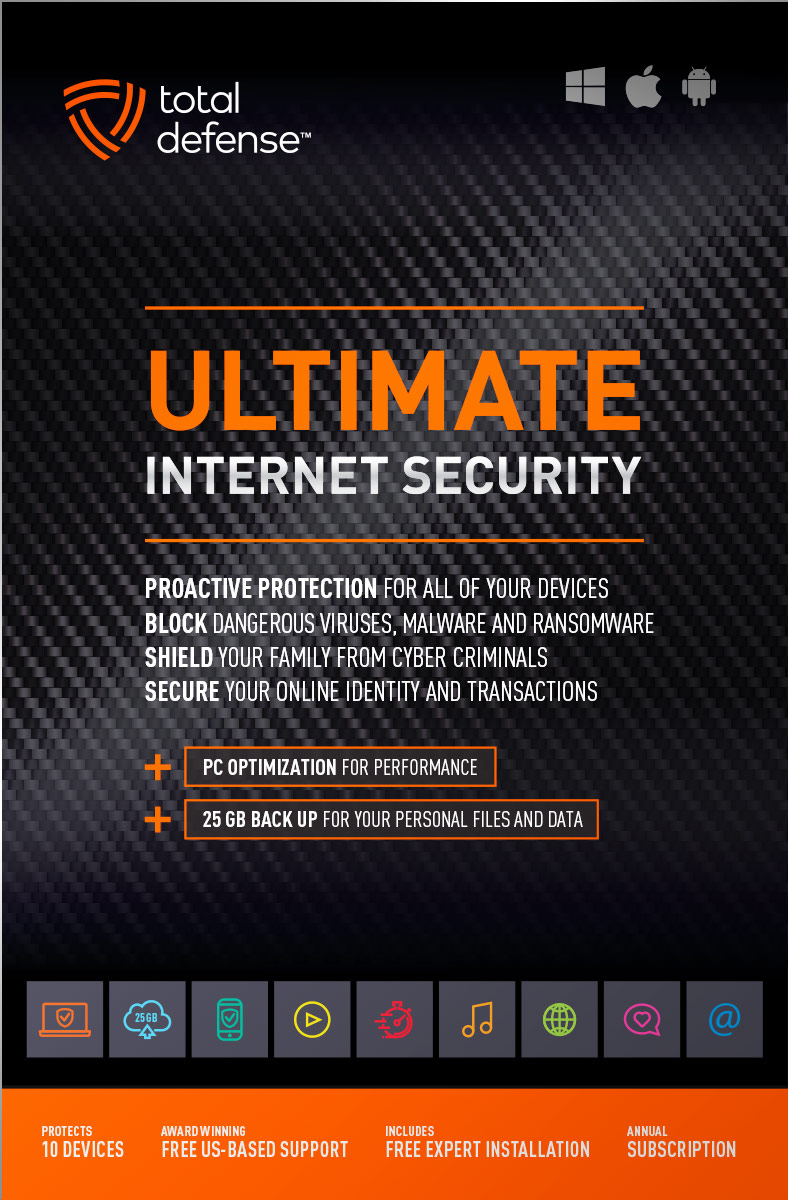
Ultimate Internet Security

High performance virus detection without slowing you down – on all your devices – while you bank, shop, and connect on social networks with total peace of mind.

  • Automatically detect and remove any threat, without negative impact on your speed
  • Keep your PCs running like new with smart PC optimization technology
Learn More »
original
4.9(42 Reviews)
$109.99
10 Devices
25GB Online Backup
Windows Mac Android

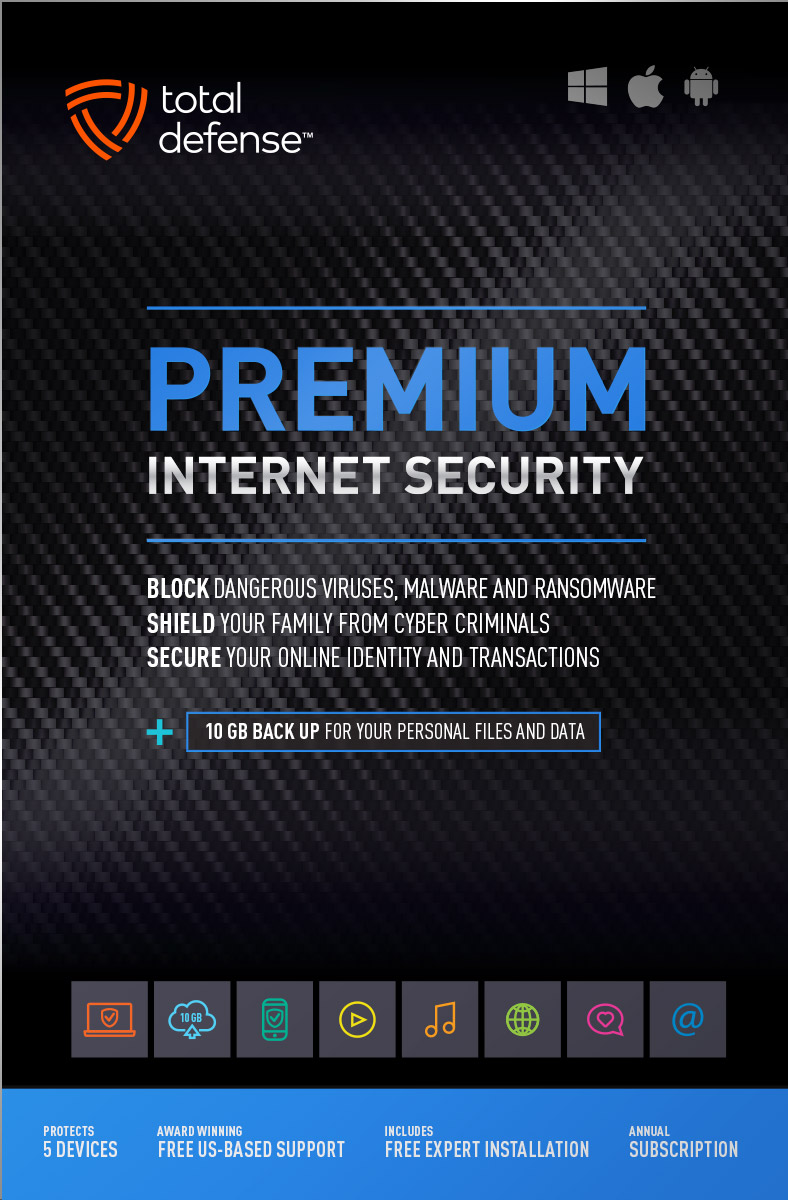
Premium Internet Security

Bestseller Internet Security

Our Bestseller! We’ve got you covered – total protection for the devices in your home – PCs, Macs, Smartphones & Tablets.

  • Shop, bank and explore your social network without worry
  • Protect your information from cyber criminals when you’re shopping and banking online
Learn More »
original
4.9(72 Reviews)
$69.99
$89.99
Save $20
5 Devices
10GB Online Backup
Windows Mac Android

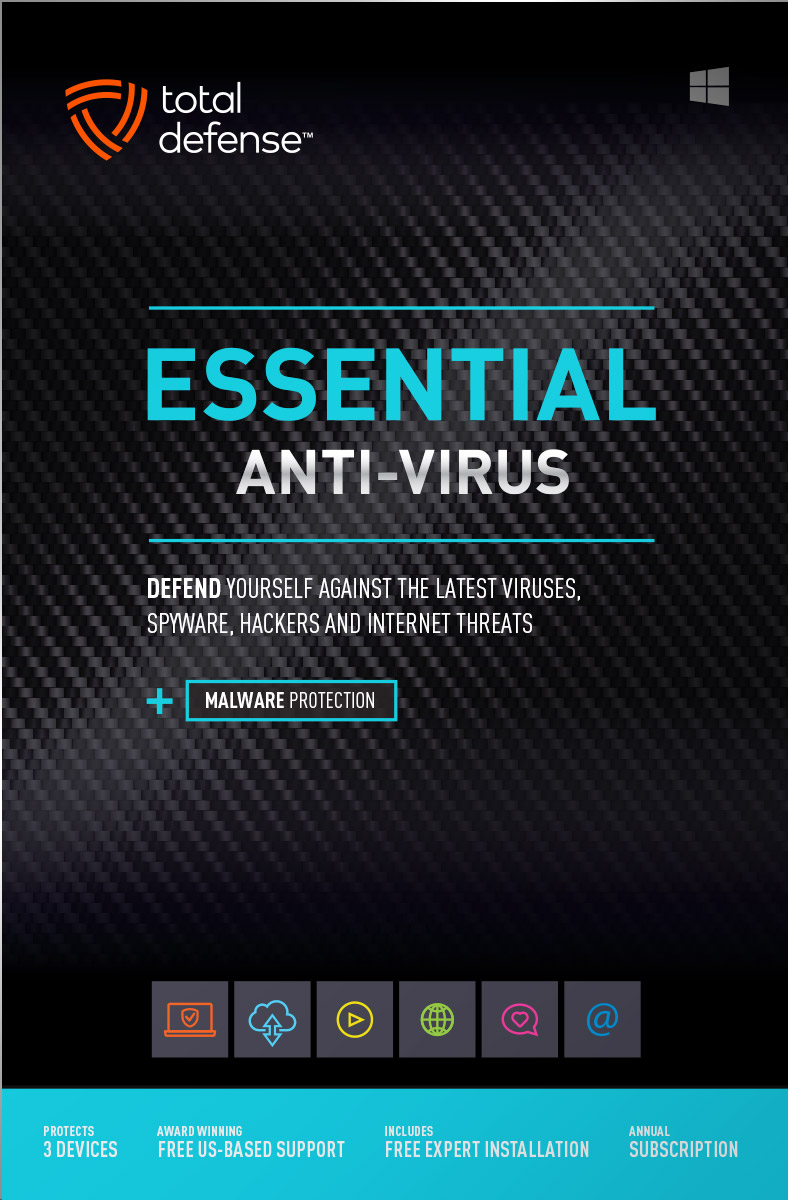
Essential Anti-Virus

Viruses constantly evolve, our Anti-Virus security ensures you’re totally covered with smart and powerful protection for your Windows desktops and laptops.

  • Keep your devices safe from malware, spyware, ransomware, and harmful viruses.
  • Free automatic updates; virus-free, hassle-free, and worry-free.
Learn More »
original
4.9(35 Reviews)
$39.99
$59.99
Save $20
3 Devices
Windows
Buy with Confidence
Free US-Based Support
Certified Secure Checkout
60 Day Money Back Guarantee

What works for you?

Use our selection tool to help you choose the internet security that’s right for you.

Compare

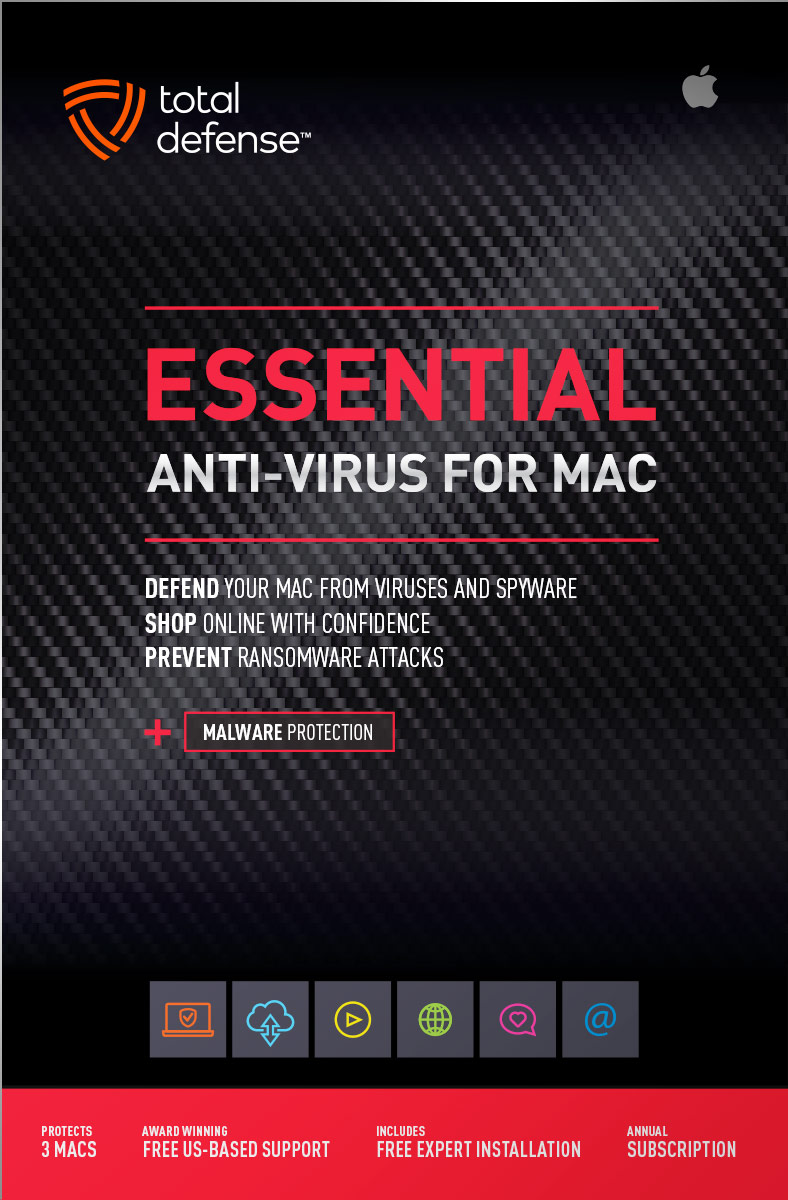
Anti-Virus for Mac

Total Defense 2019 version

Viruses constantly evolve, our Anti-Virus for Mac security ensures you’re totally covered with smart, and powerful protection. Give your Mac maximum protection without compromising speed and performance.

  • Advanced features keep your Mac safe from malware, spyware, ransomware, and harmful viruses so you can browse, shop, and bank with confidence.
  • Ultra fast malware scanning – and ironclad protection without slowing you down. So fast and discreet, you won’t even know it’s there, working to keep your Mac safe.
Learn More »
original
4.9(12 Reviews)
$39.99
$59.99
Save $20
3 Macs
Mac Anti-Virus

PC Tune-Up

Total Defense 2019 version

Automatically scan, fix, and update your PC – improving your Windows desktop or laptop’s speed – so you can enjoy faster startups, smoother browsing, and like-new performance.

  • Boost PC Performance – automatically improve PC startup time, Internet speed and program performance
  • Removes junk files, eliminates unnecessary programs, updates vulnerable applications, and reclaims more space on your PC.
Learn More »
original
4.9(16 Reviews)
$39.99
$49.99
Save $10
3 Devices
Windows

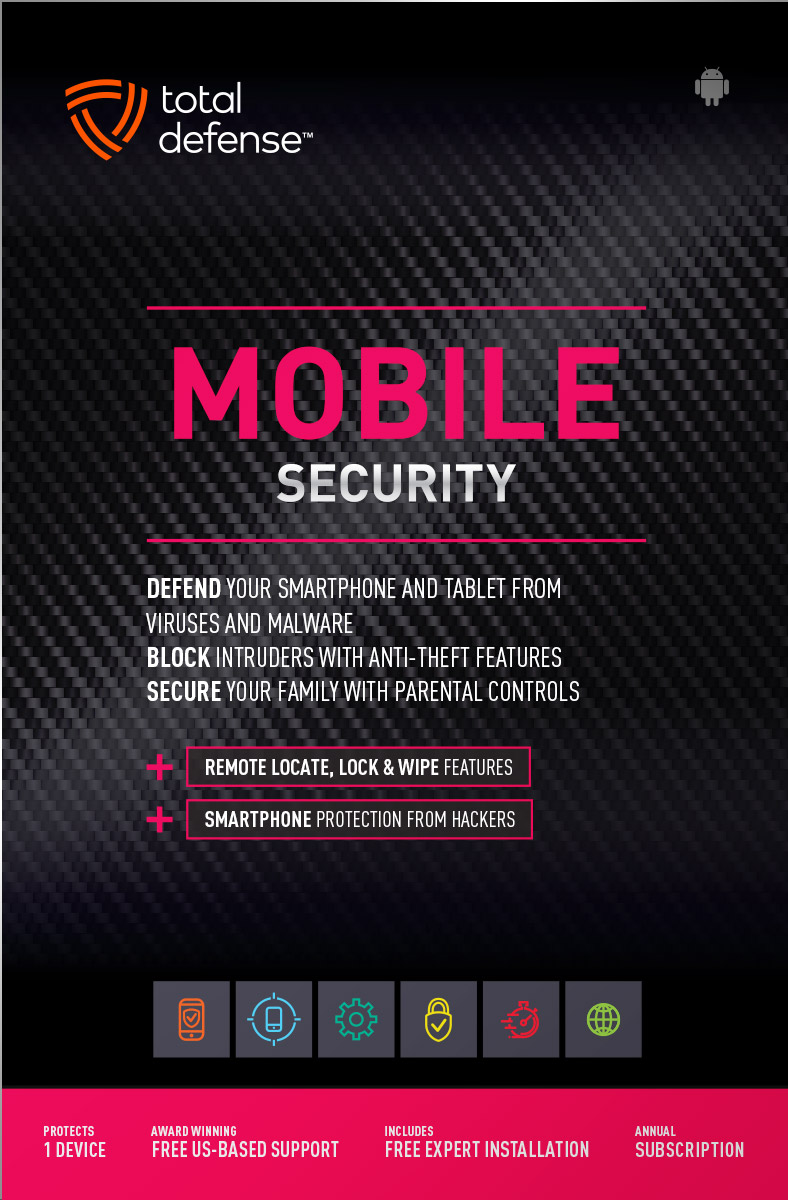
Mobile Security

Total Defense 2019 version

Comprehensive mobile protection for Android devices. Fend off malware, block intruders, lock or erase your data if you lose your phone.

  • Powerful virus & spyware detection and removal – virtually no battery impact
  • Remote lock & wipe for lost or stolen devices
  • Remote GPS location for lost or stolen phones
Learn More »
original
4.9(19 Reviews)
$19.99
1 Device
Android

System Requirements

Supported Operating Systems
  • Windows 11 (64-bit)
  • Windows 10 (32 & 64-bit)
  • Windows 8.1 (32 & 64-bit)
  • Macintosh OS X - 10.12 or later
Required for all Installations
  • 2 GB RAM
  • 1 GHz or faster processor
  • Internet Explorer 11 or Microsoft Edge
  • 1 GB of available hard disk space
  • 1024 x 768 or higher screen resolution
  • Internet access
Supported Browsers for Web Filtering
  • Internet Explorer 11
  • Microsoft Edge
  • Chrome v40.0 and higher
  • Firefox 35.0 and higher
For Smartphone & Tablet Security
  • Android 5.0 or higher
Usage
  • For personal and family use only. Not for business or commercial use.

Virus-free. Hassle-free. Worry-free.

Security designed for people, around people.
 
VB100 Certified
VB100 Certified

Our virus and malware protection is put through the toughest tests to ensure your are protected.

Learn More >

Free US Tech Support

Our friendly US-based team is standing by to assist with customer care & technical support.

Learn More >

Money Back Guarantee

If you're not completely satisfied, we'll refund your money within 60 days of purchase.

Learn More >

Money Back
Virus-Free Guarantee

We're so confident in our virus protection, we will remove it for free or give your money back.

Learn More >

Rated #1 anti-virus software company on Consumer​Affairs.com

We always strive to create the best customer service experience and our customers agree. Total customer satisfaction is our ultimate goal.
Read reviews from our customers>
Total Defense

Internet Security and Safety Center

Helpful tips and articles with practical steps you can follow to improve your online safety

Total Defense Security Tip of the Day

02.14.26

Protect the key to everything: why your master password belongs in a safe place

Using a password manager is one of the smartest moves you can make for your digital security. It helps you create strong, unique passwords for every account and saves you from having to remember them all. But there’s one password that does matter above all the rest — the master password.

Your master password is the single key that unlocks your password manager. If you forget it, you could lose access to every saved login, credit card number, note, or document stored inside. And if someone else gets hold of it, they get access to everything too. That’s why keeping your master password secure — and accessible — is absolutely essential.

Let’s look at how to store it safely without relying on memory alone.


The Master Password: Your Digital “Big Key”

Think of your master password like the master key to a building. It opens every door inside. Because of that, it needs to be:

  • Strong
  • Unique
  • Impossible to guess

But even the strongest password is useless if you forget it. Many password managers don’t offer a simple way to reset your master password, and for good reason — it’s a security feature that protects your vault. So memorizing it alone isn’t enough.


Write It Down — Yes, Really

It may feel old‑fashioned, but writing down your master password is not only okay — it’s recommended. Storing it physically keeps it offline, away from hackers, phishers, and malware. A written password can’t be breached by a cyberattack.

But writing it down is only step one. Storing it safely is where the real protection happens.


Put It in a Safe or Lockbox

The best place to keep your written master password is somewhere secure, like:

  • A home safe
  • A lockbox
  • A fireproof document safe
  • A locking filing cabinet

For extra protection, place the written password inside a sealed envelope and label it clearly but discreetly. You want to be able to find it when needed, but you don’t want others to know exactly what’s inside.

This creates physical security around your digital security — the perfect pairing.


Why a Secure Location Matters

A safe protects your master password from:

  • Loss
  • Theft
  • Fire or water damage
  • Curious hands
  • Misplacement

This ensures that when you truly need your master password — whether you’re setting up a new device, recovering your vault, or troubleshooting — it’s right where it should be.


Give Yourself Peace of Mind

Password managers already make your digital life easier. But treating your master password with the same care you’d give important documents or valuables makes your security even stronger.

Write it down. Seal it up. Store it somewhere safe. It’s a small step that protects everything else.



The ultimate work from home cybersecurity guide: 10 practical steps to stay safe online

Hybrid work isn’t just a trend anymore; it’s the new standard for the modern professional. This shift offers incredible flexibility, but it also creates a massive headache for cybersecurity. A recent Robert Half survey of 500+ U.S. HR managers found that 88% of employers now offer at least some hybrid options (often varying by seniority […]
Read More»

Questions? Our friendly award winning US-based support team is happy to help and it's free.

1-877-906-8816 Weekdays 9am – 5pm, Eastern Time USA

Customer Service Team of the Year - Cyber Security Excellence 2022 Globee Award Gold Customer Service Department of the Year - 2022 Stevie Awards Bronze


