





 RAP Tests
We all love a good deal—and "free" is the best deal there is, right? Not always. When it comes to free software, the old saying holds up: if you're not the customer, you're the product. Whether it's a free mobile app bombarding you with shady ads, a browser extension quietly harvesting your data, or a website hijacking your computer's processing power to mine cryptocurrency, free software often comes with hidden costs that can put your digital security at serious risk.
Why free software can be dangerous
Free apps and programs need to make money somehow. While some developers use ethical models like optional upgrades or limited ads, others take a much darker path. Here are the most common risks hiding inside free software:
- Aggressive adware. Many free apps generate revenue by flooding you with intrusive pop-up ads. Some of these ads link to phishing sites or trigger malicious downloads with a single accidental tap.
- Bundled unwanted programs. Free desktop software often bundles extra programs into the installation process—browser toolbars, search engine hijackers, or "system optimizers" that do more harm than good. If you click "Next" without reading carefully, you may install software you never asked for.
- Data harvesting. Some free platforms collect and sell your personal information—browsing habits, location data, contacts, and more—to third-party advertisers or data brokers.
- Cryptojacking. Certain free websites and browser extensions secretly use your device's computing power to mine cryptocurrency in the background, slowing your system down and driving up your energy costs.
- Hidden malware. In the worst cases, free software acts as a delivery vehicle for trojans, spyware, or ransomware that can steal your credentials or lock you out of your own files.
The numbers tell a scary story
The scale of this problem is staggering. According to https://www.av-test.org/en/statistics/malware/, over 450,000 new malware and potentially unwanted program (PUA) samples are detected every single day, with the total library of known threats surpassing 1.56 billion samples. A huge portion of those potentially unwanted programs are bundled directly with free software downloads—making that tempting "Free Download" button riskier than it looks.
How to protect yourself from risky free software
You don't have to swear off free software entirely, but you do need to be smart about it. Follow these best practices:
- Download from official sources only. Stick to the Apple App Store, Google Play Store, or the developer's official website. Avoid third-party download sites that repackage software with extra junk.
- Always choose "Custom" installation. When installing desktop software, select the custom or advanced option so you can uncheck any bundled programs you don't want.
- Read permissions carefully. If a free flashlight app wants access to your contacts, microphone, and location—that's a red flag. Only grant permissions that make sense for the app's function.
- Check reviews and ratings. Look for recent user reviews that mention ads, slowdowns, or suspicious behavior before you install anything.
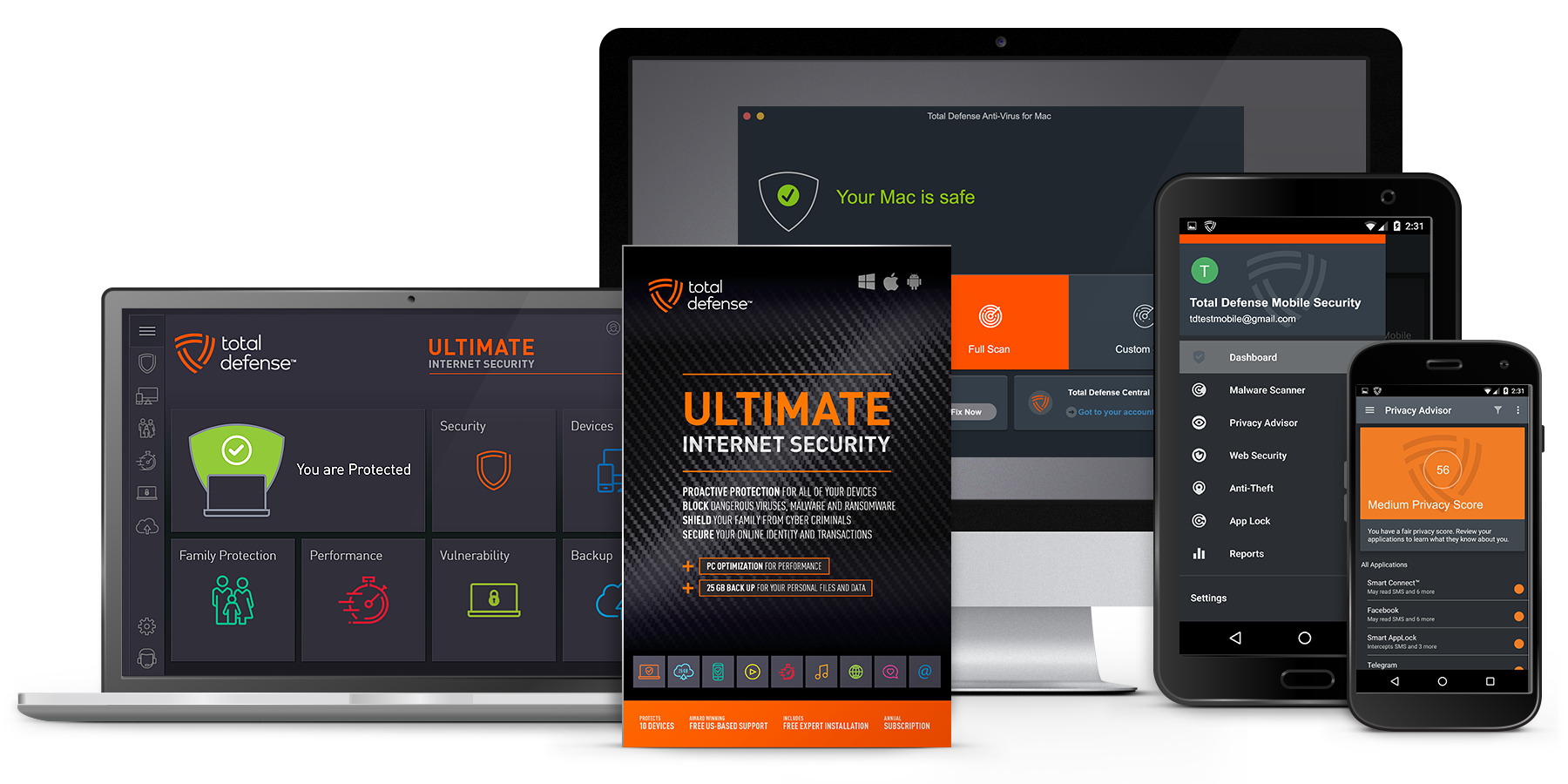
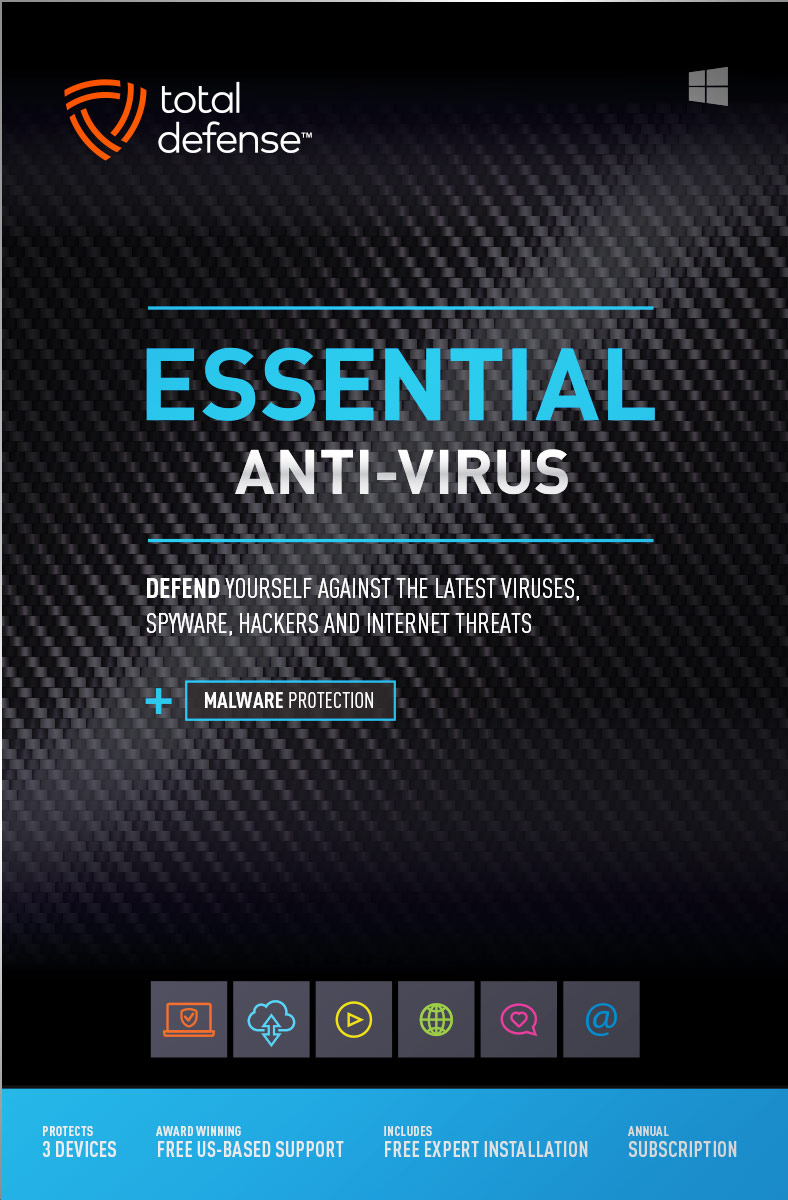
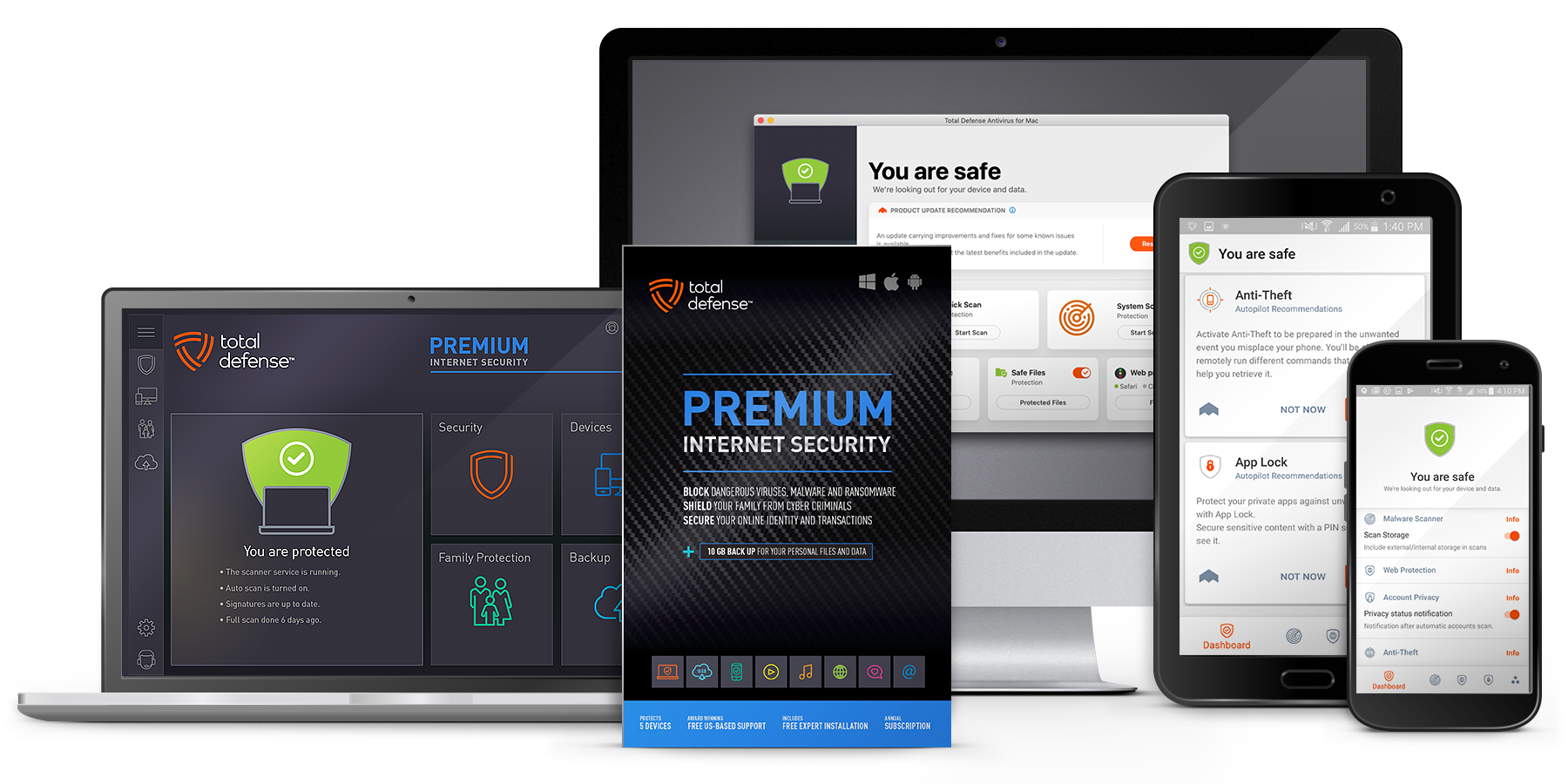
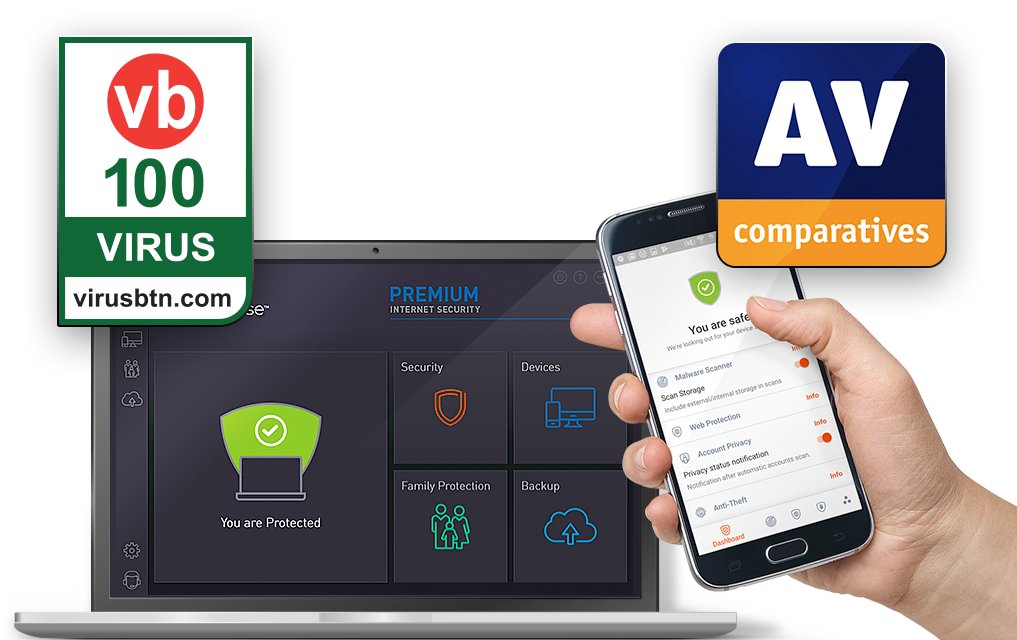
- Use reputable security software. A solid antivirus program can detect and block adware, PUPs, and other threats before they take hold on your device.
- Research before you install. A quick web search for the app's name plus "malware" or "safe to use" can reveal warnings from other users or security researchers.
Free software isn't automatically dangerous, but it always deserves extra scrutiny. The next time you're tempted by a free download, take a moment to ask yourself: how is this company making money? If the answer isn't clear, there's a good chance you are the product. A little caution upfront can save you from a lot of headaches—and a compromised device—down the road.