


Announcing our new 2026 internet security product line.
More secure and easier to use than ever.

Try our Best Antivirus Protection Free for 30 Days
Free Trial DownloadStart your Free 30 day, no credit card needed, no hassle trial today.
Secure your digital life.
Total Defense makes internet security easy for you and tough on destructive malware. We don’t just protect devices, we protect people.
Our software works hard so you don’t have to—no complex questions or specialized knowledge required.
Virus-free. Hassle-free. Worry-free.
Security designed for people, around people.
VB100 Certified
Our virus and malware protection is put through the toughest tests to ensure your are protected.
Learn More >

Free US Tech Support
Our friendly US-based team is standing by to assist with customer care & technical support.
Learn More >

Money Back Guarantee
If you’re not completely satisfied, we’ll refund your money within 60 days of purchase.
Learn More >

Virus-Free Guarantee
We’re so confident in our virus protection, we will remove it for free or give your money back.
Learn More >
Total customer satisfaction is our ultimate goal
Don’t take our word for it…
“I love the feeling of trust I have, knowing that my PC, laptop, tablet, and phone are all "totally defended" from the potential harm that is out there in the cyber world. ”
- Leslie K.

“Lightweight and easy! This works great. It was easy to set up and activate. The best part is my computer hasn't slowed down a bit.”
- Jerry C.
“Good product at a good price What's good is it covers tablets, PCs, phones. Also has online backups and mobile security features too, so plenty of value for money. Works well and gets the job done! ”
- Nakul D.
“A great Internet security suite for PC users, great parental controls, well-integrated online backup "set it and forget it," good antivirus performance, low cost, can use on multiple devices.”
- Isadora L.
“Easy installation, did not slow down the computer and scanning was super fast. Feel better having protection from all the new ransomware and viruses going around.”
- Wayne F.
Protection for all the devices in your home
Total Defense
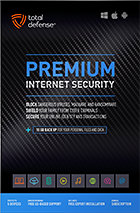
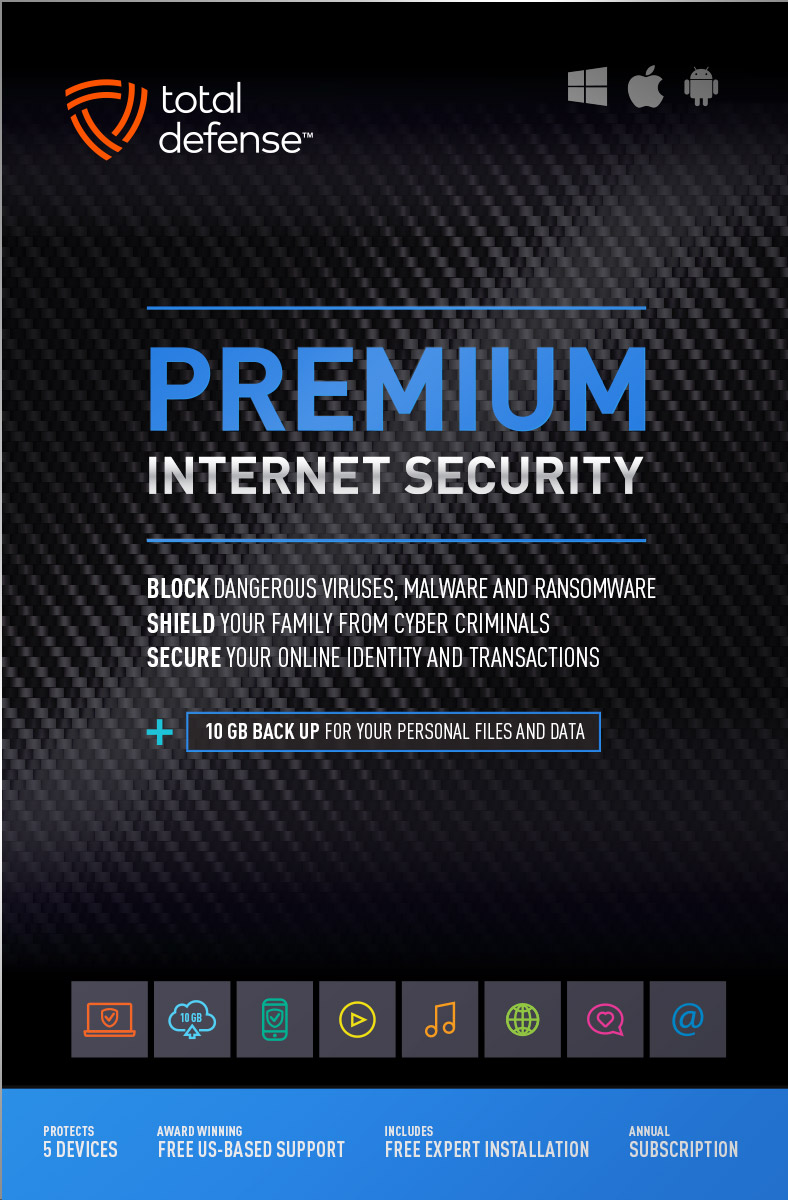
Premium Internet Security

Premium Internet Security provides simple, smart, and reliable protection from viruses, spyware, and malware on up to 5 of your smartphones, tablets, desktops, and laptops.
- Shop, bank and explore your social network without worry
- Protect your information from cyber criminals when you’re shopping and banking online


Our other popular internet security software choices, to keep you and your devices safe.
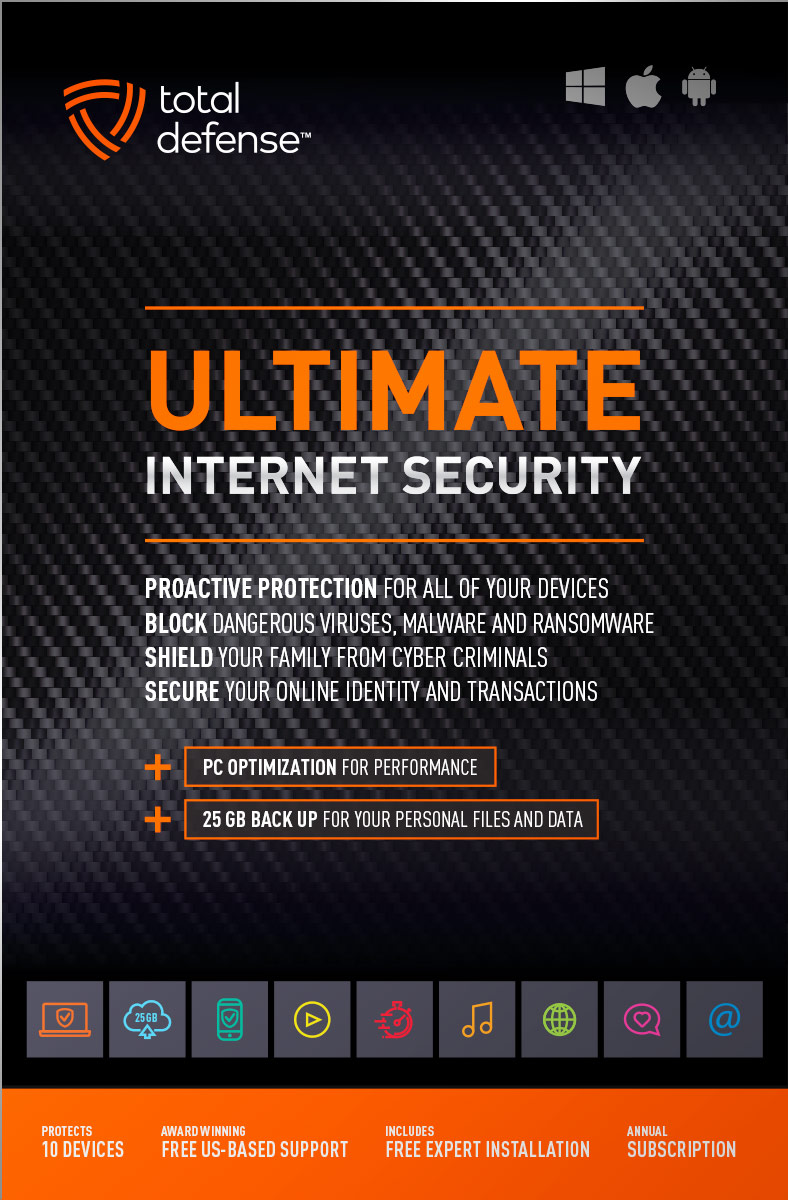
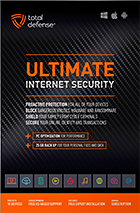
Ultimate Internet Security
Protect everyone on every device in your home - Ultimate is an easy-to-use, all-in-one Internet Security suite that protects you, your family, and up to 10 of your devices from harmful viruses and the latest online threats.
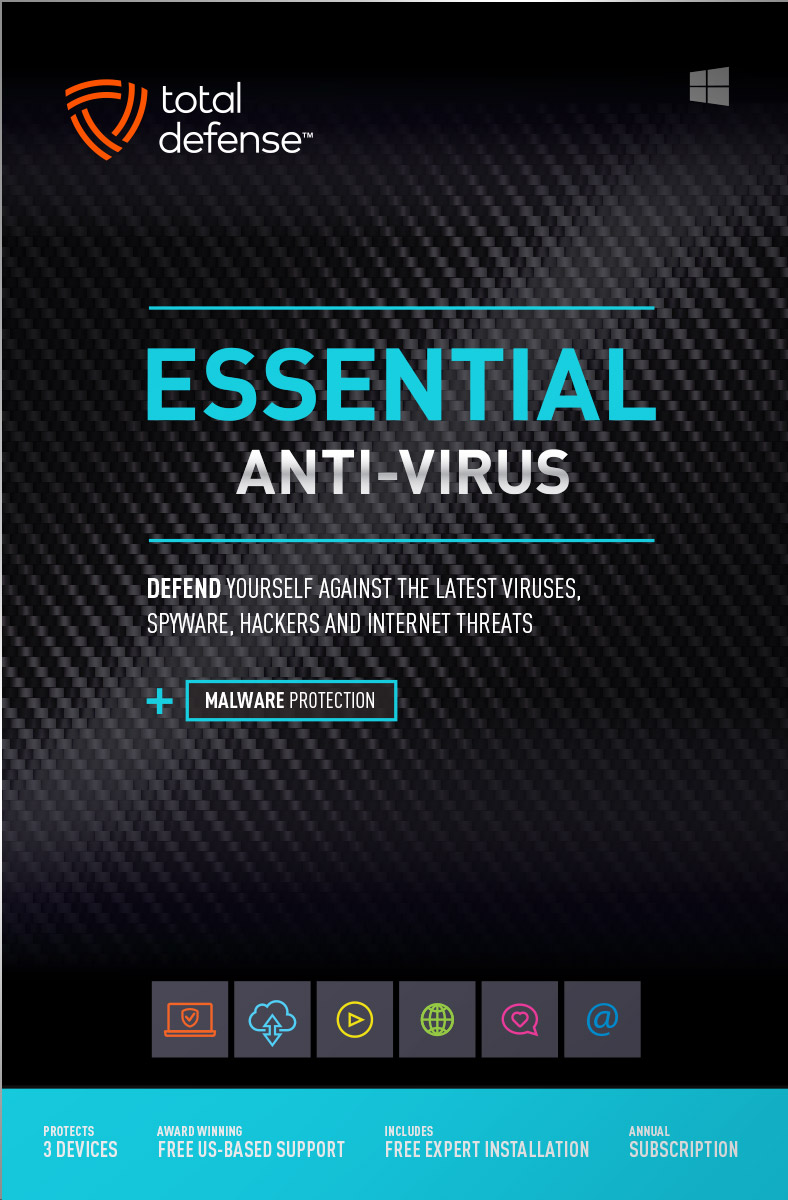
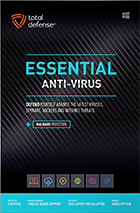
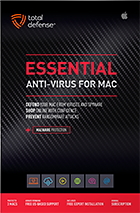
Essential Anti-Virus
Anti-Virus security ensures you’re totally covered keeping your devices safe from malware, spyware, ransomware, and harmful viruses.
Award winning internet security software
Powerful virus detection that doesn’t slow you down.
Learn more about our highly rated malware protection or get started today with a free 30-day trial of Total Defense Internet Security, with no obligation to buy.
Free Trial Download
AV Comparatives Advanced Plus

AV Comparatives Advanced Plus

VB100 Certified

AV Comparatives Advanced Plus

OPSWAT Certified

AV Comparatives Advanced Plus
We will keep you virus-free guaranteed
An exclusive automatic renewal service benefit.
When you choose Total Defense, you’re safeguarded with award-winning, multi-layered virus protection technology. Our powerful security lets you confidently shop, bank and browse online. In fact, we’re so certain we can protect you, if you’re running a Total Defense Security Product and a virus slips past our powerful protection, our expert technology advisors will remove the virus from your device for free. In the unlikely event the virus can’t be removed, we will give you your money back.
»Important terms and offer detailsWe’ve Got You Covered
Over 20 years of Dedication
We are committed to your cybersecurity, from installing the software effectively to helping recovery in the event of a breach.
Advanced Threat Protection
A good offense is the best defense! Real-time and on-demand malware scanning engines provide powerful proactive protection.
Award Winning Security
Powerful protection, securing all entry points, wherever you are, whatever type of device you’re using to access the internet.
Customer Commitment
Our US-based support team is focused on keeping you and your family safe in the ever changing connected world.
Why Total Defense Internet Security >Defend the Defenseless
Total Defense has been a proud supporter of the National Center for Missing & Exploited Children for over 15 years.
Total defense has supported NCMEC in it’s mission to help find missing children, reduce child sexual exploitation and prevent child victimization. We provide quarterly monitary support for NCMEC’s efforts to provide important programs that assist missing and exploited children nationwide.
To learn more about NCMEC, visit www.missingkids.org or see NCMEC on Twitter and Facebook.

Rated #1 anti-virus software company on ConsumerAffairs.com
Over 2,000 customer reviews
We always strive to create the best customer service experience and our customers agree. Total customer satisfaction is our ultimate goal.
Read reviews from our customers>


Total Defense
Internet Security and Safety Center
Helpful tips and articles with practical steps you can follow to improve your online safety

Total Defense Security Tip of the Day
10.24.26
How to prepare for a ransomware attack before your business gets hit
Ransomware rarely begins with a dramatic warning. It may start with a stolen password, a convincing phishing message, an unpatched remote-access tool or a vendor account that quietly gives criminals a foothold. Attackers can spend days or weeks exploring a network, stealing data and weakening backups before they encrypt files.
Preparation changes the outcome. The FBI received 3,611 ransomware reports in 2025, according to its latest annual reporting. A written plan, tested backups and rehearsed decisions can keep a disruptive incident from becoming an existential crisis.
What does a modern ransomware attack look like?
Ransomware is no longer only file encryption. Criminals may steal sensitive information first, then threaten to publish it unless the victim pays. CISA describes this combination as double extortion. Some groups skip encryption and rely entirely on stolen-data threats.
Common entry points include phishing, reused passwords, exposed remote services, unpatched software and compromised vendors. Warning signs can appear before the ransom note:
- Unusual logins, especially from unfamiliar locations or at odd hours
- New administrator accounts or unexpected privilege changes
- Security tools, backups or logging services being disabled
- Large outbound data transfers or unexplained network slowdowns
- Repeated file-access failures, renamed files or mass file changes
- Unexpected use of remote-management or command-line tools
One symptom does not prove an attack, but a cluster of anomalies deserves immediate investigation. Do not wait for encryption to confirm the threat.
How can a business prepare for ransomware?
- Identify critical operations. List the systems, accounts, vendors and data your business needs to deliver essential services. Set a recovery order before pressure distorts decisions.
- Maintain protected backups. Keep offline or otherwise isolated, encrypted copies that ransomware cannot reach through normal administrator credentials. CISA recommends maintaining offline, encrypted backups and testing them regularly.
- Strengthen access. Require phishing-resistant multifactor authentication for email, remote access, cloud services and administrator accounts. Remove dormant accounts and limit privileges.
- Patch exposed systems quickly. Prioritize internet-facing devices, remote-access products and known exploited vulnerabilities. Replace unsupported hardware and software.
- Prepare an incident-response plan. Assign decision-makers, technical leads, legal counsel, cyber-insurance contacts, communications owners and law-enforcement contacts. Store a printed or offline copy.
- Practice the plan. Run a tabletop exercise that begins with strange network behavior and escalates to unavailable systems and a data-leak threat.
How should you test ransomware backups?
A backup is only useful if your team can restore it. At least quarterly, select representative systems and files, restore them into a clean environment and confirm that the data opens. Measure recovery time, document missing dependencies and verify that attackers cannot delete backup copies with ordinary production credentials.
Include cloud services in the exercise. Version history and synchronization are helpful, but they are not automatically independent backups. Confirm retention periods, deletion protections and recovery procedures with each provider.
What should you do when ransomware is suspected?
Move quickly, but do not improvise. Use the response plan and a trusted communication channel that attackers are unlikely to monitor.
- Isolate affected systems. Disconnect them from networks and shared storage without deleting evidence. CISA advises immediately isolating impacted systems and prioritizing critical systems when broad disconnection is necessary.
- Activate the incident team. Notify leadership, IT or security, legal counsel and the cyber-insurance carrier through approved channels.
- Preserve evidence. Save logs, alerts, ransom notes and relevant timestamps. Avoid wiping or rebuilding systems until responders approve.
- Determine the scope. Identify affected accounts, systems, backups and data. Assume stolen credentials may remain dangerous.
- Report the incident. Contact the FBI through IC3 and request assistance from CISA when appropriate. Early reporting may connect your case to known infrastructure or decryption resources.
- Recover cleanly. Remove persistence, reset exposed credentials and restore prioritized systems from verified backups on a clean network.
Should your business pay a ransomware demand?
Do not make that decision alone or under an attacker’s deadline. Payment does not guarantee working decryption, deletion of stolen data or freedom from another demand. Involve law enforcement, legal counsel, insurers and experienced incident responders. Also check whether sanctions or other legal restrictions apply.
Why ransomware readiness makes your business safer
Preparation reduces both the likelihood and impact of an attack. Strong access controls and patching close common entry points. Monitoring can expose criminals before deployment. Isolated backups give the business a recovery path that does not depend on an attacker’s promise. A rehearsed plan also replaces panic with clear authority, faster containment and more reliable communication.
NIST’s 2026 ransomware profile organizes readiness around governing, identifying, protecting, detecting, responding and recovering. Use that framework to turn today’s checklist into an ongoing program rather than a one-time project.
Start this week: choose an incident owner, test one critical restore and schedule a 60-minute tabletop exercise. The best time to discover a broken backup or an unclear decision path is before an attacker does.

How to protect your devices, passwords, and online accounts while traveling
Questions? Our friendly award winning US-based support team is happy to help and it’s free.
1-877-906-8816 Weekdays 9am – 5pm, Eastern Time USA


60 Day Money Back Guarantee

Money Back Guarantee Program
Total Defense is committed to helping you with your refund. If our product does not meet your expectations for any reason, we will provide a full refund within 60 days of your purchase.
Virus Protection Assurance Program

Virus Protection Assurance Program
An exclusive benefit for customers enrolled in the Automatic Renewal Service.
When you choose Total Defense, you’re safeguarded with award-winning, multi-layered virus protection technology. Our powerful security lets you confidently shop, bank and browse online. In fact, we’re so certain we can protect you, if you’re running a Total Defense Security Product and a virus slips past our powerful protection, our expert technology advisors will remove the virus from your device for free. In the unlikely event the virus can’t be removed, we will give you your money back.
»Important terms and offer detailsFree US-Based Support Team

Need Assistance?
US-Based Support • Weekdays 9am – 5pm, Eastern Time USA
Technical Support
Call 1-866-305-7989
or Email
Free technical support includes:
- Download and installation
- Activation and configuration
- Removal of conflicting AV software
- Updates and upgrades
Customer Care
Call 1-877-906-8816
or Email
Customer care assists with:
- Sales and orders
- Account information
- Renewals
- Refunds
- Rebates
- Billing Inquiries
The VB100 Award
VB100 Certification
The VB100 award is a certification of products which meet the basic standards required to be recognized as legitimate and properly functioning anti-malware solutions.
To display a VB100 logo, a product must:- Prove it can detect 100% of malware samples listed as ‘In the Wild’ by the WildList Organization
- Generate no false positives when scanning an extensive test set of clean samples.
- All this must be done with default, out-of-the-box settings in the VB lab environment.




