







 RAP Tests
Spam emails aren't just annoying—they're one of the easiest ways cybercriminals sneak malware, phishing links, and scams into your daily routine. The good news? You can fight back with a simple habit that takes seconds: flagging spam the moment it hits your inbox.
Why spam emails are more dangerous than you think
It's tempting to just delete a junk email and move on, but ignoring spam without flagging it means you'll keep getting messages from the same shady senders. And the more spam sitting in your inbox, the higher the chance you'll accidentally click a malicious link on a busy morning or while scrolling on your phone.
Here's how serious the problem is: according to the https://apwg.org/trendsreports/, an estimated 3.4 billion phishing emails are sent worldwide every single day. That's billion with a "B." Many of those messages are designed to look like legitimate emails from banks, delivery services, or online retailers—and all it takes is one wrong click to unleash malware on your device or hand your personal data over to a scammer.
What does flagging a spam email actually do?
When you mark an email as spam (or junk), you're doing two important things at once:
- Training your email filter. Your email provider learns from your reports. The more spam you flag, the smarter your inbox gets at catching similar messages in the future.
- Blocking that sender. Future emails from the same address get automatically routed to your spam or junk folder, so they never clutter your primary inbox again.
- Protecting other users. Most major providers like Gmail, Outlook, and Yahoo use community reporting. When enough people flag the same sender, it helps block those messages for everyone.
How to flag spam emails in your inbox
No matter which email provider you use, the process is quick and easy:
- Gmail: Open the message (or select it), click the three-dot menu, and choose Report spam.
- Outlook: Select the message, then click Junk > Junk in the toolbar. You can also right-click and choose Report junk.
- Yahoo Mail: Select the message and click the Spam button in the toolbar.
- Apple Mail: Select the message and click Move to Junk or use the Junk button.
Make it a habit to flag spam emails the moment you see them rather than simply deleting them. Deleting alone doesn't teach your inbox anything.
More tips to keep spam out of your inbox
Beyond flagging, a few extra steps go a long way toward a cleaner, safer inbox:
- Don't click "unsubscribe" in suspicious emails. Scammers sometimes use fake unsubscribe links to confirm your email address is active.
- Never open attachments from unknown senders. These can contain ransomware or spyware that installs silently.
- Use a secondary email for signups. Keep your primary inbox reserved for trusted contacts and important accounts.
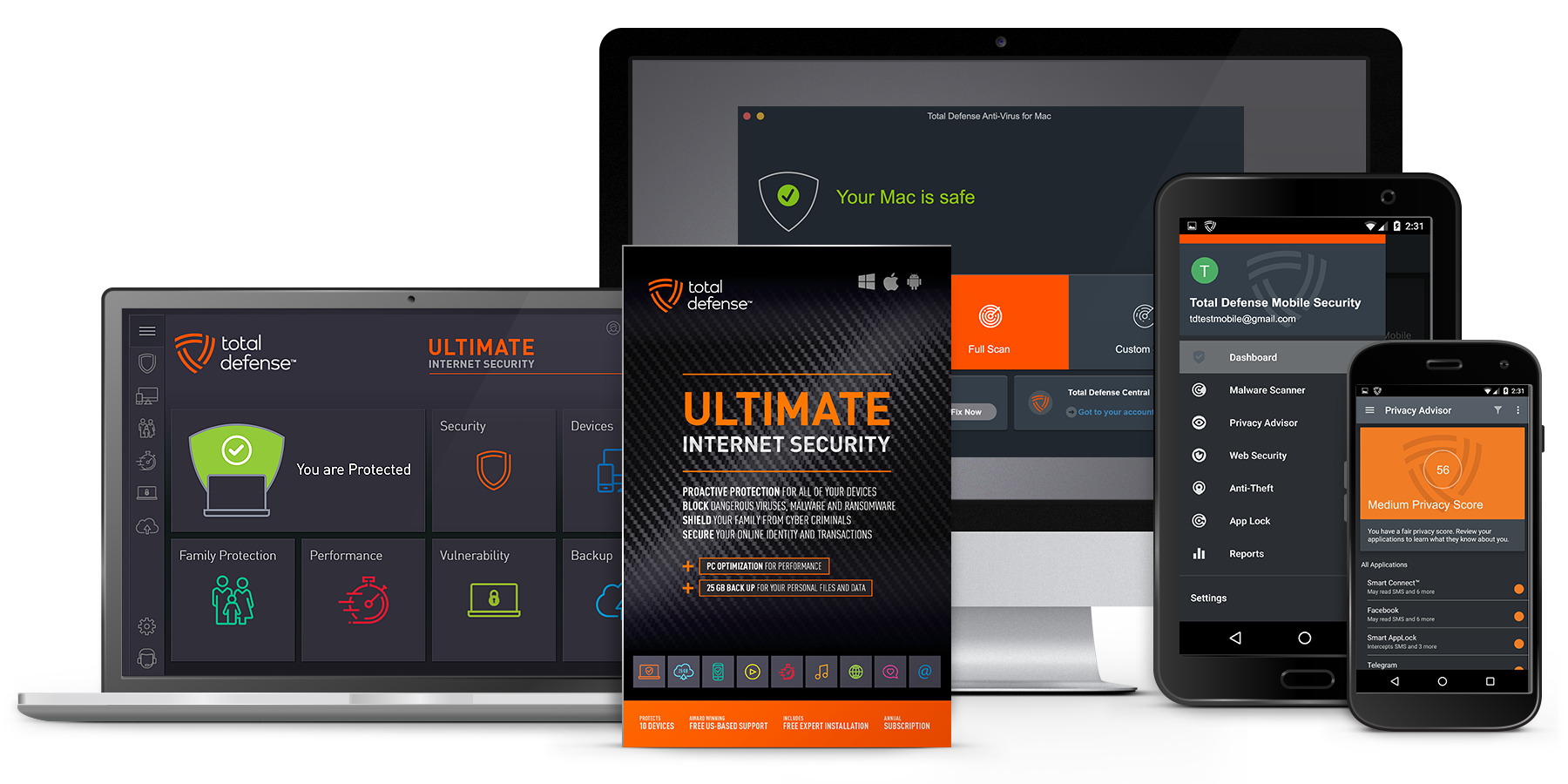
- Keep your security software up to date. A good antivirus program adds another layer of defense against malicious links and downloads.
Flagging spam takes just a couple of clicks, but it's one of the most effective things you can do to keep your inbox—and your personal information—safe. Make it part of your daily email routine and you'll notice a real difference in how much junk gets through over time.