Announcing our new 2026 internet security product line.
More secure and easier to use than ever.
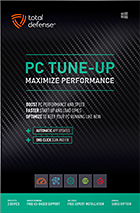
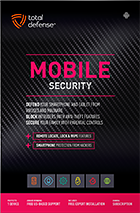

Try our Best Antivirus Protection Free for 30 Days
Free Trial DownloadStart your Free 30 day, no credit card needed, no hassle trial today.
Secure your digital life.
Total Defense makes internet security easy for you and tough on destructive malware. We don’t just protect devices, we protect people.
Our software works hard so you don’t have to—no complex questions or specialized knowledge required.
Virus-free. Hassle-free. Worry-free.
Security designed for people, around people.
VB100 Certified
Our virus and malware protection is put through the toughest tests to ensure your are protected.
Learn More >
Free US Tech Support
Our friendly US-based team is standing by to assist with customer care & technical support.
Learn More >
Money Back Guarantee
If you’re not completely satisfied, we’ll refund your money within 60 days of purchase.
Learn More >
Virus-Free Guarantee
We’re so confident in our virus protection, we will remove it for free or give your money back.
Learn More >
Total customer satisfaction is our ultimate goal
Don’t take our word for it…
“I love the feeling of trust I have, knowing that my PC, laptop, tablet, and phone are all "totally defended" from the potential harm that is out there in the cyber world. ”
- Leslie K.

“Lightweight and easy! This works great. It was easy to set up and activate. The best part is my computer hasn't slowed down a bit.”
- Jerry C.
“Good product at a good price What's good is it covers tablets, PCs, phones. Also has online backups and mobile security features too, so plenty of value for money. Works well and gets the job done! ”
- Nakul D.
“A great Internet security suite for PC users, great parental controls, well-integrated online backup "set it and forget it," good antivirus performance, low cost, can use on multiple devices.”
- Isadora L.
“Easy installation, did not slow down the computer and scanning was super fast. Feel better having protection from all the new ransomware and viruses going around.”
- Wayne F.
Protection for all the devices in your home
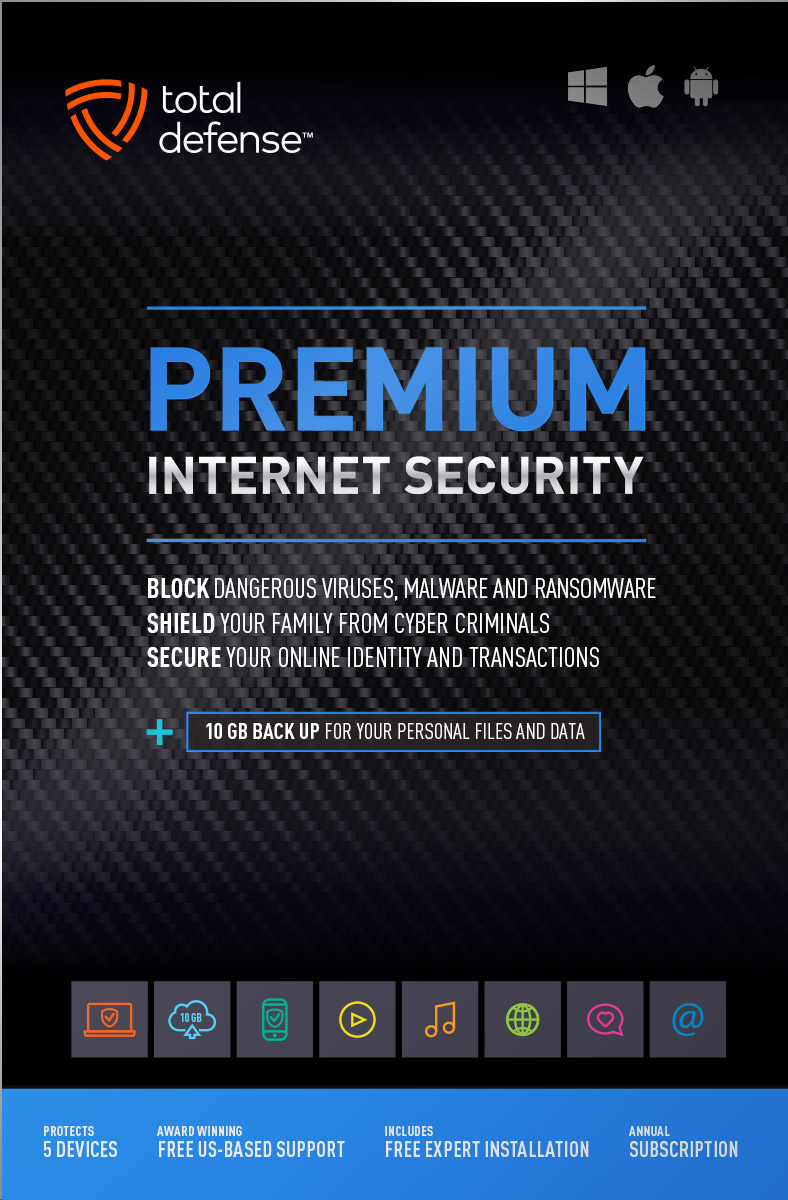
Total Defense
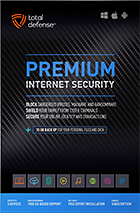
Premium Internet Security

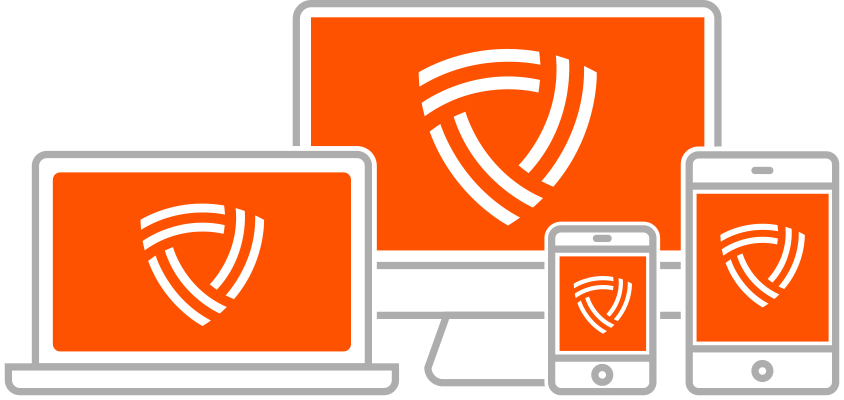
Premium Internet Security provides simple, smart, and reliable protection from viruses, spyware, and malware on up to 5 of your smartphones, tablets, desktops, and laptops.
- Shop, bank and explore your social network without worry
- Protect your information from cyber criminals when you’re shopping and banking online


Our other popular internet security software choices, to keep you and your devices safe.
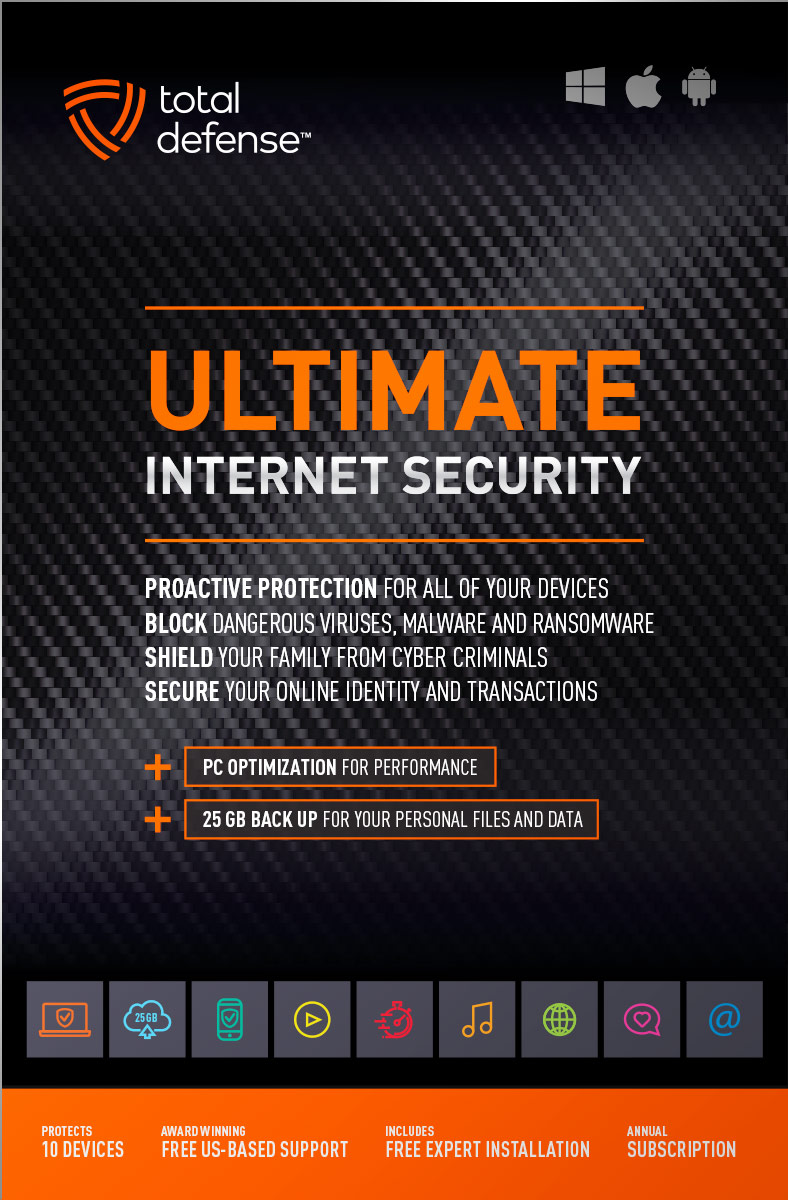
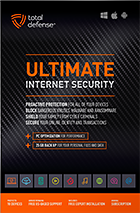
Ultimate Internet Security
Protect everyone on every device in your home - Ultimate is an easy-to-use, all-in-one Internet Security suite that protects you, your family, and up to 10 of your devices from harmful viruses and the latest online threats.
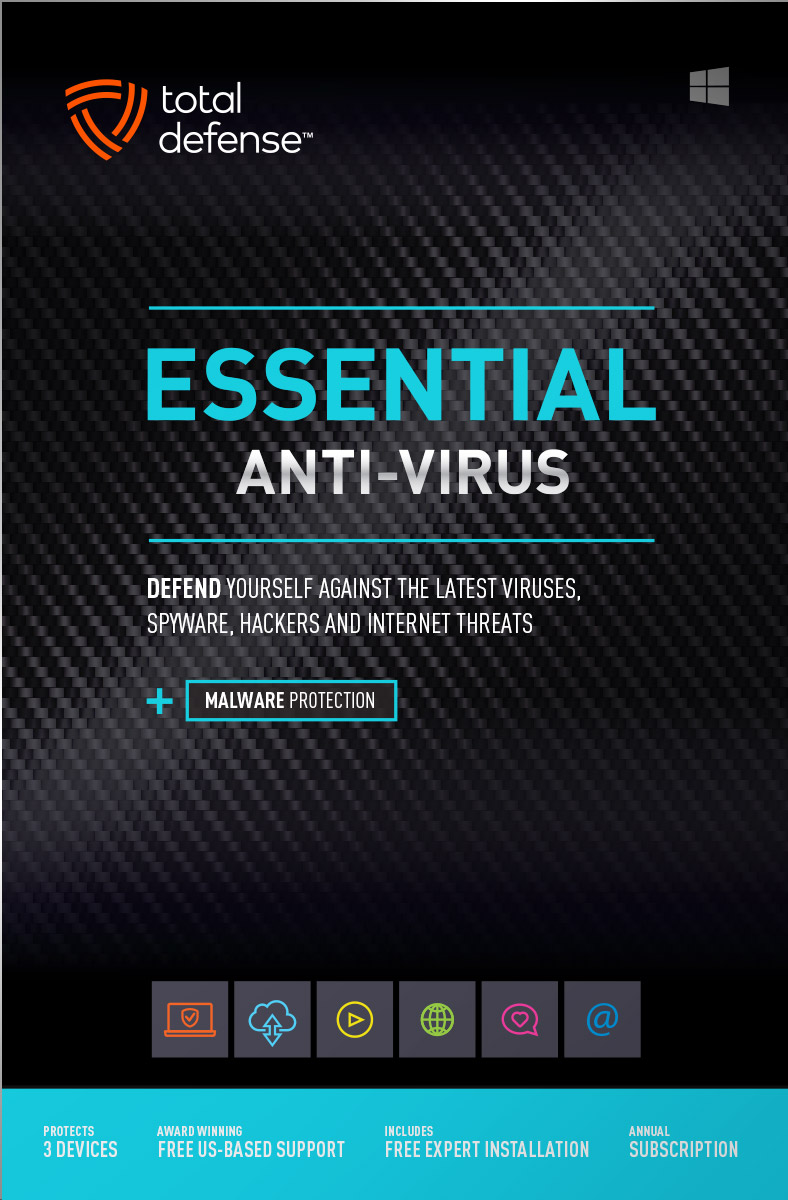
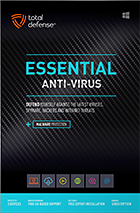
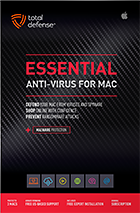
Essential Anti-Virus
Anti-Virus security ensures you’re totally covered keeping your devices safe from malware, spyware, ransomware, and harmful viruses.
Award winning internet security software
Powerful virus detection that doesn’t slow you down.
Learn more about our highly rated malware protection or get started today with a free 30-day trial of Total Defense Internet Security, with no obligation to buy.
Free Trial Download
AV Comparatives Advanced Plus

AV Comparatives Advanced Plus

VB100 Certified

AV Comparatives Advanced Plus
OPSWAT Certified

AV Comparatives Advanced Plus
We will keep you virus-free guaranteed
An exclusive automatic renewal service benefit.
When you choose Total Defense, you’re safeguarded with award-winning, multi-layered virus protection technology. Our powerful security lets you confidently shop, bank and browse online. In fact, we’re so certain we can protect you, if you’re running a Total Defense Security Product and a virus slips past our powerful protection, our expert technology advisors will remove the virus from your device for free. In the unlikely event the virus can’t be removed, we will give you your money back.
»Important terms and offer detailsWe’ve Got You Covered
Over 20 years of Dedication
We are committed to your cybersecurity, from installing the software effectively to helping recovery in the event of a breach.
Advanced Threat Protection
A good offense is the best defense! Real-time and on-demand malware scanning engines provide powerful proactive protection.
Award Winning Security
Powerful protection, securing all entry points, wherever you are, whatever type of device you’re using to access the internet.
Customer Commitment
Our US-based support team is focused on keeping you and your family safe in the ever changing connected world.
Why Total Defense Internet Security >Defend the Defenseless
Total Defense has been a proud supporter of the National Center for Missing & Exploited Children for over 15 years.
Total defense has supported NCMEC in it’s mission to help find missing children, reduce child sexual exploitation and prevent child victimization. We provide quarterly monitary support for NCMEC’s efforts to provide important programs that assist missing and exploited children nationwide.
To learn more about NCMEC, visit www.missingkids.org or see NCMEC on Twitter and Facebook.

Rated #1 anti-virus software company on ConsumerAffairs.com
Over 2,000 customer reviews
We always strive to create the best customer service experience and our customers agree. Total customer satisfaction is our ultimate goal.
Read reviews from our customers>

Total Defense
Internet Security and Safety Center
Helpful tips and articles with practical steps you can follow to improve your online safety

Total Defense Security Tip of the Day
11.29.26
Own your online presence: What personal details on social media help hackers guess your passwords?
Hackers study your social media before they ever try to break in. Your pet’s name, birthday, hometown and favorite team can all help them guess a password or answer a security question. Share less, lock down who can see your posts and keep your login clues private.
The stakes are high. The FTC reports that people reported losing $2.1 billion to scams that started on social media in 2025, about eight times the 2020 figure. Scammers may hack accounts, create fake profiles or use what you post to decide how to target you.
How do hackers use your social media to crack your accounts?
Criminals scour every trace of your online presence for clues. They build a profile from your posts, photos and comments, then try likely passwords or answer your “forgot password” questions. A guess built from real details beats a random one, so every overshare helps them.
Which personal details should you never post?
- Birthdates and anniversaries: Many people build passwords around important dates.
- Pet names and nicknames: They are classic password and security-question answers.
- Hometown, school and first car: Recovery questions often ask for exactly these.
- Mother’s maiden name and family names: Skip them in posts, quizzes and tags.
- Favorite teams, bands and hobbies: People often turn them into passwords.
- Photos of IDs, tickets or mail: Images can expose account numbers and addresses.
How do you clean up your online presence step by step?
- Search yourself. Look up your name, usernames and email address, and note what strangers can see.
- Tighten your privacy settings. Limit who can view your posts, friends list and profile details. The FTC recommends that you limit who can see your posts and contacts on social media so scammers have less to work with.
- Delete risky posts. Remove old posts, bios and comments that reveal birthdays, pets, schools or addresses.
- Skip the quizzes. Avoid “first car” or “favorite pet” games that gather recovery answers.
- Reject unknown friend requests. Fake profiles often try to get close to you before they ask for money.
- Review third-party apps. Disconnect any app that has access to your profile and no longer needs it.
How can you make your passwords harder to guess?
- Use a password manager: It creates long, random passwords that you never have to remember.
- Choose unique passwords: Never reuse one across email, banking and social media.
- Turn on multifactor authentication: An app or security key blocks a thief who guesses your password.
- Fake your security answers: Save random answers in your password manager so nobody can look them up.
- Use a separate email for sign-ups: It limits the damage if one account is exposed.
What should you do if someone hacks your social account?
Act fast. Change the password through the real site, sign out of all sessions and turn on multifactor authentication. Warn friends and family not to click messages from you, and report the hack to the platform. Then change any other account that shared the same password and report fraud at ReportFraud.ftc.gov.
Share smarter, stay safer
Owning your online presence makes you safer because it takes away the clues that criminals use to guess your passwords and target you. You still enjoy social media, but strangers learn far less about you. Take ten minutes today to check your privacy settings, delete one risky post and turn on MFA for your email. Then share this checklist with someone who posts everything.

How to protect your devices, passwords, and online accounts while traveling
Questions? Our friendly award winning US-based support team is happy to help and it’s free.
1-877-906-8816 Weekdays 9am – 5pm, Eastern Time USA


60 Day Money Back Guarantee

Money Back Guarantee Program
Total Defense is committed to helping you with your refund. If our product does not meet your expectations for any reason, we will provide a full refund within 60 days of your purchase.
Virus Protection Assurance Program
Virus Protection Assurance Program
An exclusive benefit for customers enrolled in the Automatic Renewal Service.
When you choose Total Defense, you’re safeguarded with award-winning, multi-layered virus protection technology. Our powerful security lets you confidently shop, bank and browse online. In fact, we’re so certain we can protect you, if you’re running a Total Defense Security Product and a virus slips past our powerful protection, our expert technology advisors will remove the virus from your device for free. In the unlikely event the virus can’t be removed, we will give you your money back.
»Important terms and offer detailsFree US-Based Support Team
Need Assistance?
US-Based Support • Weekdays 9am – 5pm, Eastern Time USA
Technical Support
Call 1-866-305-7989
or Email
Free technical support includes:
- Download and installation
- Activation and configuration
- Removal of conflicting AV software
- Updates and upgrades
Customer Care
Call 1-877-906-8816
or Email
Customer care assists with:
- Sales and orders
- Account information
- Renewals
- Refunds
- Rebates
- Billing Inquiries
The VB100 Award
VB100 Certification
The VB100 award is a certification of products which meet the basic standards required to be recognized as legitimate and properly functioning anti-malware solutions.
To display a VB100 logo, a product must:- Prove it can detect 100% of malware samples listed as ‘In the Wild’ by the WildList Organization
- Generate no false positives when scanning an extensive test set of clean samples.
- All this must be done with default, out-of-the-box settings in the VB lab environment.