


Announcing our new 2026 internet security product line.
More secure and easier to use than ever.
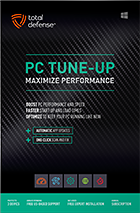
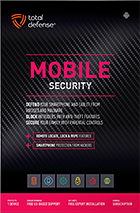

Try our Best Antivirus Protection Free for 30 Days
Free Trial DownloadStart your Free 30 day, no credit card needed, no hassle trial today.
Secure your digital life.
Total Defense makes internet security easy for you and tough on destructive malware. We don’t just protect devices, we protect people.
Our software works hard so you don’t have to—no complex questions or specialized knowledge required.
Virus-free. Hassle-free. Worry-free.
Security designed for people, around people.
VB100 Certified
Our virus and malware protection is put through the toughest tests to ensure your are protected.
Learn More >
Free US Tech Support
Our friendly US-based team is standing by to assist with customer care & technical support.
Learn More >

Money Back Guarantee
If you’re not completely satisfied, we’ll refund your money within 60 days of purchase.
Learn More >
Virus-Free Guarantee
We’re so confident in our virus protection, we will remove it for free or give your money back.
Learn More >
Total customer satisfaction is our ultimate goal
Don’t take our word for it…
“I love the feeling of trust I have, knowing that my PC, laptop, tablet, and phone are all "totally defended" from the potential harm that is out there in the cyber world. ”
- Leslie K.

“Lightweight and easy! This works great. It was easy to set up and activate. The best part is my computer hasn't slowed down a bit.”
- Jerry C.
“Good product at a good price What's good is it covers tablets, PCs, phones. Also has online backups and mobile security features too, so plenty of value for money. Works well and gets the job done! ”
- Nakul D.
“A great Internet security suite for PC users, great parental controls, well-integrated online backup "set it and forget it," good antivirus performance, low cost, can use on multiple devices.”
- Isadora L.
“Easy installation, did not slow down the computer and scanning was super fast. Feel better having protection from all the new ransomware and viruses going around.”
- Wayne F.
Protection for all the devices in your home
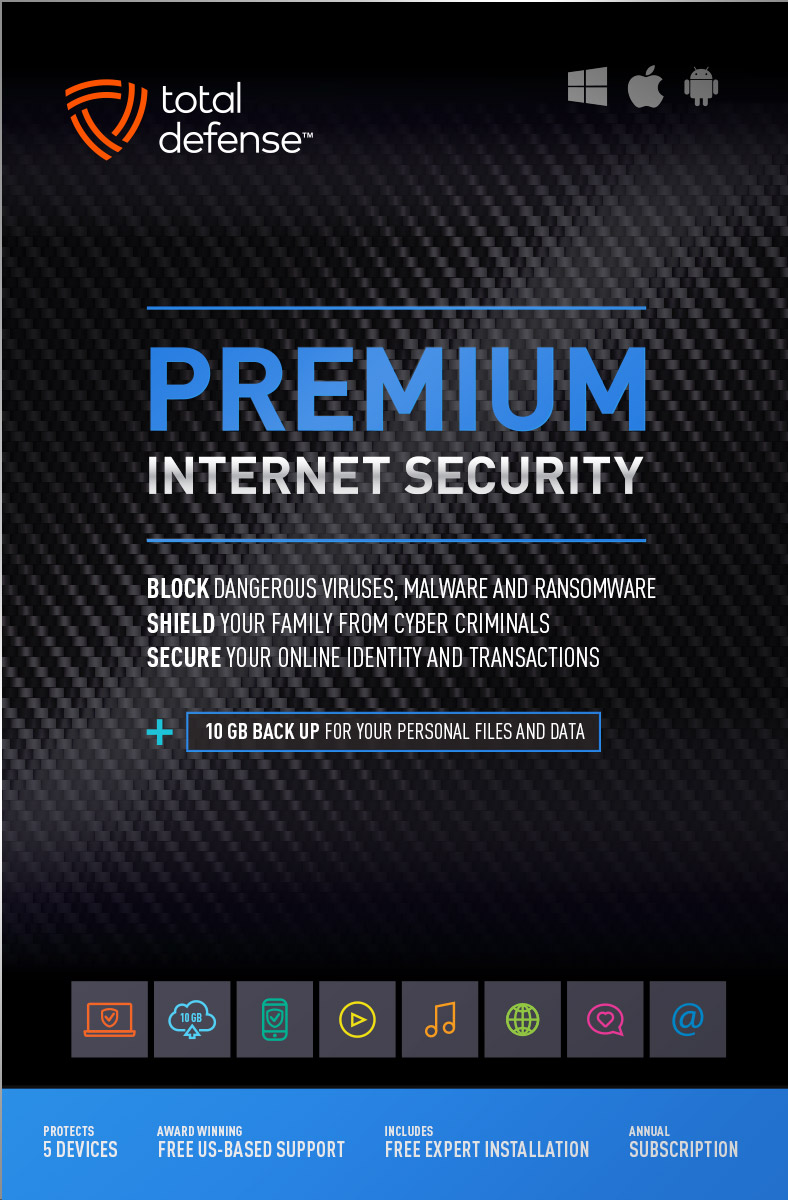
Total Defense
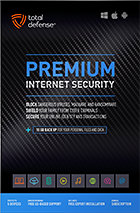
Premium Internet Security

Premium Internet Security provides simple, smart, and reliable protection from viruses, spyware, and malware on up to 5 of your smartphones, tablets, desktops, and laptops.
- Shop, bank and explore your social network without worry
- Protect your information from cyber criminals when you’re shopping and banking online


Our other popular internet security software choices, to keep you and your devices safe.
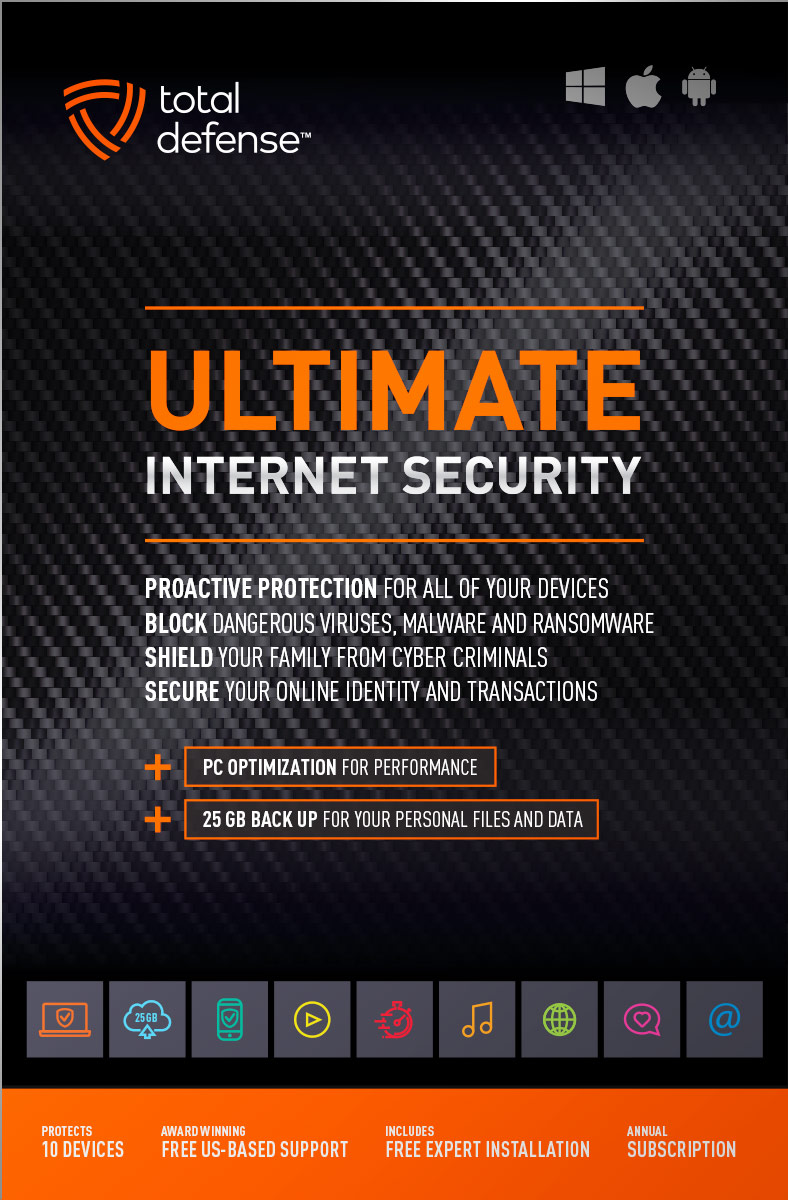
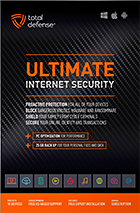
Ultimate Internet Security
Protect everyone on every device in your home - Ultimate is an easy-to-use, all-in-one Internet Security suite that protects you, your family, and up to 10 of your devices from harmful viruses and the latest online threats.
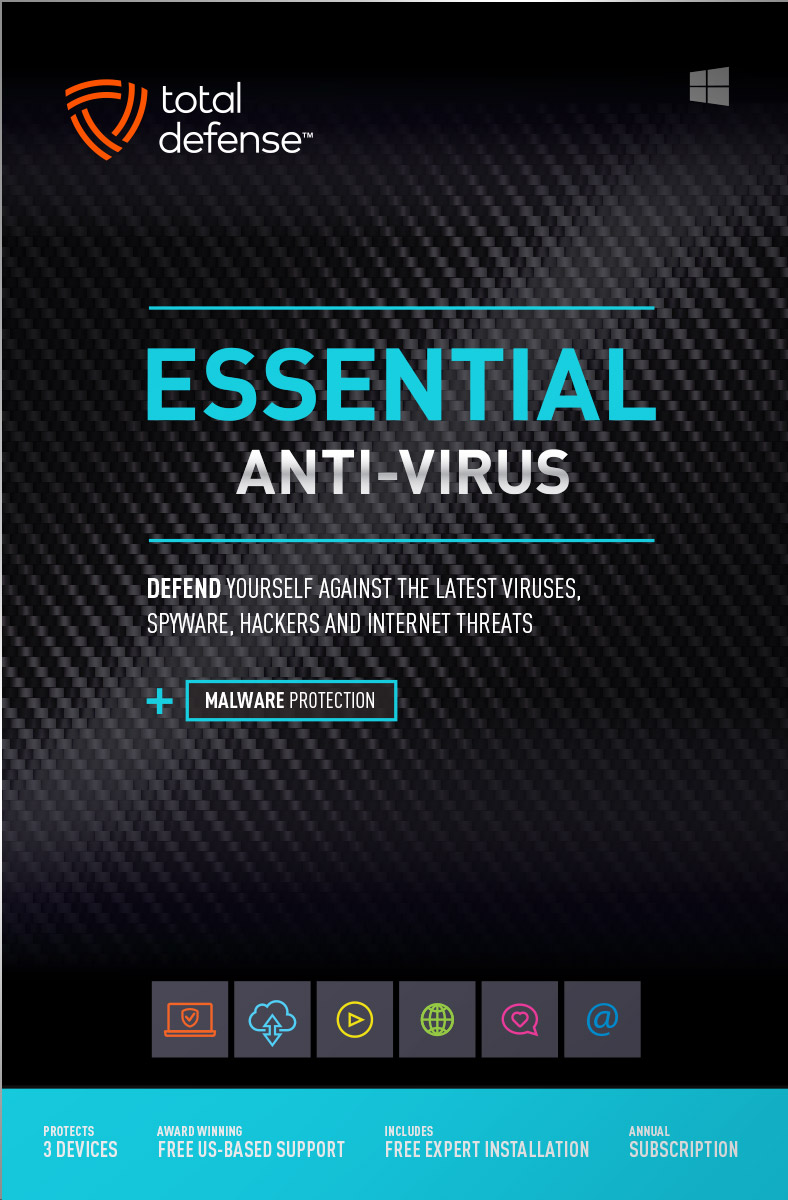
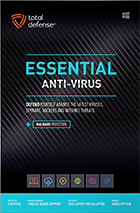
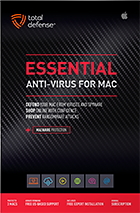
Essential Anti-Virus
Anti-Virus security ensures you’re totally covered keeping your devices safe from malware, spyware, ransomware, and harmful viruses.
Award winning internet security software
Powerful virus detection that doesn’t slow you down.
Learn more about our highly rated malware protection or get started today with a free 30-day trial of Total Defense Internet Security, with no obligation to buy.
Free Trial Download
AV Comparatives Advanced Plus

AV Comparatives Advanced Plus

VB100 Certified

AV Comparatives Advanced Plus

OPSWAT Certified

AV Comparatives Advanced Plus
We will keep you virus-free guaranteed
An exclusive automatic renewal service benefit.
When you choose Total Defense, you’re safeguarded with award-winning, multi-layered virus protection technology. Our powerful security lets you confidently shop, bank and browse online. In fact, we’re so certain we can protect you, if you’re running a Total Defense Security Product and a virus slips past our powerful protection, our expert technology advisors will remove the virus from your device for free. In the unlikely event the virus can’t be removed, we will give you your money back.
»Important terms and offer detailsWe’ve Got You Covered
Over 20 years of Dedication
We are committed to your cybersecurity, from installing the software effectively to helping recovery in the event of a breach.
Advanced Threat Protection
A good offense is the best defense! Real-time and on-demand malware scanning engines provide powerful proactive protection.
Award Winning Security
Powerful protection, securing all entry points, wherever you are, whatever type of device you’re using to access the internet.
Customer Commitment
Our US-based support team is focused on keeping you and your family safe in the ever changing connected world.
Why Total Defense Internet Security >Defend the Defenseless
Total Defense has been a proud supporter of the National Center for Missing & Exploited Children for over 15 years.
Total defense has supported NCMEC in it’s mission to help find missing children, reduce child sexual exploitation and prevent child victimization. We provide quarterly monitary support for NCMEC’s efforts to provide important programs that assist missing and exploited children nationwide.
To learn more about NCMEC, visit www.missingkids.org or see NCMEC on Twitter and Facebook.

Rated #1 anti-virus software company on ConsumerAffairs.com
Over 2,000 customer reviews
We always strive to create the best customer service experience and our customers agree. Total customer satisfaction is our ultimate goal.
Read reviews from our customers>
Total Defense
Internet Security and Safety Center
Helpful tips and articles with practical steps you can follow to improve your online safety
Total Defense Security Tip of the Day
11.02.26
Online dating profile safety: What personal information should you keep private?
The financial risk is serious, too. The FBI’s 2025 Internet Crime Complaint Center summary recorded $929 million in reported confidence and romance scam losses. Safer profiles cannot stop every dishonest match, but limiting public details makes targeting, password guessing and convincing impersonation harder.
What information should you leave off a dating profile?
- Your home location: Use a general city or neighborhood, not an address, apartment view, street sign or nearby landmark.
- Your exact workplace: A broad profession is safer than naming the employer, office, department or schedule.
- Your daily routine: Avoid posting regular gym times, commute routes, favorite quiet spots or dates when you will be away.
- Security-question material: Leave out full birthdays, pet names, childhood schools, hometown details and family names.
- Contact and financial details: Never publish your personal email, phone number, banking information or government ID.
- Photos that reveal too much: Check backgrounds for house numbers, work badges, license plates, school logos and children’s information.
Can dating profile details help someone guess a password?
Yes. Password guesses often use names, dates, teams, pets and places. Even if the password itself is stronger, the same details may help someone answer weak recovery questions. Use a password manager to create a unique password for the dating account, enable multifactor authentication and choose random answers for security questions when the service allows it.
How can you tell whether an online match is catfishing you?
Go slowly and look for consistency rather than relying on chemistry alone. The FBI advises people to research profile photos and details, question fast-moving relationships and treat repeated excuses to avoid meeting as suspicious.
- Keep early conversations on the platform. Dating services may provide reporting tools and safety controls that disappear when you move immediately to private text or encrypted chat.
- Reverse-search profile photos. Look for the same image under another name, job or location. Also search distinctive phrases from the profile.
- Ask ordinary follow-up questions. Scammers reuse scripts. Details that continually change—or answers that never address your question—deserve attention.
- Use live video before meeting. A short call can expose stolen photos, although deepfakes and prerecorded video mean it is not absolute proof.
- Tell someone you trust. An outside perspective can notice pressure, contradictions and isolation tactics that excitement makes easy to miss.
- Never send money or financial access. Emergencies, travel costs, investment opportunities and requests to receive or move funds are reasons to end contact.
How can you meet an online date more safely?
- Do not let the other person pick you up at home.
- Protect your drink and stay clear-headed enough to make decisions.
- Leave immediately if the person pressures, threatens or isolates you.
- Use the app’s block and report tools after unsafe behavior.
- Call emergency services if you believe you are in immediate danger.
The FTC’s romance-scam guidance recommends never sending money or gifts to a love interest you have not met in person and suggests reverse image searches when a profile seems suspicious.
What should you do if a match misuses your information?
Stop contact and preserve the profile, messages, payment records and usernames before blocking the account. Change any exposed or reused password, secure your email first and review account recovery details and active sessions. If you shared financial information or sent money, contact the bank or payment provider immediately and ask about recovery options.
Make privacy part of your dating routine
A lower-detail profile gives strangers fewer clues to locate you, guess passwords or manufacture instant compatibility. Independent verification helps you catch copied identities before trust becomes financial or physical access. Review your profile today: remove one identifying detail, enable MFA and check every photo background. A safer profile can still be warm, specific and memorable without publishing the map to your offline life.

How to protect your devices, passwords, and online accounts while traveling
Questions? Our friendly award winning US-based support team is happy to help and it’s free.
1-877-906-8816 Weekdays 9am – 5pm, Eastern Time USA


60 Day Money Back Guarantee

Money Back Guarantee Program
Total Defense is committed to helping you with your refund. If our product does not meet your expectations for any reason, we will provide a full refund within 60 days of your purchase.
Virus Protection Assurance Program
Virus Protection Assurance Program
An exclusive benefit for customers enrolled in the Automatic Renewal Service.
When you choose Total Defense, you’re safeguarded with award-winning, multi-layered virus protection technology. Our powerful security lets you confidently shop, bank and browse online. In fact, we’re so certain we can protect you, if you’re running a Total Defense Security Product and a virus slips past our powerful protection, our expert technology advisors will remove the virus from your device for free. In the unlikely event the virus can’t be removed, we will give you your money back.
»Important terms and offer detailsFree US-Based Support Team

Need Assistance?
US-Based Support • Weekdays 9am – 5pm, Eastern Time USA
Technical Support
Call 1-866-305-7989
or Email
Free technical support includes:
- Download and installation
- Activation and configuration
- Removal of conflicting AV software
- Updates and upgrades
Customer Care
Call 1-877-906-8816
or Email
Customer care assists with:
- Sales and orders
- Account information
- Renewals
- Refunds
- Rebates
- Billing Inquiries
The VB100 Award
VB100 Certification
The VB100 award is a certification of products which meet the basic standards required to be recognized as legitimate and properly functioning anti-malware solutions.
To display a VB100 logo, a product must:- Prove it can detect 100% of malware samples listed as ‘In the Wild’ by the WildList Organization
- Generate no false positives when scanning an extensive test set of clean samples.
- All this must be done with default, out-of-the-box settings in the VB lab environment.




