


Announcing our new 2026 internet security product line.
More secure and easier to use than ever.
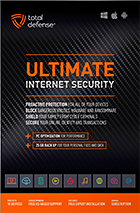
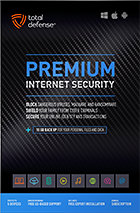
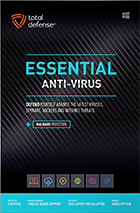
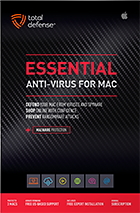

Try our Best Antivirus Protection Free for 30 Days
Free Trial DownloadStart your Free 30 day, no credit card needed, no hassle trial today.
Secure your digital life.
Total Defense makes internet security easy for you and tough on destructive malware. We don’t just protect devices, we protect people.
Our software works hard so you don’t have to—no complex questions or specialized knowledge required.
Virus-free. Hassle-free. Worry-free.
Security designed for people, around people.
VB100 Certified
Our virus and malware protection is put through the toughest tests to ensure your are protected.
Learn More >

Free US Tech Support
Our friendly US-based team is standing by to assist with customer care & technical support.
Learn More >

Money Back Guarantee
If you’re not completely satisfied, we’ll refund your money within 60 days of purchase.
Learn More >

Virus-Free Guarantee
We’re so confident in our virus protection, we will remove it for free or give your money back.
Learn More >
Total customer satisfaction is our ultimate goal
Don’t take our word for it…
“I love the feeling of trust I have, knowing that my PC, laptop, tablet, and phone are all "totally defended" from the potential harm that is out there in the cyber world. ”
- Leslie K.

“Lightweight and easy! This works great. It was easy to set up and activate. The best part is my computer hasn't slowed down a bit.”
- Jerry C.
“Good product at a good price What's good is it covers tablets, PCs, phones. Also has online backups and mobile security features too, so plenty of value for money. Works well and gets the job done! ”
- Nakul D.
“A great Internet security suite for PC users, great parental controls, well-integrated online backup "set it and forget it," good antivirus performance, low cost, can use on multiple devices.”
- Isadora L.
“Easy installation, did not slow down the computer and scanning was super fast. Feel better having protection from all the new ransomware and viruses going around.”
- Wayne F.
Protection for all the devices in your home
Total Defense
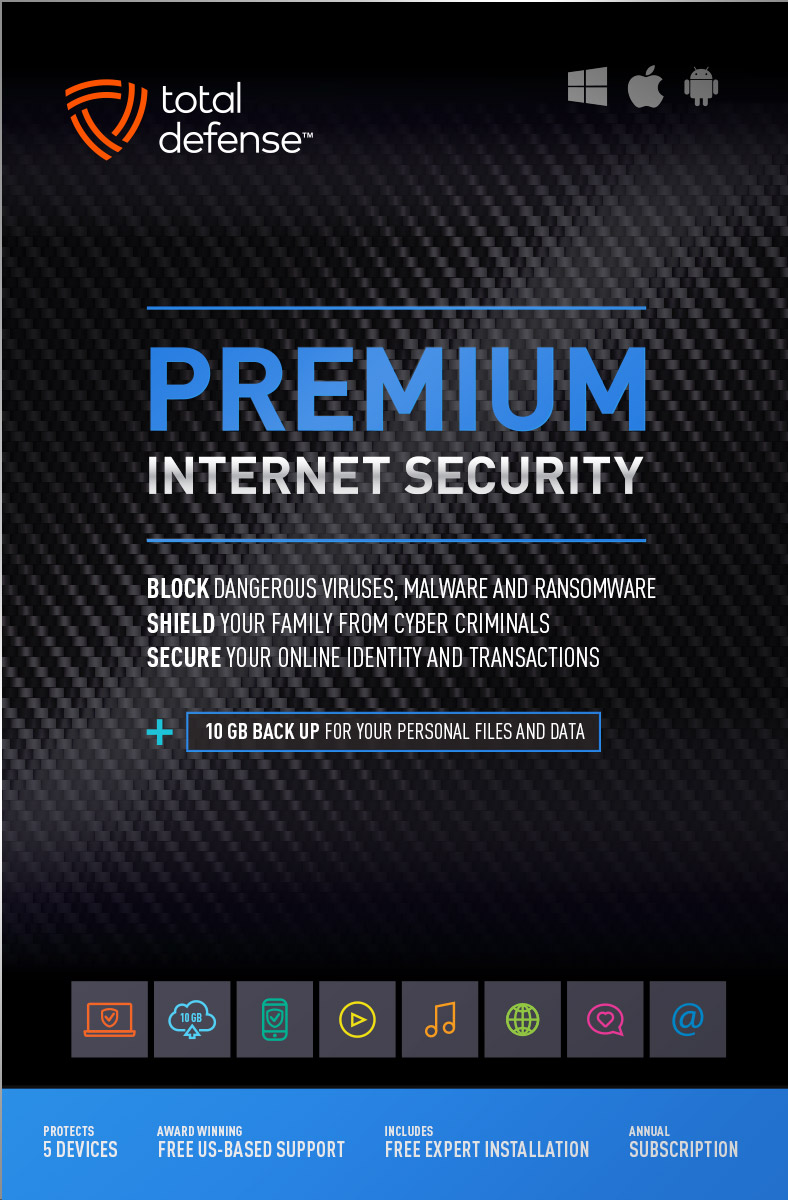
Premium Internet Security

Premium Internet Security provides simple, smart, and reliable protection from viruses, spyware, and malware on up to 5 of your smartphones, tablets, desktops, and laptops.
- Shop, bank and explore your social network without worry
- Protect your information from cyber criminals when you’re shopping and banking online


Our other popular internet security software choices, to keep you and your devices safe.
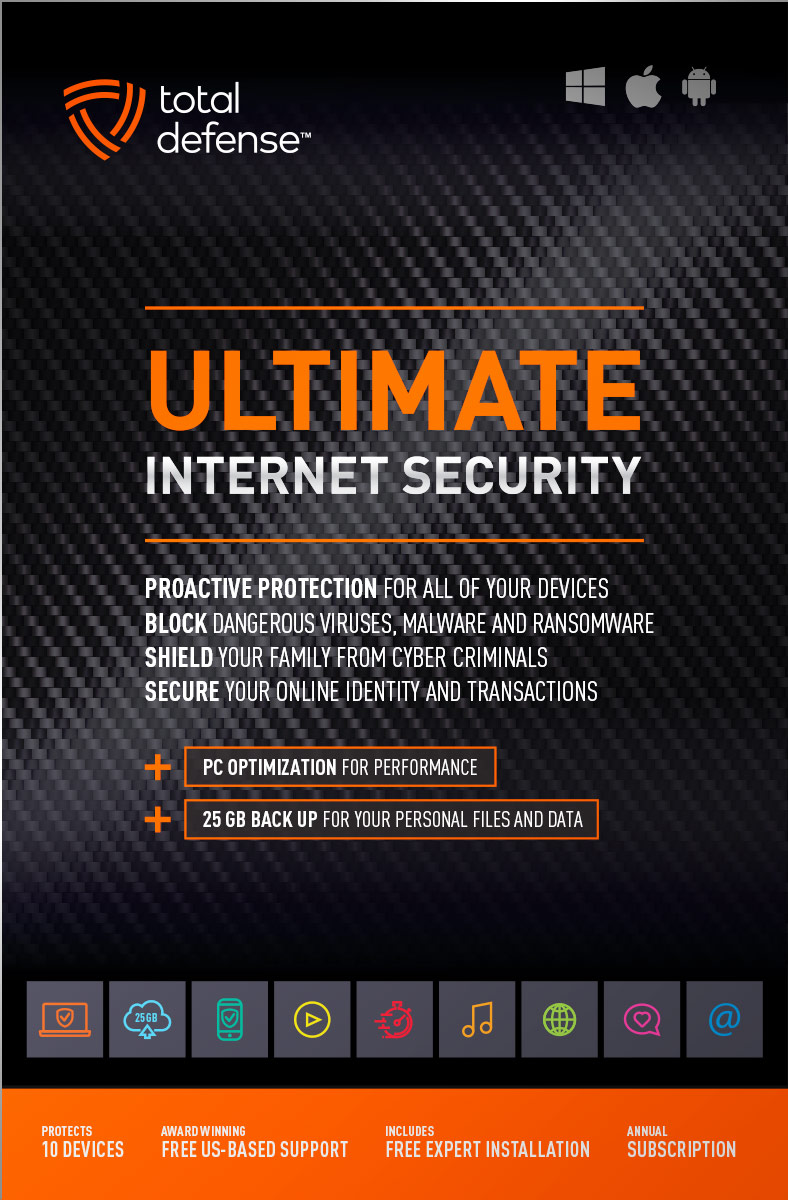
Ultimate Internet Security
Protect everyone on every device in your home - Ultimate is an easy-to-use, all-in-one Internet Security suite that protects you, your family, and up to 10 of your devices from harmful viruses and the latest online threats.
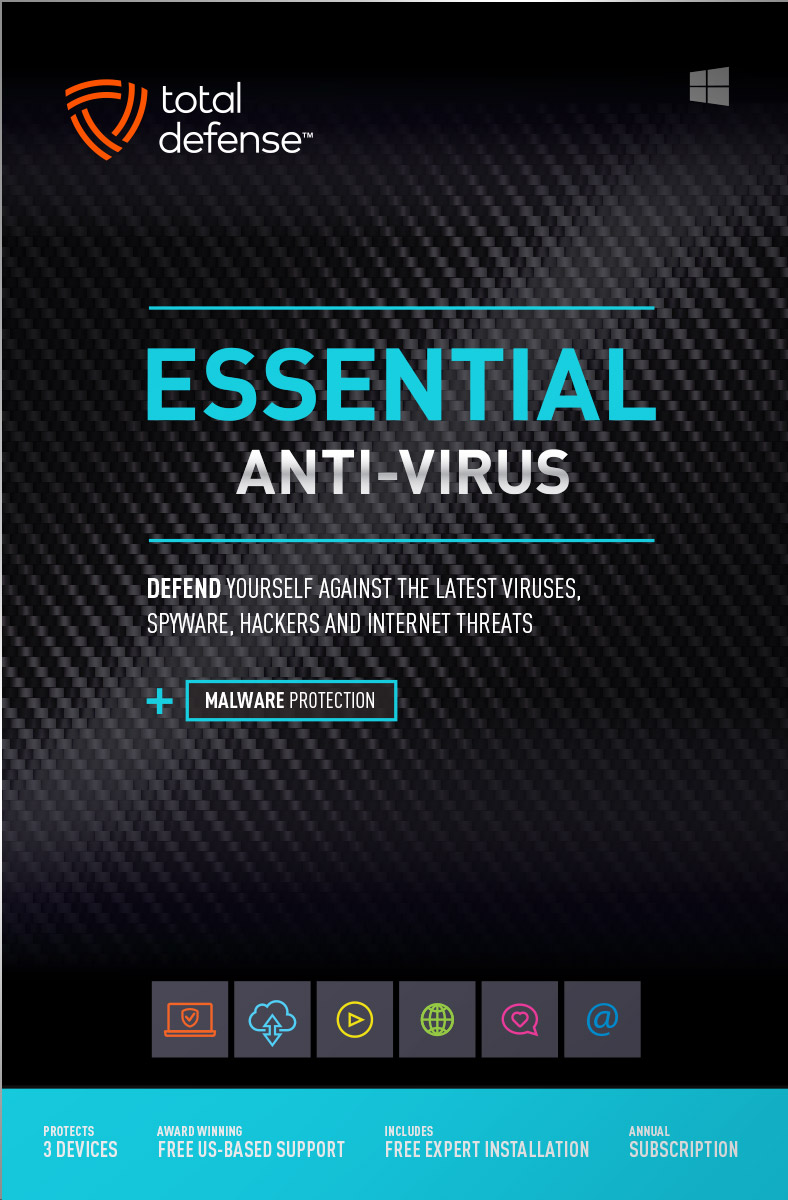
Essential Anti-Virus
Anti-Virus security ensures you’re totally covered keeping your devices safe from malware, spyware, ransomware, and harmful viruses.
Award winning internet security software
Powerful virus detection that doesn’t slow you down.
Learn more about our highly rated malware protection or get started today with a free 30-day trial of Total Defense Internet Security, with no obligation to buy.
Free Trial Download
AV Comparatives Advanced Plus

AV Comparatives Advanced Plus

VB100 Certified

AV Comparatives Advanced Plus

OPSWAT Certified

AV Comparatives Advanced Plus
We will keep you virus-free guaranteed
An exclusive automatic renewal service benefit.
When you choose Total Defense, you’re safeguarded with award-winning, multi-layered virus protection technology. Our powerful security lets you confidently shop, bank and browse online. In fact, we’re so certain we can protect you, if you’re running a Total Defense Security Product and a virus slips past our powerful protection, our expert technology advisors will remove the virus from your device for free. In the unlikely event the virus can’t be removed, we will give you your money back.
»Important terms and offer detailsWe’ve Got You Covered
Over 20 years of Dedication
We are committed to your cybersecurity, from installing the software effectively to helping recovery in the event of a breach.
Advanced Threat Protection
A good offense is the best defense! Real-time and on-demand malware scanning engines provide powerful proactive protection.
Award Winning Security
Powerful protection, securing all entry points, wherever you are, whatever type of device you’re using to access the internet.
Customer Commitment
Our US-based support team is focused on keeping you and your family safe in the ever changing connected world.
Why Total Defense Internet Security >Defend the Defenseless
Total Defense has been a proud supporter of the National Center for Missing & Exploited Children for over 15 years.
Total defense has supported NCMEC in it’s mission to help find missing children, reduce child sexual exploitation and prevent child victimization. We provide quarterly monitary support for NCMEC’s efforts to provide important programs that assist missing and exploited children nationwide.
To learn more about NCMEC, visit www.missingkids.org or see NCMEC on Twitter and Facebook.

Rated #1 anti-virus software company on ConsumerAffairs.com
Over 2,000 customer reviews
We always strive to create the best customer service experience and our customers agree. Total customer satisfaction is our ultimate goal.
Read reviews from our customers>


Total Defense
Internet Security and Safety Center
Helpful tips and articles with practical steps you can follow to improve your online safety

Total Defense Security Tip of the Day
11.01.26
Unsolicited gift card offer? How to spot the phishing trap
Phishing remains widespread. CISA notes that the FBI received 193,407 phishing complaints in 2024, making it the most reported cybercrime that year. Treat every unexpected reward as unverified, even when the message appears to come from a company you know.
How does a fake gift card offer work?
The prize is bait. The real goal may be your account credentials, card number, address or device access. A scammer may also ask you to buy another gift card to cover fees and send the card number and PIN. The FTC is clear: no honest business or government agency will require gift-card payment to release a prize.
What are the signs of a gift card phishing scam?
- You never entered the contest: A prize for an event you do not remember joining is not a lucky break.
- The message creates urgency: “Claim now,” countdown timers and threats of expiration discourage verification.
- The sender does not match the brand: Look for extra characters, free email accounts or a strange reply-to address.
- The link is misspelled or shortened: A familiar brand name inside a longer, unrelated address can hide the destination.
- The offer asks for sensitive information: A legitimate gift should not require your password, one-time code or full payment details.
- You must pay to receive the prize: Fees by gift card, wire transfer, cryptocurrency or payment app signal a scam.
What should you do when a suspicious gift card offer arrives?
- Do not click or reply. Avoid buttons, links, attachments, QR codes and “unsubscribe” options inside the message.
- Inspect without interacting. Check the sender and preview the destination on a computer by hovering over the link. Misspellings help, but polished wording does not prove safety.
- Verify independently. Open the company’s official app or type its known address yourself. Check your rewards or promotions there, or contact support using information you found independently.
- Delete and report the message. Mark it as phishing or junk so your provider can improve filtering. If it reached a work account, follow your organization’s reporting process.
- Warn others carefully. Share a screenshot or description, not the active link. A quick warning may stop the same lure from reaching family or coworkers.
CISA describes phishing as messages or malicious websites that impersonate trusted entities to steal information or deliver malware. Its phishing guidance recommends skepticism toward urgent, too-good-to-be-true offers and suspicious hyperlinks.
Can clicking a gift card link install malware?
It can, although many phishing pages focus on stealing what you type. Close the page if you clicked but did not enter anything. Do not approve downloads, browser notifications, profiles or security prompts. Update the device and browser, then run a scan with trusted security software already installed on the device.
If you entered a password, change it immediately through the real service and anywhere you reused it. Enable multifactor authentication, review active sessions and protect your primary email first because it can reset other accounts. If you entered payment details, contact the issuer through the number on the card.
What if you bought or shared a gift card?
Contact the gift card company immediately and ask whether it can freeze the funds or issue a refund. Keep the physical card, purchase receipt, packaging and every message. Do not trust anyone who later promises to recover the money for an upfront fee; recovery scams often target people twice.
Turn “pause and verify” into a habit
Ignoring an unsolicited gift card offer protects more than the promised reward. It keeps your credentials out of copycat login pages, prevents small “fees” from exposing a card and blocks attackers from using a compromised account against people who trust you. The safest response is simple: leave the message, reach the company independently and delete the lure.

How to protect your devices, passwords, and online accounts while traveling
Questions? Our friendly award winning US-based support team is happy to help and it’s free.
1-877-906-8816 Weekdays 9am – 5pm, Eastern Time USA


60 Day Money Back Guarantee

Money Back Guarantee Program
Total Defense is committed to helping you with your refund. If our product does not meet your expectations for any reason, we will provide a full refund within 60 days of your purchase.
Virus Protection Assurance Program

Virus Protection Assurance Program
An exclusive benefit for customers enrolled in the Automatic Renewal Service.
When you choose Total Defense, you’re safeguarded with award-winning, multi-layered virus protection technology. Our powerful security lets you confidently shop, bank and browse online. In fact, we’re so certain we can protect you, if you’re running a Total Defense Security Product and a virus slips past our powerful protection, our expert technology advisors will remove the virus from your device for free. In the unlikely event the virus can’t be removed, we will give you your money back.
»Important terms and offer detailsFree US-Based Support Team

Need Assistance?
US-Based Support • Weekdays 9am – 5pm, Eastern Time USA
Technical Support
Call 1-866-305-7989
or Email
Free technical support includes:
- Download and installation
- Activation and configuration
- Removal of conflicting AV software
- Updates and upgrades
Customer Care
Call 1-877-906-8816
or Email
Customer care assists with:
- Sales and orders
- Account information
- Renewals
- Refunds
- Rebates
- Billing Inquiries
The VB100 Award
VB100 Certification
The VB100 award is a certification of products which meet the basic standards required to be recognized as legitimate and properly functioning anti-malware solutions.
To display a VB100 logo, a product must:- Prove it can detect 100% of malware samples listed as ‘In the Wild’ by the WildList Organization
- Generate no false positives when scanning an extensive test set of clean samples.
- All this must be done with default, out-of-the-box settings in the VB lab environment.




