


Announcing our new 2026 internet security product line.
More secure and easier to use than ever.
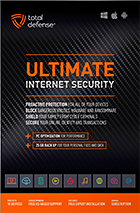
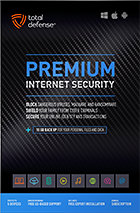
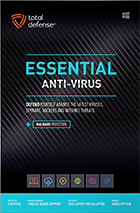
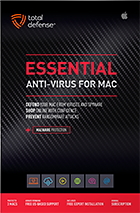

Try our Best Antivirus Protection Free for 30 Days
Free Trial DownloadStart your Free 30 day, no credit card needed, no hassle trial today.
Secure your digital life.
Total Defense makes internet security easy for you and tough on destructive malware. We don’t just protect devices, we protect people.
Our software works hard so you don’t have to—no complex questions or specialized knowledge required.
Virus-free. Hassle-free. Worry-free.
Security designed for people, around people.

VB100 Certified
Our virus and malware protection is put through the toughest tests to ensure your are protected.
Learn More >
Free US Tech Support
Our friendly US-based team is standing by to assist with customer care & technical support.
Learn More >

Money Back Guarantee
If you’re not completely satisfied, we’ll refund your money within 60 days of purchase.
Learn More >
Virus-Free Guarantee
We’re so confident in our virus protection, we will remove it for free or give your money back.
Learn More >
Total customer satisfaction is our ultimate goal
Don’t take our word for it…
“I love the feeling of trust I have, knowing that my PC, laptop, tablet, and phone are all "totally defended" from the potential harm that is out there in the cyber world. ”
- Leslie K.

“Lightweight and easy! This works great. It was easy to set up and activate. The best part is my computer hasn't slowed down a bit.”
- Jerry C.
“Good product at a good price What's good is it covers tablets, PCs, phones. Also has online backups and mobile security features too, so plenty of value for money. Works well and gets the job done! ”
- Nakul D.
“A great Internet security suite for PC users, great parental controls, well-integrated online backup "set it and forget it," good antivirus performance, low cost, can use on multiple devices.”
- Isadora L.
“Easy installation, did not slow down the computer and scanning was super fast. Feel better having protection from all the new ransomware and viruses going around.”
- Wayne F.
Protection for all the devices in your home
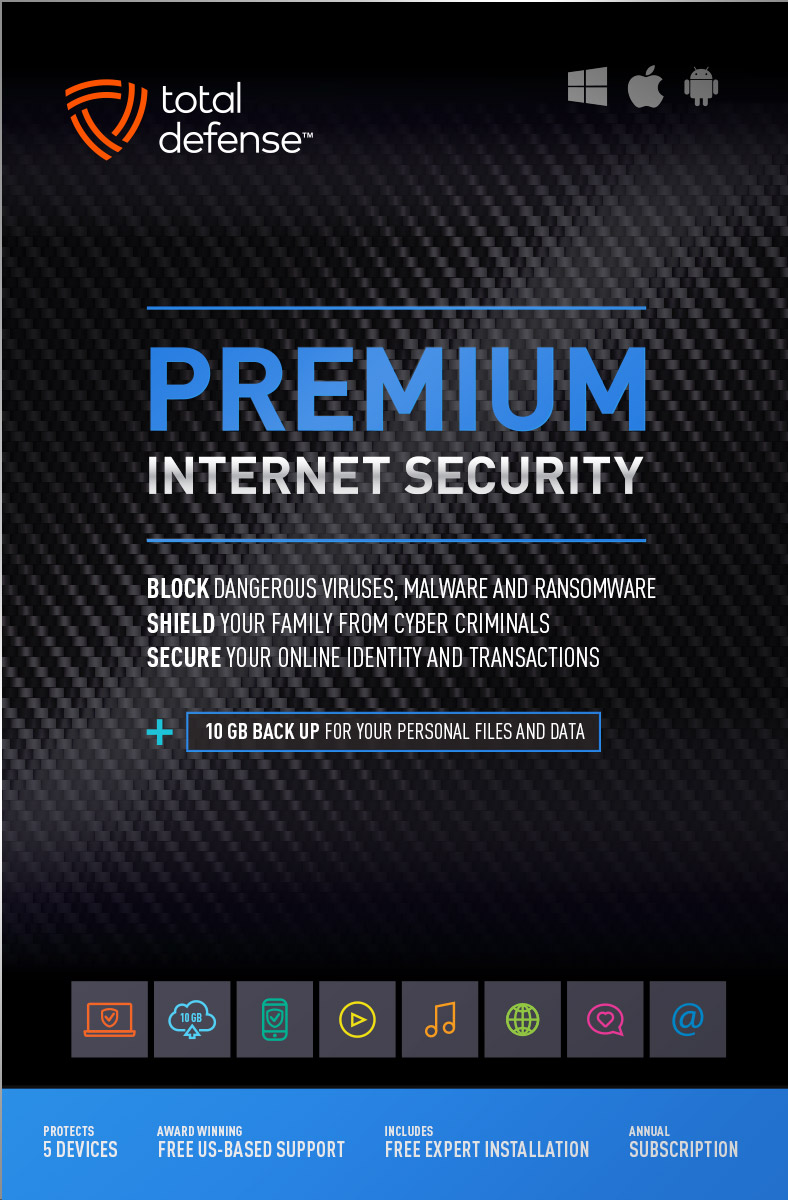
Total Defense
Premium Internet Security

Premium Internet Security provides simple, smart, and reliable protection from viruses, spyware, and malware on up to 5 of your smartphones, tablets, desktops, and laptops.
- Shop, bank and explore your social network without worry
- Protect your information from cyber criminals when you’re shopping and banking online


Our other popular internet security software choices, to keep you and your devices safe.
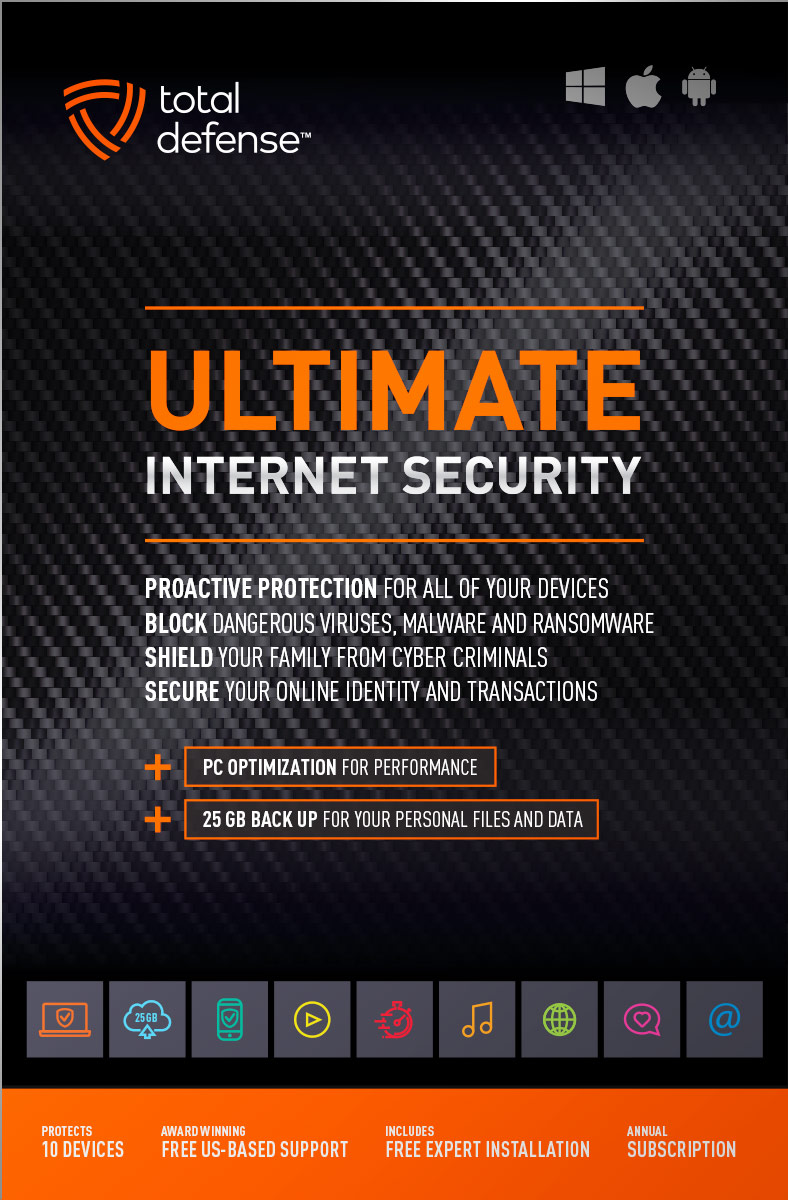
Ultimate Internet Security
Protect everyone on every device in your home - Ultimate is an easy-to-use, all-in-one Internet Security suite that protects you, your family, and up to 10 of your devices from harmful viruses and the latest online threats.
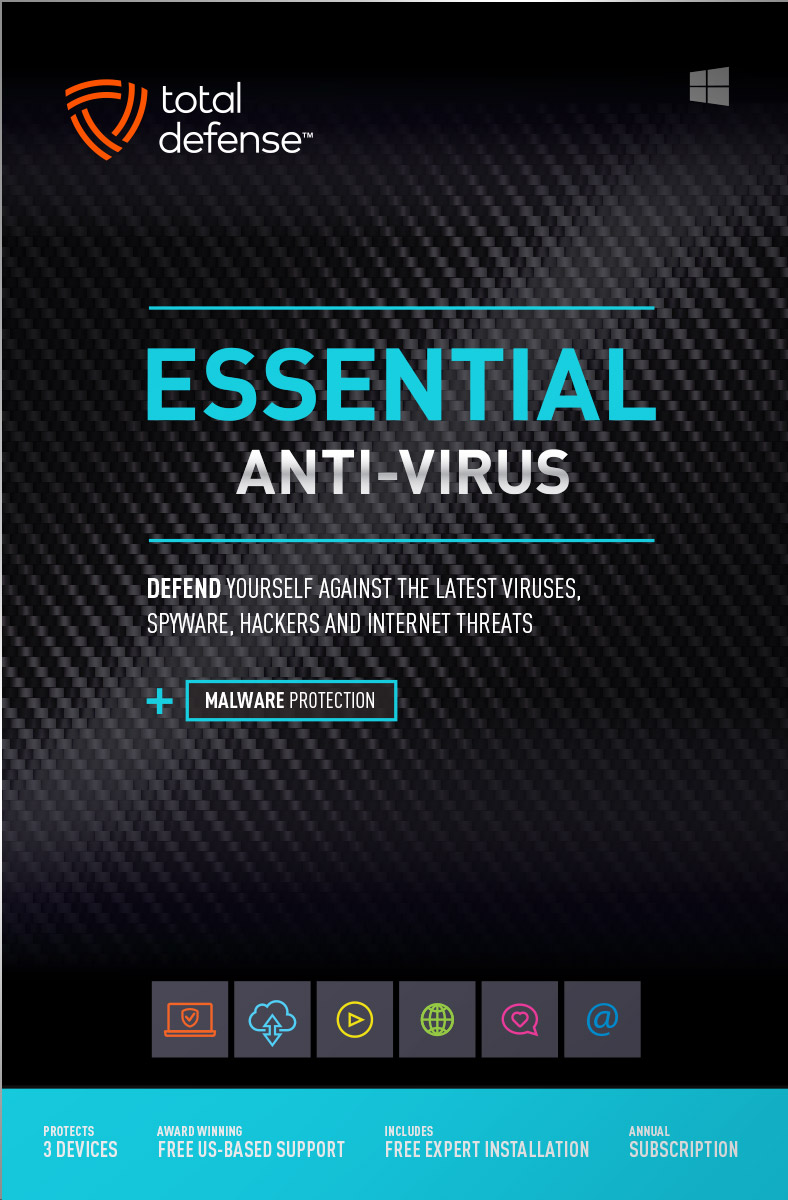
Essential Anti-Virus
Anti-Virus security ensures you’re totally covered keeping your devices safe from malware, spyware, ransomware, and harmful viruses.
Award winning internet security software
Powerful virus detection that doesn’t slow you down.
Learn more about our highly rated malware protection or get started today with a free 30-day trial of Total Defense Internet Security, with no obligation to buy.
Free Trial Download
AV Comparatives Advanced Plus

AV Comparatives Advanced Plus

VB100 Certified

AV Comparatives Advanced Plus

OPSWAT Certified

AV Comparatives Advanced Plus
We will keep you virus-free guaranteed
An exclusive automatic renewal service benefit.
When you choose Total Defense, you’re safeguarded with award-winning, multi-layered virus protection technology. Our powerful security lets you confidently shop, bank and browse online. In fact, we’re so certain we can protect you, if you’re running a Total Defense Security Product and a virus slips past our powerful protection, our expert technology advisors will remove the virus from your device for free. In the unlikely event the virus can’t be removed, we will give you your money back.
»Important terms and offer detailsWe’ve Got You Covered
Over 20 years of Dedication
We are committed to your cybersecurity, from installing the software effectively to helping recovery in the event of a breach.
Advanced Threat Protection
A good offense is the best defense! Real-time and on-demand malware scanning engines provide powerful proactive protection.
Award Winning Security
Powerful protection, securing all entry points, wherever you are, whatever type of device you’re using to access the internet.
Customer Commitment
Our US-based support team is focused on keeping you and your family safe in the ever changing connected world.
Why Total Defense Internet Security >Defend the Defenseless
Total Defense has been a proud supporter of the National Center for Missing & Exploited Children for over 15 years.
Total defense has supported NCMEC in it’s mission to help find missing children, reduce child sexual exploitation and prevent child victimization. We provide quarterly monitary support for NCMEC’s efforts to provide important programs that assist missing and exploited children nationwide.
To learn more about NCMEC, visit www.missingkids.org or see NCMEC on Twitter and Facebook.

Rated #1 anti-virus software company on ConsumerAffairs.com
Over 2,000 customer reviews
We always strive to create the best customer service experience and our customers agree. Total customer satisfaction is our ultimate goal.
Read reviews from our customers>


Total Defense
Internet Security and Safety Center
Helpful tips and articles with practical steps you can follow to improve your online safety

Total Defense Security Tip of the Day
11.04.26
How to stop email spoofing for your small business
The financial stakes are enormous. The FBI’s 2025 Internet Crime Report recorded $3 billion in reported business email compromise losses. SPF, DKIM and DMARC will not stop every compromised inbox or lookalike domain, but they make direct spoofing of your domain easier to detect and reject.
What is SPF and how does it protect business email?
Sender Policy Framework, or SPF, is a DNS record listing the systems authorized to send email for your domain. When a receiving server gets a message, it checks whether the sending server is permitted by that record. This helps detect mail sent from an unauthorized server claiming to use your domain.
What is DKIM and how is it different from SPF?
DomainKeys Identified Mail, or DKIM, adds a cryptographic signature to outgoing messages. Your mail service signs the message with a private key; receiving systems use the public key in your DNS to verify the signature and confirm that signed content was not altered in transit.
SPF focuses on the sending infrastructure. DKIM focuses on a domain-backed signature that can survive some forwarding scenarios. Google’s DKIM setup guidance explains the public and private key pair and recommends 2048-bit keys when the domain provider supports them.
Do you need SPF, DKIM and DMARC?
Yes. CISA says the three methods are not intended to work in isolation. Its email-authentication guidance recommends implementing SPF, DKIM and DMARC together. DMARC checks whether authenticated domains align with the visible From address and tells receiving systems what to do with messages that fail—monitor, quarantine or reject. It also provides reports that reveal legitimate senders you missed and attempts to impersonate your domain.
How should a small business set up email authentication?
- Inventory every sender. List your primary mail platform and every vendor that sends using your domain. Include marketing, CRM, ticketing, accounting and website systems.
- Publish one complete SPF record. Follow each provider’s instructions and authorize only current senders. Remove services you no longer use.
- Enable DKIM signing. Generate the key through your email provider, publish the public key in DNS and switch signing on. Protect private keys and rotate them according to provider guidance.
- Add DMARC in monitoring mode. Start with a reporting policy so you can collect data without blocking legitimate mail. Use a dedicated mailbox or reporting service to review aggregate reports.
- Fix alignment problems. Confirm that newsletters, invoices and other third-party systems pass SPF or DKIM with a domain aligned to the visible From address.
- Increase enforcement gradually. Move from monitoring to quarantine and then reject after reports show that authorized mail passes consistently.
- Test and document. Send messages to major providers, inspect authentication results and record owners, vendors and renewal procedures.
What mistakes can break SPF or DKIM?
- Forgetting third-party senders: A billing or marketing platform may send legitimate mail that fails authentication.
- Publishing conflicting records: Multiple SPF records can cause errors; combine authorized senders correctly.
- Changing messages after signing: Gateways that add footers or rewrite content can invalidate DKIM.
- Skipping unused domains: Even a domain that sends no mail should have defensive SPF and DMARC policies to discourage spoofing.
- Enforcing too quickly: A reject policy before inventory and monitoring can block real customer communications.
- Ignoring reports: DMARC data only helps when someone reviews failures and unknown senders.
What threats do SPF and DKIM not stop?
Authentication does not prove that the message itself is honest. A criminal can compromise a legitimate employee mailbox, register a lookalike domain or abuse an authorized marketing account. Keep MFA on every mailbox, limit administrator privileges, train staff to verify payment and banking changes through a second channel, and monitor forwarding rules and unfamiliar logins.
Make email authentication part of business maintenance
Correctly configured SPF, DKIM and DMARC reduce domain spoofing and show who is sending mail in your name. Review the records quarterly and whenever a vendor changes. Start today by asking your email provider to confirm the authentication status of every business domain.

How to protect your devices, passwords, and online accounts while traveling
Questions? Our friendly award winning US-based support team is happy to help and it’s free.
1-877-906-8816 Weekdays 9am – 5pm, Eastern Time USA


60 Day Money Back Guarantee

Money Back Guarantee Program
Total Defense is committed to helping you with your refund. If our product does not meet your expectations for any reason, we will provide a full refund within 60 days of your purchase.
Virus Protection Assurance Program

Virus Protection Assurance Program
An exclusive benefit for customers enrolled in the Automatic Renewal Service.
When you choose Total Defense, you’re safeguarded with award-winning, multi-layered virus protection technology. Our powerful security lets you confidently shop, bank and browse online. In fact, we’re so certain we can protect you, if you’re running a Total Defense Security Product and a virus slips past our powerful protection, our expert technology advisors will remove the virus from your device for free. In the unlikely event the virus can’t be removed, we will give you your money back.
»Important terms and offer detailsFree US-Based Support Team

Need Assistance?
US-Based Support • Weekdays 9am – 5pm, Eastern Time USA
Technical Support
Call 1-866-305-7989
or Email
Free technical support includes:
- Download and installation
- Activation and configuration
- Removal of conflicting AV software
- Updates and upgrades
Customer Care
Call 1-877-906-8816
or Email
Customer care assists with:
- Sales and orders
- Account information
- Renewals
- Refunds
- Rebates
- Billing Inquiries
The VB100 Award
VB100 Certification
The VB100 award is a certification of products which meet the basic standards required to be recognized as legitimate and properly functioning anti-malware solutions.
To display a VB100 logo, a product must:- Prove it can detect 100% of malware samples listed as ‘In the Wild’ by the WildList Organization
- Generate no false positives when scanning an extensive test set of clean samples.
- All this must be done with default, out-of-the-box settings in the VB lab environment.




