


Announcing our new 2026 internet security product line.
More secure and easier to use than ever.
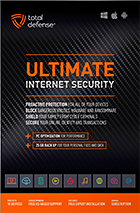
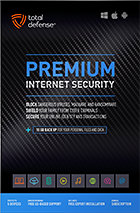
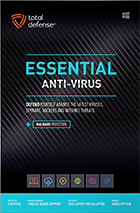
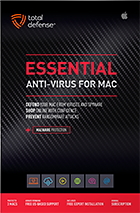
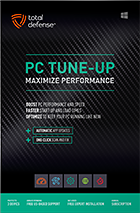
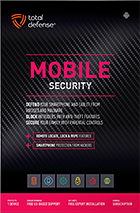

Try our Best Antivirus Protection Free for 30 Days
Free Trial DownloadStart your Free 30 day, no credit card needed, no hassle trial today.
Secure your digital life.
Total Defense makes internet security easy for you and tough on destructive malware. We don’t just protect devices, we protect people.
Our software works hard so you don’t have to—no complex questions or specialized knowledge required.
Virus-free. Hassle-free. Worry-free.
Security designed for people, around people.
VB100 Certified
Our virus and malware protection is put through the toughest tests to ensure your are protected.
Learn More >
Free US Tech Support
Our friendly US-based team is standing by to assist with customer care & technical support.
Learn More >
Money Back Guarantee
If you’re not completely satisfied, we’ll refund your money within 60 days of purchase.
Learn More >
Virus-Free Guarantee
We’re so confident in our virus protection, we will remove it for free or give your money back.
Learn More >
Total customer satisfaction is our ultimate goal
Don’t take our word for it…
“I love the feeling of trust I have, knowing that my PC, laptop, tablet, and phone are all "totally defended" from the potential harm that is out there in the cyber world. ”
- Leslie K.

“Lightweight and easy! This works great. It was easy to set up and activate. The best part is my computer hasn't slowed down a bit.”
- Jerry C.
“Good product at a good price What's good is it covers tablets, PCs, phones. Also has online backups and mobile security features too, so plenty of value for money. Works well and gets the job done! ”
- Nakul D.
“A great Internet security suite for PC users, great parental controls, well-integrated online backup "set it and forget it," good antivirus performance, low cost, can use on multiple devices.”
- Isadora L.
“Easy installation, did not slow down the computer and scanning was super fast. Feel better having protection from all the new ransomware and viruses going around.”
- Wayne F.
Protection for all the devices in your home
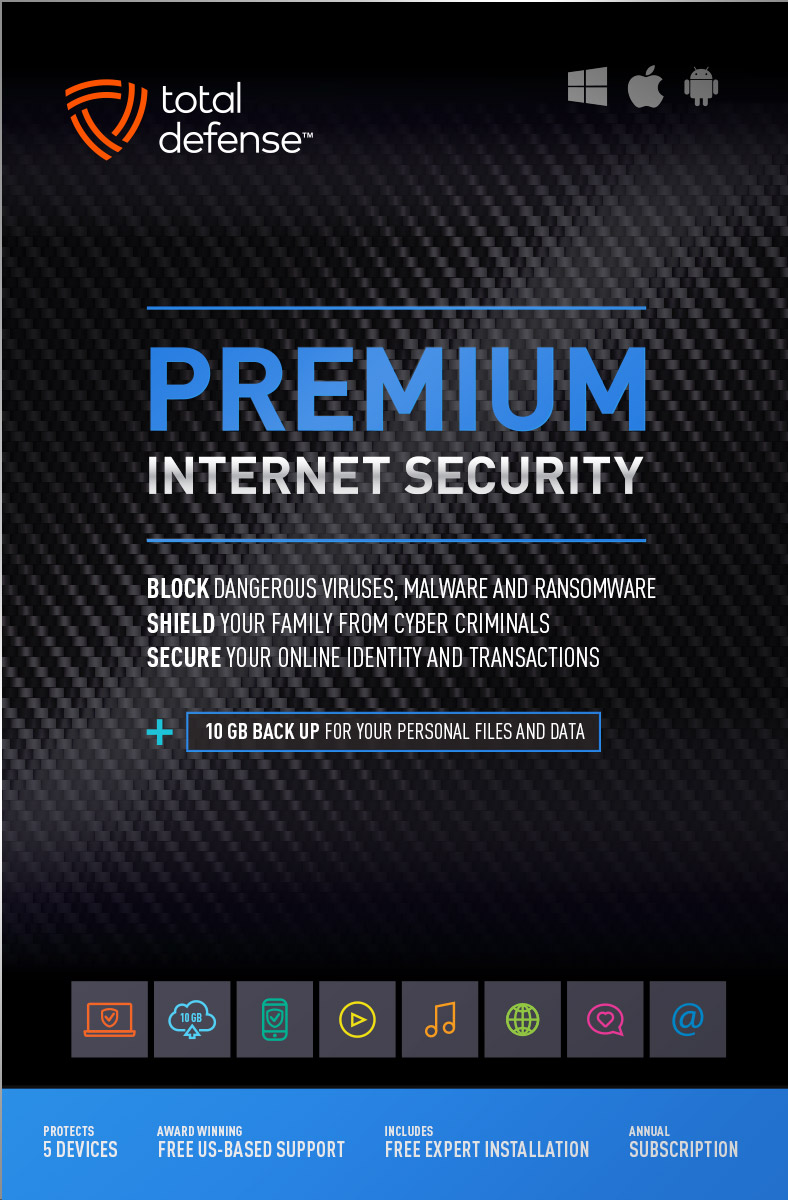
Total Defense
Premium Internet Security

Premium Internet Security provides simple, smart, and reliable protection from viruses, spyware, and malware on up to 5 of your smartphones, tablets, desktops, and laptops.
- Shop, bank and explore your social network without worry
- Protect your information from cyber criminals when you’re shopping and banking online


Our other popular internet security software choices, to keep you and your devices safe.
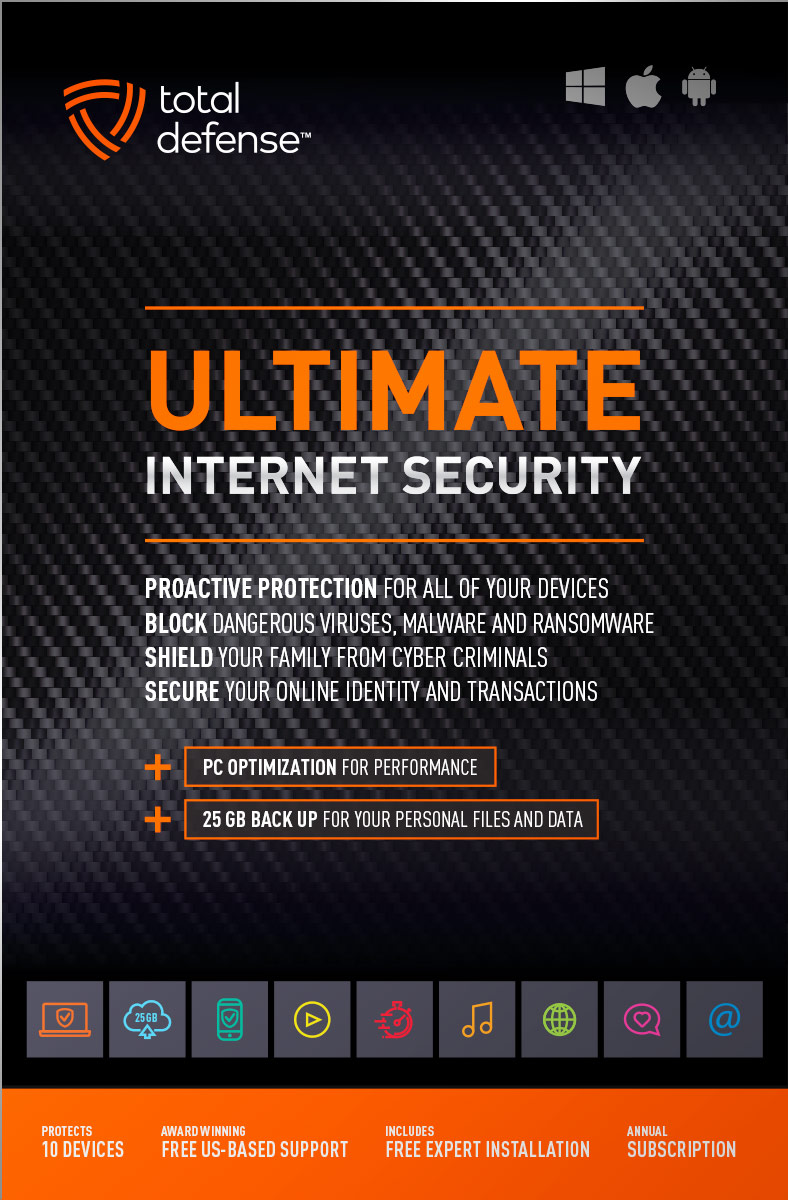
Ultimate Internet Security
Protect everyone on every device in your home - Ultimate is an easy-to-use, all-in-one Internet Security suite that protects you, your family, and up to 10 of your devices from harmful viruses and the latest online threats.
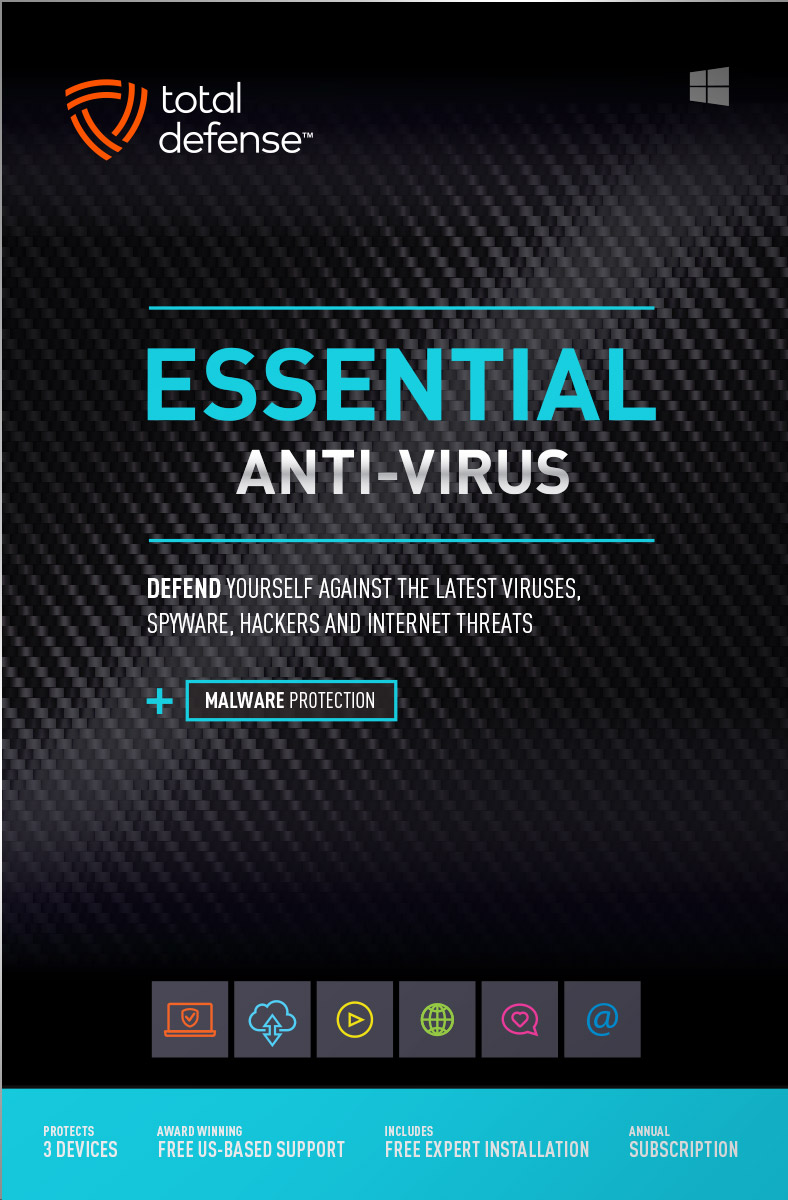
Essential Anti-Virus
Anti-Virus security ensures you’re totally covered keeping your devices safe from malware, spyware, ransomware, and harmful viruses.
Award winning internet security software
Powerful virus detection that doesn’t slow you down.
Learn more about our highly rated malware protection or get started today with a free 30-day trial of Total Defense Internet Security, with no obligation to buy.
Free Trial Download
AV Comparatives Advanced Plus

AV Comparatives Advanced Plus

VB100 Certified
AV Comparatives Advanced Plus
OPSWAT Certified

AV Comparatives Advanced Plus
We will keep you virus-free guaranteed
An exclusive automatic renewal service benefit.
When you choose Total Defense, you’re safeguarded with award-winning, multi-layered virus protection technology. Our powerful security lets you confidently shop, bank and browse online. In fact, we’re so certain we can protect you, if you’re running a Total Defense Security Product and a virus slips past our powerful protection, our expert technology advisors will remove the virus from your device for free. In the unlikely event the virus can’t be removed, we will give you your money back.
»Important terms and offer detailsWe’ve Got You Covered
Over 20 years of Dedication
We are committed to your cybersecurity, from installing the software effectively to helping recovery in the event of a breach.
Advanced Threat Protection
A good offense is the best defense! Real-time and on-demand malware scanning engines provide powerful proactive protection.
Award Winning Security
Powerful protection, securing all entry points, wherever you are, whatever type of device you’re using to access the internet.
Customer Commitment
Our US-based support team is focused on keeping you and your family safe in the ever changing connected world.
Why Total Defense Internet Security >Defend the Defenseless
Total Defense has been a proud supporter of the National Center for Missing & Exploited Children for over 15 years.
Total defense has supported NCMEC in it’s mission to help find missing children, reduce child sexual exploitation and prevent child victimization. We provide quarterly monitary support for NCMEC’s efforts to provide important programs that assist missing and exploited children nationwide.
To learn more about NCMEC, visit www.missingkids.org or see NCMEC on Twitter and Facebook.

Rated #1 anti-virus software company on ConsumerAffairs.com
Over 2,000 customer reviews
We always strive to create the best customer service experience and our customers agree. Total customer satisfaction is our ultimate goal.
Read reviews from our customers>
Total Defense
Internet Security and Safety Center
Helpful tips and articles with practical steps you can follow to improve your online safety
Total Defense Security Tip of the Day
10.19.26
Are gaming mods safe? How to download mods without malware
Gaming mods can refresh an old favorite, improve graphics, add quests or fix annoying mechanics. Many developers actively support modding, and official tools or curated marketplaces can make it easier to customize a game safely. The trouble starts when a convincing “mod” is really an installer built to steal passwords, browser sessions, cryptocurrency wallets or personal files.
The wider cybercrime picture makes caution worthwhile: the FBI received 1,008,597 internet-crime complaints in 2025, with reported losses approaching $21 billion. A bad mod is only one possible route into that ecosystem, but checking a download before you run it can protect your gaming account, email, payment information and everyone on your home network.
Are third-party gaming mods safe to download?
Some are, but “popular” does not mean harmless. Start with mods distributed or endorsed by the game publisher, an official in-game workshop or a well-established platform with moderation, reporting and update history. Third-party creators can produce excellent work, yet user-generated files carry more uncertainty because anyone may upload them, accounts can be compromised and malicious copies can imitate trusted projects.
The FTC recommends downloading software only from websites you know and trust because free downloads can hide malware. Treat a mod like any other program: it may execute code, change game files or request permissions. Never let excitement about a new feature rush you past basic checks.
What are the warning signs of a malicious game mod?
- The source looks unfamiliar: The link comes from a random video description, direct message, ad or newly created website.
- The offer bypasses payment: It includes a cracked game, paid content for free or instructions to disable security tools.
- The download takes detours: Several redirects, fake buttons or file-sharing pages appear before the file.
- The file does not match the mod: A simple texture pack arrives as an executable installer or requests administrator access.
- The feedback looks manipulated: Reviews repeat the same phrases, lack detail or suddenly appear in a short period.
- The creator hides key information: There is no version history, support page, file list or explanation of permissions.
Recent threat research found campaigns using fake games, mods and cracks to spread an information-stealing program. A professional-looking setup screen or familiar file-sharing service does not prove the file is safe.
How can you check a gaming mod before installing it?
- Begin with the game maker. Check its official site, launcher, documentation or community rules for approved mod sources and installation guidance.
- Research the exact mod and author. Read recent reviews across more than one community. Look for a long publishing history, responsive support and reports from users running your game version.
- Verify the destination. Type the platform address yourself or use a bookmark. Avoid downloads reached through unsolicited messages, sponsored ads or shortened links.
- Inspect the file. Confirm the filename, extension and contents match the creator’s description. Be especially cautious with .exe, .msi, .bat or script files.
- Scan before opening. Keep real-time protection enabled, update its threat definitions and scan the archive and extracted files. On Windows, Total Defense can checks sites for reputation and known threats.
- Back up first. Save important game files and personal documents before changing an installation. Do not store irreplaceable files only on the gaming PC.
- Install with limited access. Use a standard user account when possible, reject unrelated bundled software and stop if the mod asks you to weaken security.
Should you ignore an antivirus warning for a mod?
No. A warning can be a false positive, but do not click “allow” simply because a forum comment says the file is safe. Stop, confirm the download came from the authentic project and ask the platform or game community for help. Microsoft recommends keeping protection against potentially unwanted apps enabled because those programs may show unwanted ads, mine cryptocurrency or install other software.
What should you do if you installed a suspicious mod?
Disconnect the computer from the internet if you see unexpected pop-ups, disabled security tools, unexplained logins or unusual resource use. Remove the mod, update your security software and run a full scan. From a clean device, change the passwords for your primary email, gaming account and any saved financial accounts; make each password unique and enable multifactor authentication. Review active sessions, purchases and recovery details, then contact the game platform or bank through an official app or known website if you spot unauthorized activity.
Make safer modding part of your gaming routine
Careful sourcing and a short pre-install check reduce the chance that one fun download turns into stolen credentials or a compromised PC. You also gain a cleaner way to recover: backups protect progress, limited permissions restrict damage and account alerts reveal misuse faster.
Before installing your next mod, pause for five minutes. Confirm the source, read current reviews, scan the file and back up what matters. Share the checklist with your gaming group, too—a safer community starts when players stop risky downloads before they spread.

How to protect your devices, passwords, and online accounts while traveling
Questions? Our friendly award winning US-based support team is happy to help and it’s free.
1-877-906-8816 Weekdays 9am – 5pm, Eastern Time USA


60 Day Money Back Guarantee
Money Back Guarantee Program
Total Defense is committed to helping you with your refund. If our product does not meet your expectations for any reason, we will provide a full refund within 60 days of your purchase.
Virus Protection Assurance Program
Virus Protection Assurance Program
An exclusive benefit for customers enrolled in the Automatic Renewal Service.
When you choose Total Defense, you’re safeguarded with award-winning, multi-layered virus protection technology. Our powerful security lets you confidently shop, bank and browse online. In fact, we’re so certain we can protect you, if you’re running a Total Defense Security Product and a virus slips past our powerful protection, our expert technology advisors will remove the virus from your device for free. In the unlikely event the virus can’t be removed, we will give you your money back.
»Important terms and offer detailsFree US-Based Support Team
Need Assistance?
US-Based Support • Weekdays 9am – 5pm, Eastern Time USA
Technical Support
Call 1-866-305-7989
or Email
Free technical support includes:
- Download and installation
- Activation and configuration
- Removal of conflicting AV software
- Updates and upgrades
Customer Care
Call 1-877-906-8816
or Email
Customer care assists with:
- Sales and orders
- Account information
- Renewals
- Refunds
- Rebates
- Billing Inquiries
The VB100 Award
VB100 Certification
The VB100 award is a certification of products which meet the basic standards required to be recognized as legitimate and properly functioning anti-malware solutions.
To display a VB100 logo, a product must:- Prove it can detect 100% of malware samples listed as ‘In the Wild’ by the WildList Organization
- Generate no false positives when scanning an extensive test set of clean samples.
- All this must be done with default, out-of-the-box settings in the VB lab environment.




