


Announcing our new 2026 internet security product line.
More secure and easier to use than ever.


Try our Best Antivirus Protection Free for 30 Days
Free Trial DownloadStart your Free 30 day, no credit card needed, no hassle trial today.
Secure your digital life.
Total Defense makes internet security easy for you and tough on destructive malware. We don’t just protect devices, we protect people.
Our software works hard so you don’t have to—no complex questions or specialized knowledge required.
Virus-free. Hassle-free. Worry-free.
Security designed for people, around people.

VB100 Certified
Our virus and malware protection is put through the toughest tests to ensure your are protected.
Learn More >

Free US Tech Support
Our friendly US-based team is standing by to assist with customer care & technical support.
Learn More >

Money Back Guarantee
If you’re not completely satisfied, we’ll refund your money within 60 days of purchase.
Learn More >

Virus-Free Guarantee
We’re so confident in our virus protection, we will remove it for free or give your money back.
Learn More >
Total customer satisfaction is our ultimate goal
Don’t take our word for it…
“I love the feeling of trust I have, knowing that my PC, laptop, tablet, and phone are all "totally defended" from the potential harm that is out there in the cyber world. ”
- Leslie K.

“Lightweight and easy! This works great. It was easy to set up and activate. The best part is my computer hasn't slowed down a bit.”
- Jerry C.
“Good product at a good price What's good is it covers tablets, PCs, phones. Also has online backups and mobile security features too, so plenty of value for money. Works well and gets the job done! ”
- Nakul D.
“A great Internet security suite for PC users, great parental controls, well-integrated online backup "set it and forget it," good antivirus performance, low cost, can use on multiple devices.”
- Isadora L.
“Easy installation, did not slow down the computer and scanning was super fast. Feel better having protection from all the new ransomware and viruses going around.”
- Wayne F.
Protection for all the devices in your home
Total Defense
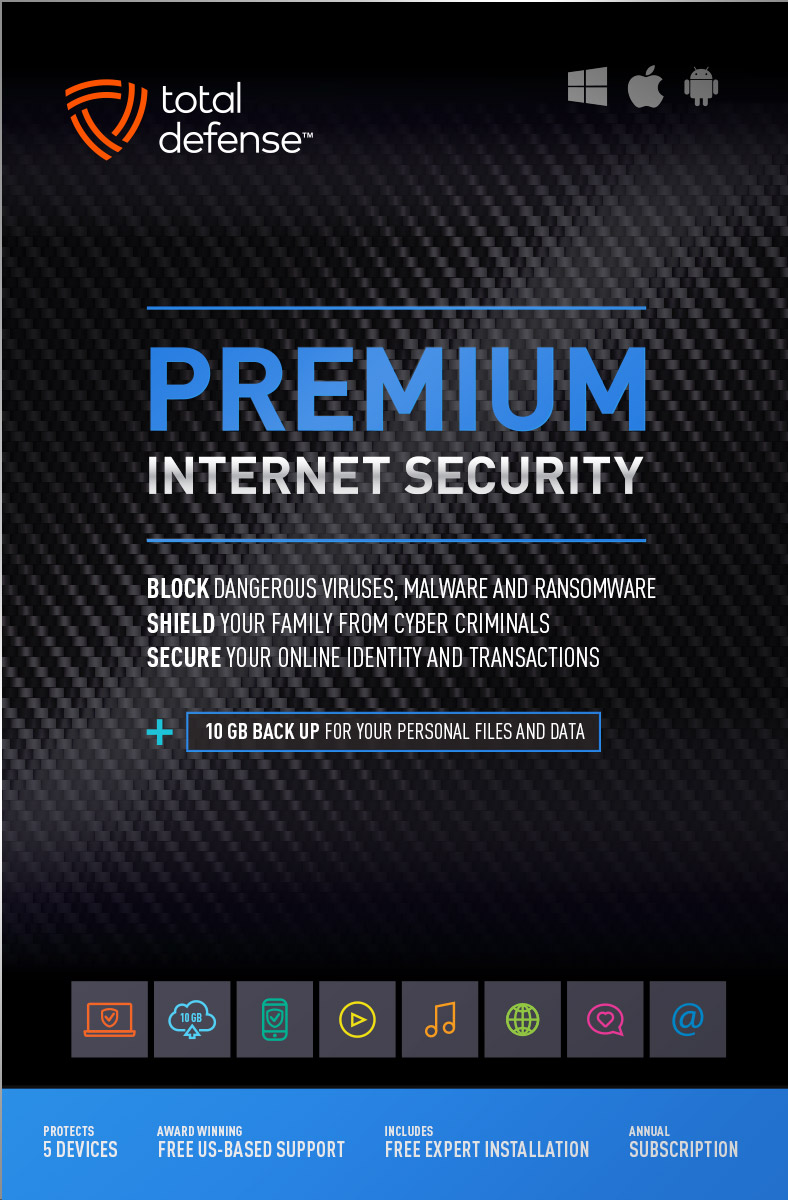
Premium Internet Security

Premium Internet Security provides simple, smart, and reliable protection from viruses, spyware, and malware on up to 5 of your smartphones, tablets, desktops, and laptops.
- Shop, bank and explore your social network without worry
- Protect your information from cyber criminals when you’re shopping and banking online


Our other popular internet security software choices, to keep you and your devices safe.
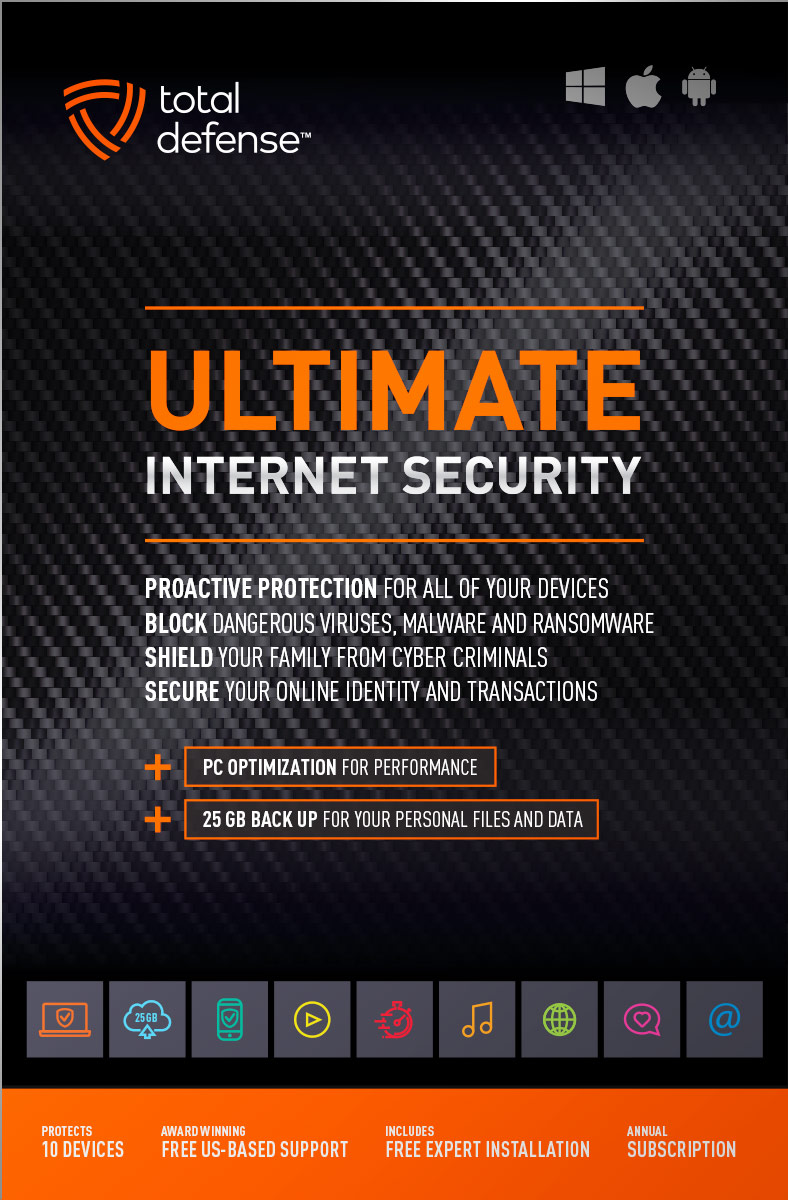
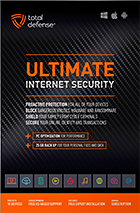
Ultimate Internet Security
Protect everyone on every device in your home - Ultimate is an easy-to-use, all-in-one Internet Security suite that protects you, your family, and up to 10 of your devices from harmful viruses and the latest online threats.
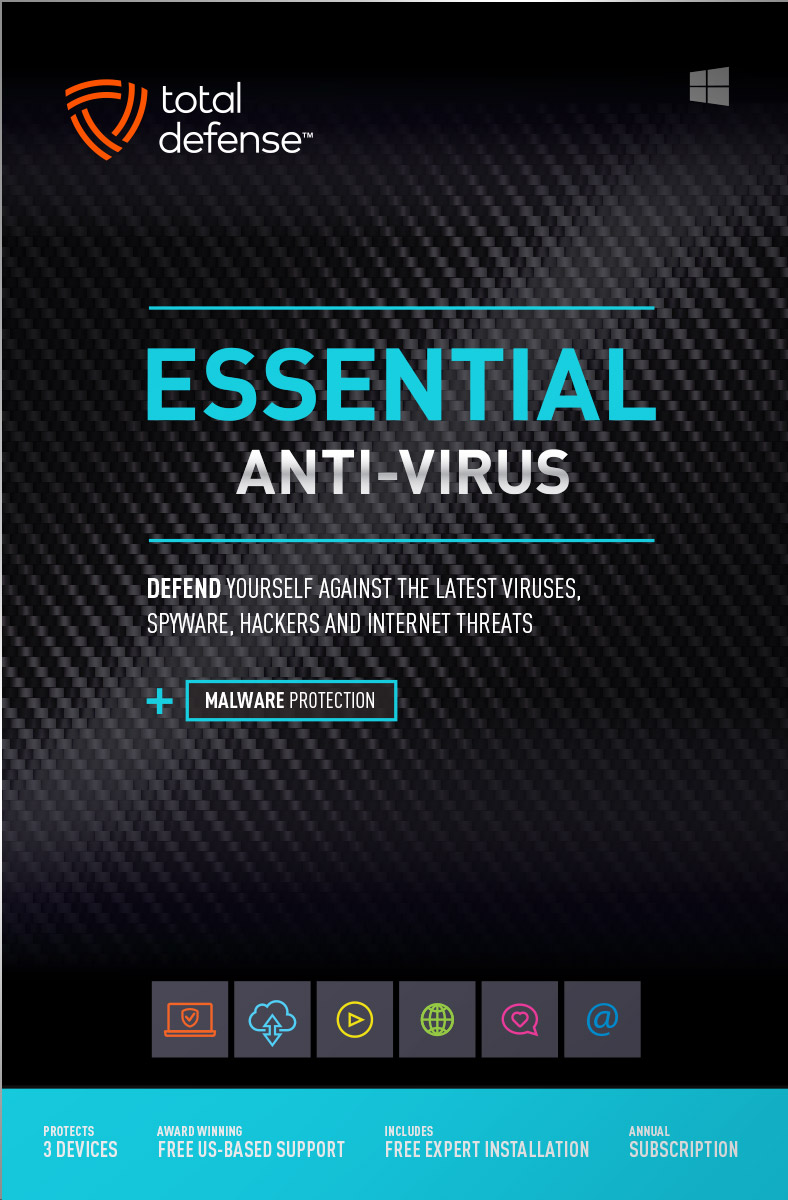
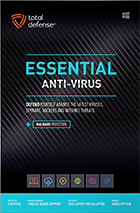
Essential Anti-Virus
Anti-Virus security ensures you’re totally covered keeping your devices safe from malware, spyware, ransomware, and harmful viruses.
Award winning internet security software
Powerful virus detection that doesn’t slow you down.
Learn more about our highly rated malware protection or get started today with a free 30-day trial of Total Defense Internet Security, with no obligation to buy.
Free Trial Download
AV Comparatives Advanced Plus

AV Comparatives Advanced Plus

VB100 Certified

AV Comparatives Advanced Plus

OPSWAT Certified

AV Comparatives Advanced Plus
We will keep you virus-free guaranteed
An exclusive automatic renewal service benefit.
When you choose Total Defense, you’re safeguarded with award-winning, multi-layered virus protection technology. Our powerful security lets you confidently shop, bank and browse online. In fact, we’re so certain we can protect you, if you’re running a Total Defense Security Product and a virus slips past our powerful protection, our expert technology advisors will remove the virus from your device for free. In the unlikely event the virus can’t be removed, we will give you your money back.
»Important terms and offer detailsWe’ve Got You Covered
Over 20 years of Dedication
We are committed to your cybersecurity, from installing the software effectively to helping recovery in the event of a breach.
Advanced Threat Protection
A good offense is the best defense! Real-time and on-demand malware scanning engines provide powerful proactive protection.
Award Winning Security
Powerful protection, securing all entry points, wherever you are, whatever type of device you’re using to access the internet.
Customer Commitment
Our US-based support team is focused on keeping you and your family safe in the ever changing connected world.
Why Total Defense Internet Security >Defend the Defenseless
Total Defense has been a proud supporter of the National Center for Missing & Exploited Children for over 15 years.
Total defense has supported NCMEC in it’s mission to help find missing children, reduce child sexual exploitation and prevent child victimization. We provide quarterly monitary support for NCMEC’s efforts to provide important programs that assist missing and exploited children nationwide.
To learn more about NCMEC, visit www.missingkids.org or see NCMEC on Twitter and Facebook.

Rated #1 anti-virus software company on ConsumerAffairs.com
Over 2,000 customer reviews
We always strive to create the best customer service experience and our customers agree. Total customer satisfaction is our ultimate goal.
Read reviews from our customers>


Total Defense
Internet Security and Safety Center
Helpful tips and articles with practical steps you can follow to improve your online safety

Total Defense Security Tip of the Day
11.07.26
Unused smart devices: How to disconnect dormant IoT devices safely
That forgotten security camera or smart plug may still be working—even when you never open its app. If an unused Internet of Things (IoT) device stays powered and connected, it can remain reachable through your network or its cloud service. Inventory your devices, identify what you no longer need and disconnect those extras safely.
This is more than digital housekeeping. A joint FBI, CNMF and NSA advisory documented a botnet containing over 260,000 compromised devices as of June 2024, including routers and IoT equipment. That does not mean your gadgets are infected, but it shows how criminals can recruit ordinary connected hardware.
Why can an unused smart device still pose a risk?
“Unused” describes your habits, not the device’s network activity. A camera might keep contacting its cloud service. A forgotten hub might keep running outdated software. Weak passwords, unpatched vulnerabilities and unnecessary remote access can leave opportunities for attackers.
A compromised device may expose information it handles or help criminals launch attacks against others. Depending on network protections, it could also provide a foothold toward other equipment. Disconnection removes that device’s active network connection; it does not repair an existing compromise elsewhere.
How do you find dormant devices on your network?
Start with your router’s official app or administration page. Look for “Connected devices,” “Clients” or a similar list. The FTC recommends checking connected devices, updating their firmware and disconnecting older equipment you no longer use.
Walk through your home and match the list to actual hardware. Include cameras, speakers, TVs, plugs, sensors and hubs—not just phones and laptops. Keep a simple inventory with:
- Identity: Device name, model and location.
- Purpose: What it does and who still needs it.
- Connection: Wi-Fi, Ethernet or a connection through a hub.
- Support: Firmware version and manufacturer’s update-support status.
- Decision: Keep, disconnect temporarily or retire.
Investigate unfamiliar entries before blocking them. Device names can be vague, and a hub may serve several accessories. Never disconnect medical equipment, alarms or other safety-critical systems without checking the manufacturer’s guidance and arranging a safe alternative.
How do you disable an unused IoT device safely?
Use this sequence for a nonessential device you have confirmed you no longer need:
- Check dependencies. Review schedules and automations first so removing a plug or sensor does not unexpectedly stop another household function.
- Save what matters. Export recordings or settings you need before removing access or resetting anything.
- Disconnect the device. Follow its instructions to disable networking, unplug its Ethernet cable or power it down fully. Check battery-powered equipment, too.
- Remove lingering access. Review linked cloud accounts, integrations and remote-management settings. For permanent retirement, follow the manufacturer’s account-removal and factory-reset instructions.
- Verify and record. Confirm the router no longer shows an active connection. Some routers retain offline entries. Mark the device’s status in your inventory.
Is deleting the app or using standby mode enough?
Do not assume so. Removing an app does not necessarily disconnect its hardware, and standby may leave networking active. Likewise, blocking Wi-Fi alone may miss an Ethernet or alternative connection. Verify the device’s actual connection status rather than relying on a dark screen.
What should you check before reconnecting a stored device?
Check the manufacturer’s support page first. Install available firmware updates using its approved process, replace default passwords and enable multifactor authentication on the associated account when available. Retire equipment that no longer receives necessary security updates rather than reconnecting it out of habit.
For devices you keep, consider a separate IoT or guest network with isolation from your primary devices. Check what your router actually isolates and whether essential features still work. The FTC’s home Wi-Fi guidance recommends a guest network, router updates and disabling unnecessary remote management.
Close one forgotten connection today
Review your inventory monthly and after adding or replacing equipment. Fewer connected devices mean fewer updates to track and fewer potential entry points to overlook. Start with one forgotten gadget: confirm its purpose, disconnect it safely and record the change. Keep convenience where you need it—not connections you have forgotten.

How to protect your devices, passwords, and online accounts while traveling
Questions? Our friendly award winning US-based support team is happy to help and it’s free.
1-877-906-8816 Weekdays 9am – 5pm, Eastern Time USA


60 Day Money Back Guarantee

Money Back Guarantee Program
Total Defense is committed to helping you with your refund. If our product does not meet your expectations for any reason, we will provide a full refund within 60 days of your purchase.
Virus Protection Assurance Program

Virus Protection Assurance Program
An exclusive benefit for customers enrolled in the Automatic Renewal Service.
When you choose Total Defense, you’re safeguarded with award-winning, multi-layered virus protection technology. Our powerful security lets you confidently shop, bank and browse online. In fact, we’re so certain we can protect you, if you’re running a Total Defense Security Product and a virus slips past our powerful protection, our expert technology advisors will remove the virus from your device for free. In the unlikely event the virus can’t be removed, we will give you your money back.
»Important terms and offer detailsFree US-Based Support Team

Need Assistance?
US-Based Support • Weekdays 9am – 5pm, Eastern Time USA
Technical Support
Call 1-866-305-7989
or Email
Free technical support includes:
- Download and installation
- Activation and configuration
- Removal of conflicting AV software
- Updates and upgrades
Customer Care
Call 1-877-906-8816
or Email
Customer care assists with:
- Sales and orders
- Account information
- Renewals
- Refunds
- Rebates
- Billing Inquiries
The VB100 Award
VB100 Certification
The VB100 award is a certification of products which meet the basic standards required to be recognized as legitimate and properly functioning anti-malware solutions.
To display a VB100 logo, a product must:- Prove it can detect 100% of malware samples listed as ‘In the Wild’ by the WildList Organization
- Generate no false positives when scanning an extensive test set of clean samples.
- All this must be done with default, out-of-the-box settings in the VB lab environment.




